
Before & after
Keep the two phases together and select genuine comparisons.
Explore before & after →One connected route for the worker who sees the result and the office that prepares the story.
Capture in the field. Review in the office. Export for your own publishing workflow.
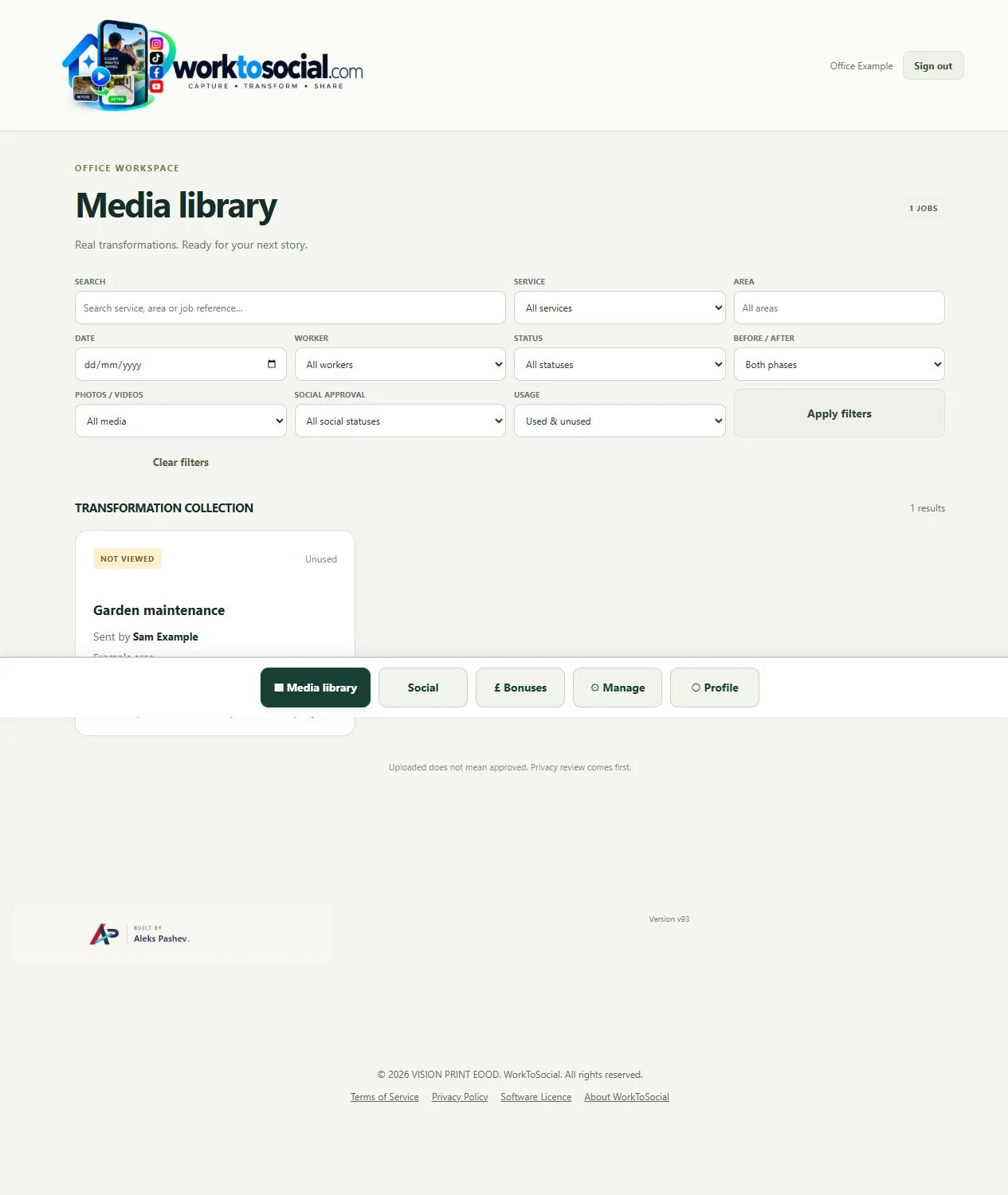
Workers select company services, record job context and submit the before and after material.
Explore this stage →Keep the source connected to its job and make each decision in the context of the work actually performed.
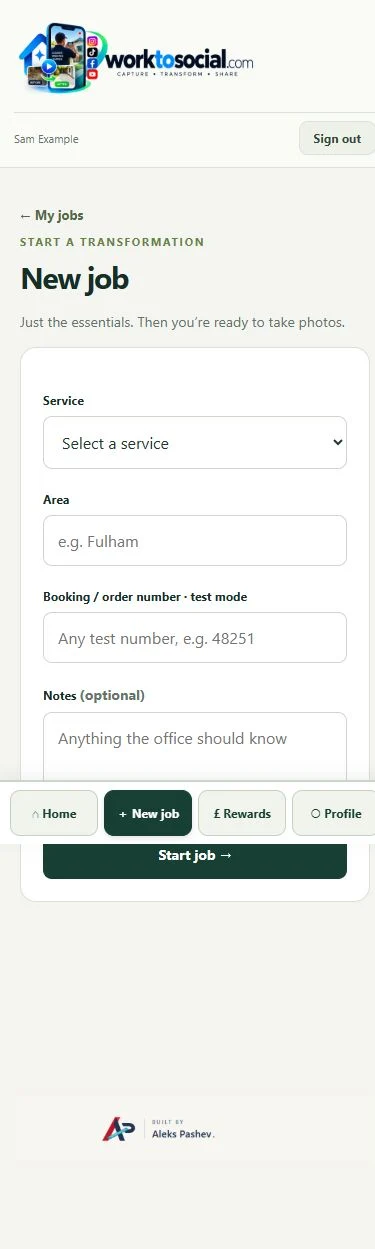
Office filters the media library and opens the job to understand the worker, service and reference.
Explore this stage →Keep the source connected to its job and make each decision in the context of the work actually performed.
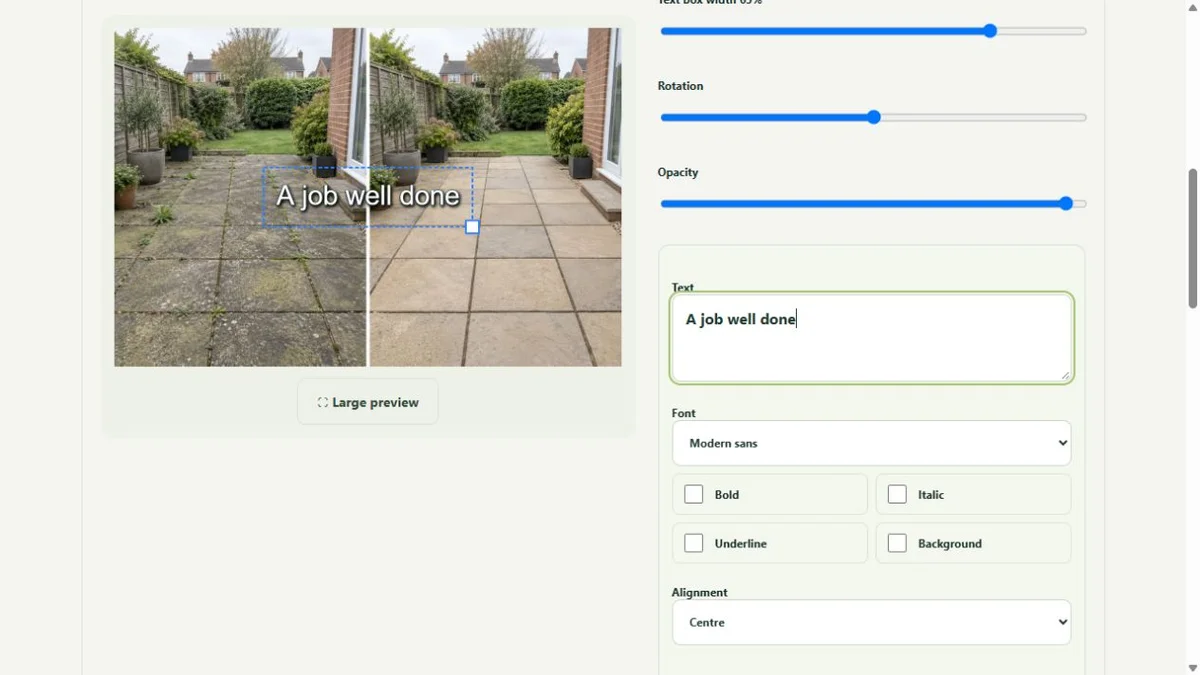
Crop and adjust selected photos or trim and frame short clips. Add purposeful text and privacy edits.
Explore this stage →Keep the source connected to its job and make each decision in the context of the work actually performed.
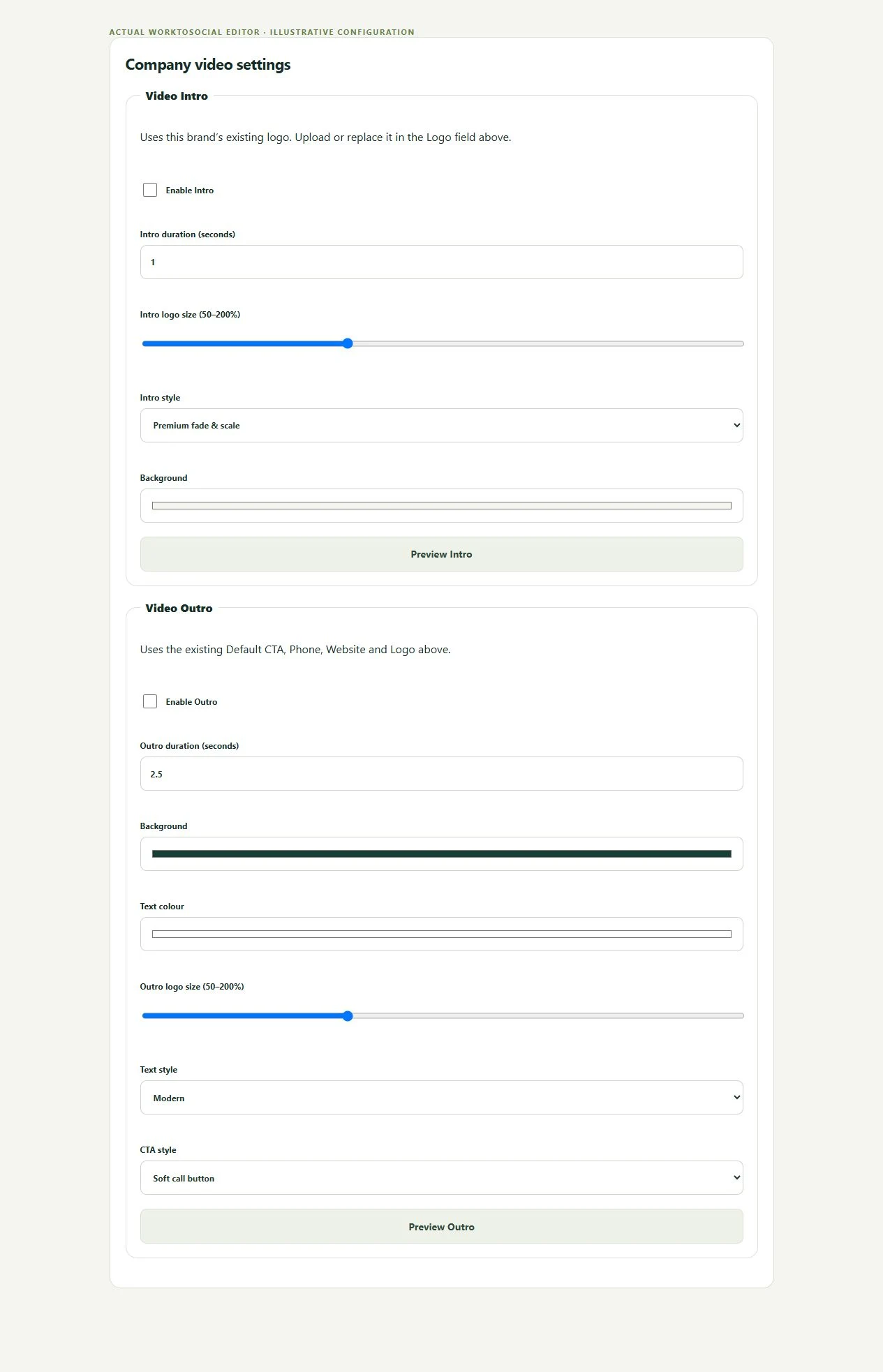
Choose the relevant company identity, reviewed captions, soundtrack and a concise closing CTA.
Explore this stage →Keep the source connected to its job and make each decision in the context of the work actually performed.
Check permissions and identifying details in the source, then play or inspect the entire generated output.
Explore this stage →Uploading is not approval. A checklist assists human review; it does not automatically establish permission.
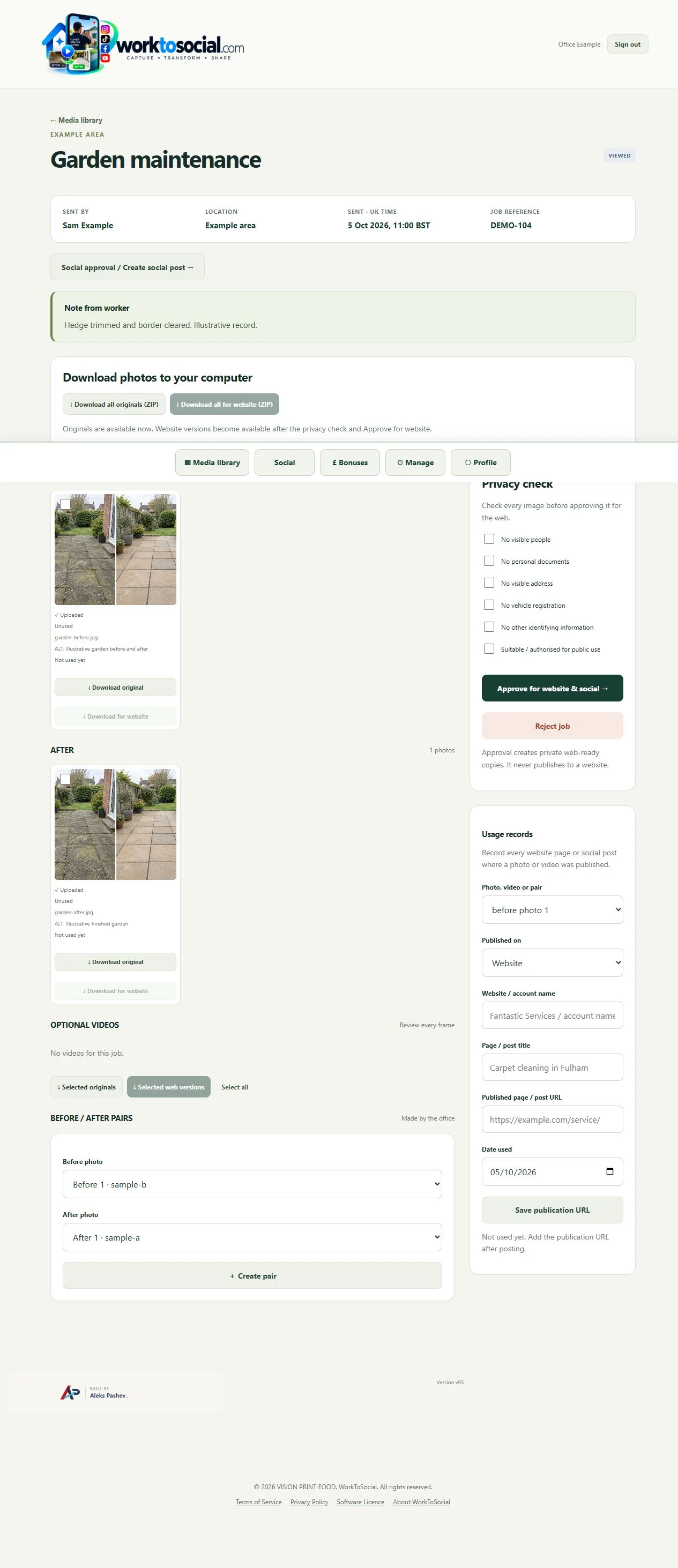
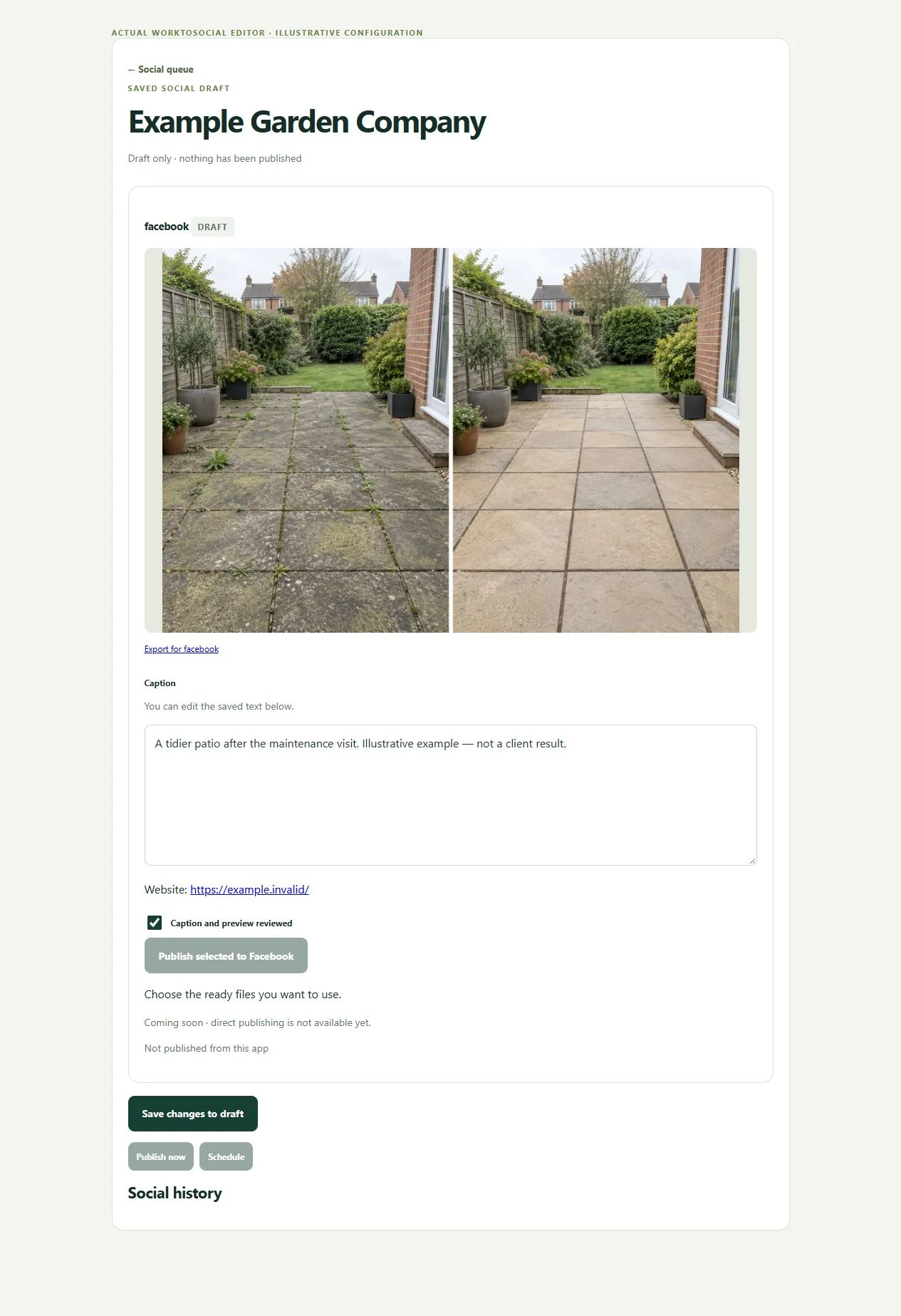
Generate suitable formats, review the text and preview, then publish through your own channel workflow.
Explore this stage →Direct social publishing is not active. Download files and use the business’s own publishing process.
Keep the two phases together and select genuine comparisons.
Explore before & after →Crop, adjust, hide private details and add text layers.
Explore photo editing →Prepare a useful clip with reviewed sound, captions and branding.
Explore video editing →Inspect source media and the complete final export.
Explore office approval →Capture a purposeful short clip from the job.
Explore field videos →Review recognised speech or write captions manually.
Explore subtitles →Control music level and original audio.
Explore music →Finish with a readable next step.
Explore intros and outros →Connect capture, preparation and usage records.
Explore field content management →Walk through the actual interface.
Explore product tour →Turn real jobs into consistent, branded content your office can review and use.
Discuss your team’s workflow with us.