Capture in the field. Review in the office. Export for your own publishing workflow.
Actual WorkToSocial interface · sample data.THE PROBLEM
Readable speech, with a human review
People often watch short videos without sound. Captions help a viewer follow a worker explaining what changed and why. They also need careful review: background noise, technical words, accents and names can affect speech recognition. A transcript is an editing aid, not an automatically verified statement about the job.
01Choose speech language
02Generate or write captions
03Correct wording
04Check timing
05Save
06Review export
TWO ROLES · ONE WORKFLOW
A clear handover from the field to the office
WORKER
Capture the work
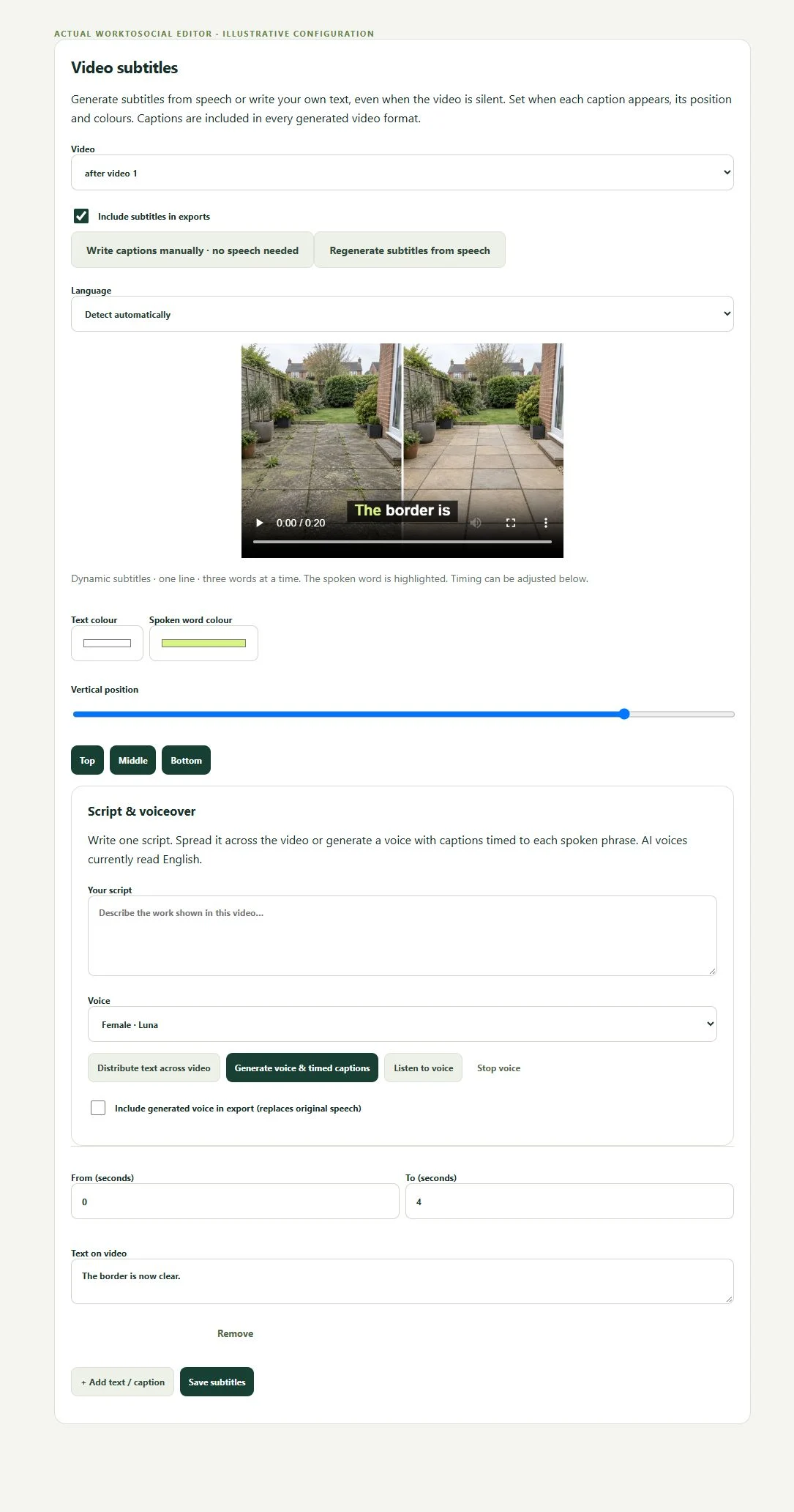
Choose the speech language and prepare subtitles in the video workflow. Review the recognised text, correct errors and check timing against the footage. Generate a new preview after changing subtitle settings. Keep lines short enough to read and avoid placing them over the detail the worker is demonstrating.
The current editor offers English, Bulgarian and automatic detection. Automatic detection is not a promise of equal quality in every language.
Write or correct text
Generate from speech or add captions manually. Check technical words, names and claims.
Set timing and appearance
Review start and end times, text colours, spoken-word highlight and vertical position.
Regenerate and inspect
Save changes and generate a new finished preview. Check that captions do not obscure the work.
IN PRACTICE
A useful example from the field
For a pest technician, check species and treatment terminology. For a plumber or electrician, verify technical descriptions and avoid presenting a caption as safety advice. If the clip contains personal names or private details, remove them before approval.
A silent clip can use manually written captions. Recognition can struggle with machinery, wind, accents or specialist vocabulary. Read the words while playing the clip, then check the final branded export. Remove private names and details where required. Subtitles help comprehension; they do not verify what the worker says.
● ● ● WorkToSocial · example workspace
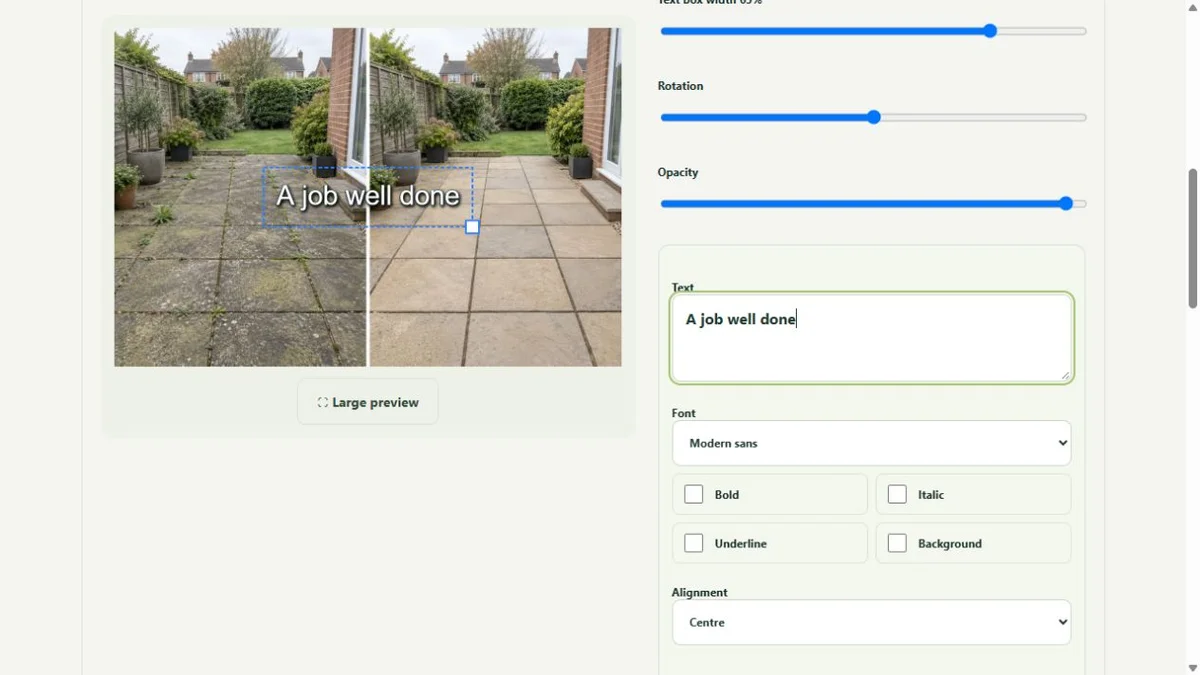
Photo layers and text in the real editor · actual application interface with illustrative records. Select image for full size.QUESTIONS
Before your team starts
Are subtitles limited to English?
No. The workflow supports language selection. Availability and recognition quality depend on the configured speech service; review the generated result before use.
Does an upload publish anything?
No. Capture, approval and export are separate steps. Direct social publishing is not active in this release.
CONTINUE THE WORKFLOW
Connected tools, explained in context
Before & after
Keep the two phases together and select genuine comparisons.