
Find the relevant job
Filter by service, area, date, worker, phase, media type, status, social approval and used or unused material. Open the job rather than making decisions from its small thumbnail.
See submitted jobs, worker context and source media, then review, edit, brand and export selected content in the office workspace.
Capture in the field. Review in the office. Export for your own publishing workflow.
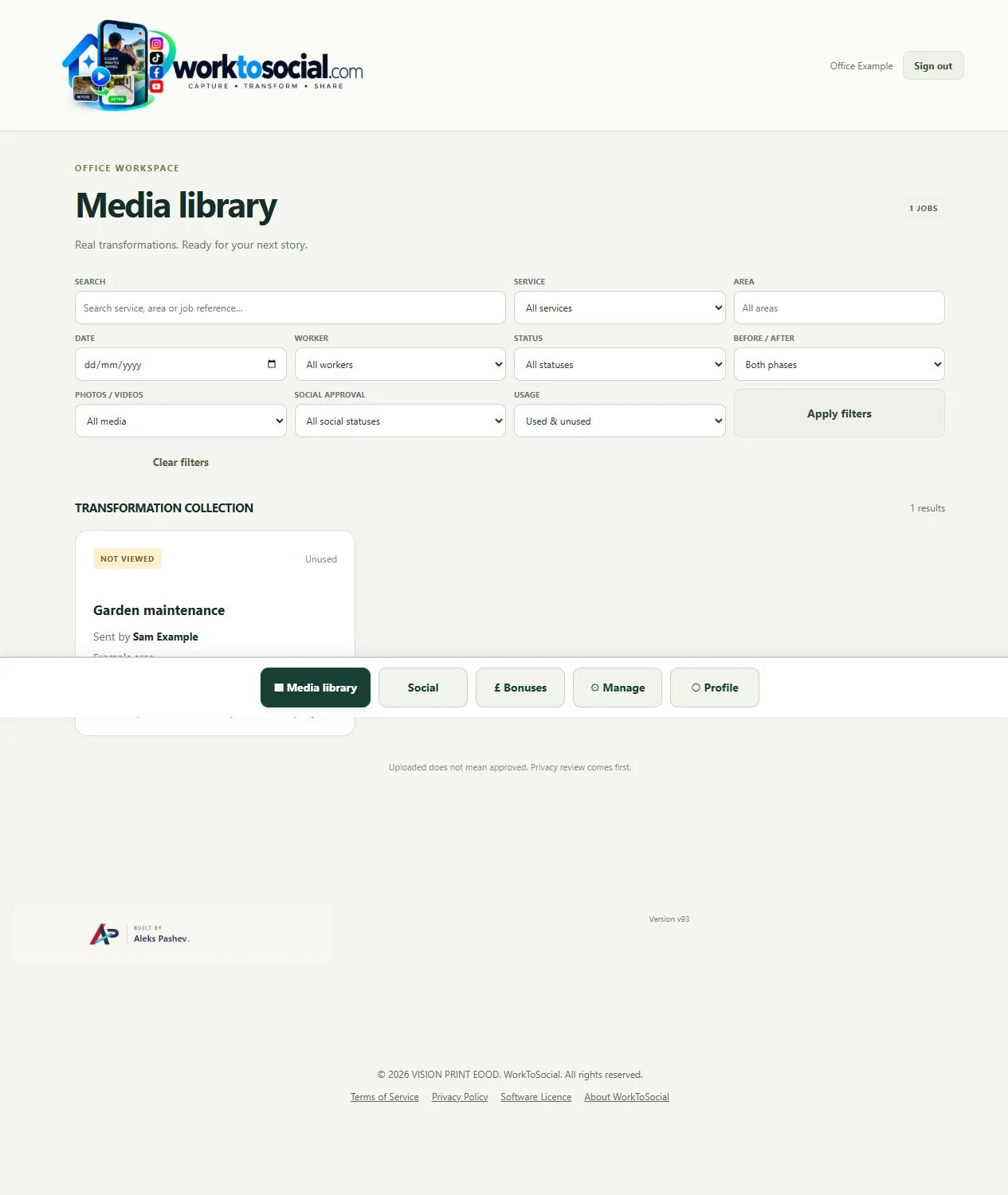
Filter by service, area, date, worker, phase, media type, status, social approval and used or unused material. Open the job rather than making decisions from its small thumbnail.
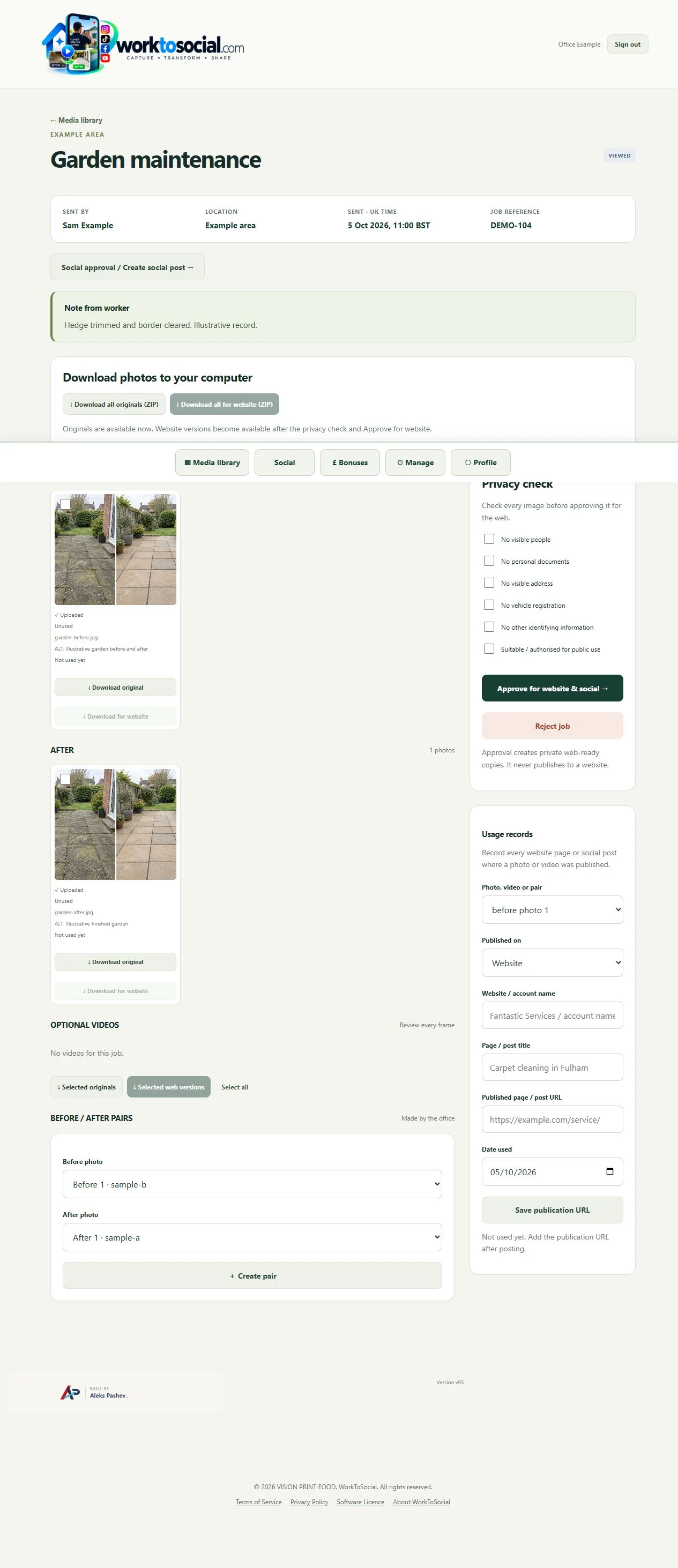
The job view connects the worker, service, location, reference and notes with source photos and videos. Ask for clarification when a claim is not supported by the source.
Inspect every selected image and the complete clip. Check identifying details and the relevant permissions. Approval does not post anything to a website or social account.
Choose a pair or single image, edit the relevant source, adjust captions and sound, and review company branding. Regenerate finished files after changing settings.
Inspect the complete preview, select the files to download and publish through your own channels. Add the resulting page or post URL to the job’s usage record.
Select the correct company service, capture useful material and submit with a short explanation. Keep uploading until the handover completes.
See the Worker App →Read the job context, inspect the sources, make editing decisions and review the selected final files. Public use remains a deliberate business decision.
Explore the Office Dashboard →Keep the two phases together and select genuine comparisons.
Explore before & after →Crop, adjust, hide private details and add text layers.
Explore photo editing →Prepare a useful clip with reviewed sound, captions and branding.
Explore video editing →Inspect source media and the complete final export.
Explore office approval →Turn real jobs into consistent, branded content your office can review and use.
Discuss your team’s workflow with us.