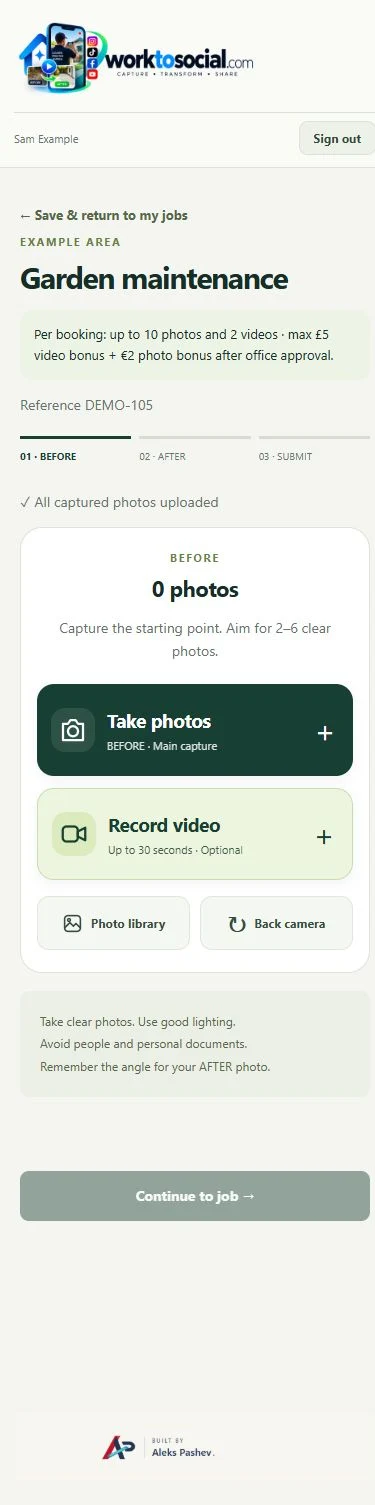
Capture in the field. Review in the office. Export for your own publishing workflow.
Actual WorkToSocial interface · sample data.THE PROBLEM
A short clip with a useful purpose
Short video can explain a result that a still photo cannot: a technician describing a repair, a walk-through of a cleaned property or a gardener showing a finished border. Record a clear, steady clip with useful speech. Check the surroundings before recording and avoid filming customer information in the background.
01Record a short clip
02Preview it
03Attach to job
04Submit
05Office reviews
06Edit and export
TWO ROLES · ONE WORKFLOW
A clear handover from the field to the office
WORKER
Capture the work
The worker attaches video to a job. Office reviews the footage and publication consent before approving social use. The editing workflow supports trimming, output formats, subtitles, music and brand elements. Server processing prepares the result, so customers do not install Docker or video tools on their own computers.
Show the finished fitting in use and briefly explain what changed. Keep technical claims specific.
Walk through a clean
Record a steady view of the finished area without filming customer paperwork or identifiable possessions.
Show garden detail
Let a short walk-through explain the shape of a maintained hedge or a cleared border.
Add context
A worker’s clear explanation gives the office a starting point for a caption; review every claim before use.
IN PRACTICE
A useful example from the field
Keep each clip focused on one point. A thirty-second explanation of a completed repair is often more usable than a long unstructured walk-through. If a worker is identifiable, record their publication consent; this does not replace permission from customers or other people in view.
Current capture controls accept short clips up to 30 seconds, with a 60 MB upload limit. Use steady footage and clear speech. Check the whole scene before recording, not only the person speaking. Photos remain useful when a video would add little. Keep the upload open until it reaches the office.
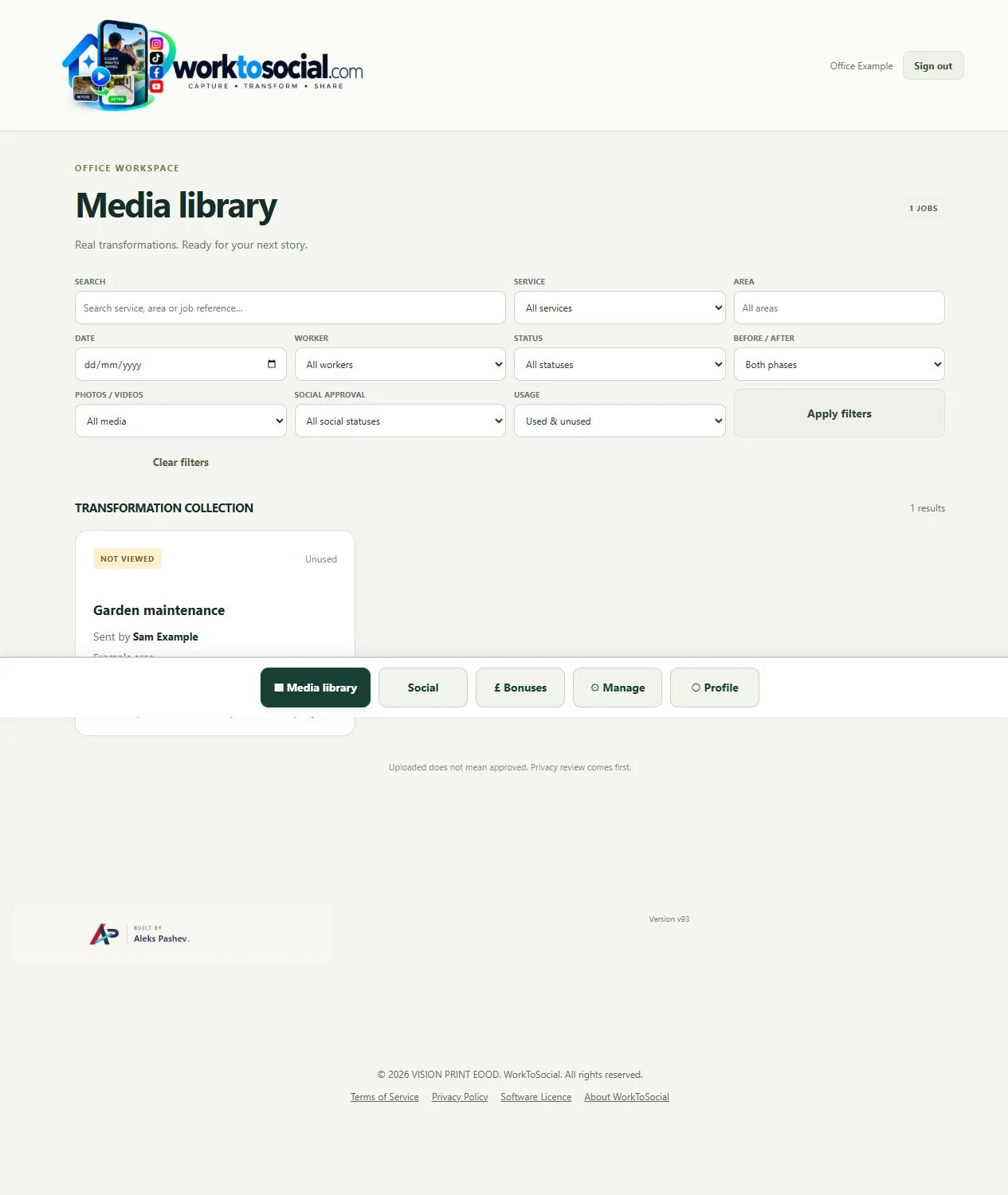
● ● ● WorkToSocial · example workspace
Office receives the worker’s submission · actual application interface with illustrative records. Select image for full size.QUESTIONS
Before your team starts
Does processing happen instantly?
No. Preparation time depends on the clip and the selected edits. The workspace reports progress and lets you retry unfinished preparation.
Does an upload publish anything?
No. Capture, approval and export are separate steps. Direct social publishing is not active in this release.
CONTINUE THE WORKFLOW
Connected tools, explained in context
Before & after
Keep the two phases together and select genuine comparisons.