
Start with the source
Choose the photo you intend to edit. Each selected photo keeps its own settings; original source material remains unchanged. A poor capture cannot always be repaired by an adjustment.
Crop photos, adjust light and colour, hide private details and add movable text or image layers before exporting selected content.
Capture in the field. Review in the office. Export for your own publishing workflow.
Choose the photo you intend to edit. Each selected photo keeps its own settings; original source material remains unchanged. A poor capture cannot always be repaired by an adjustment.
Choose a suitable crop for the intended output and check that the relevant result remains visible. Keep paired photos comparable so the edit does not exaggerate a transformation.
Use light, contrast and colour controls to improve legibility. Inspect the edited preview beside the original rather than assuming a stronger adjustment is more accurate.
Use the available privacy areas where needed, then review the full crop. A mask is a manual editing decision, not automatic detection of every sensitive detail.
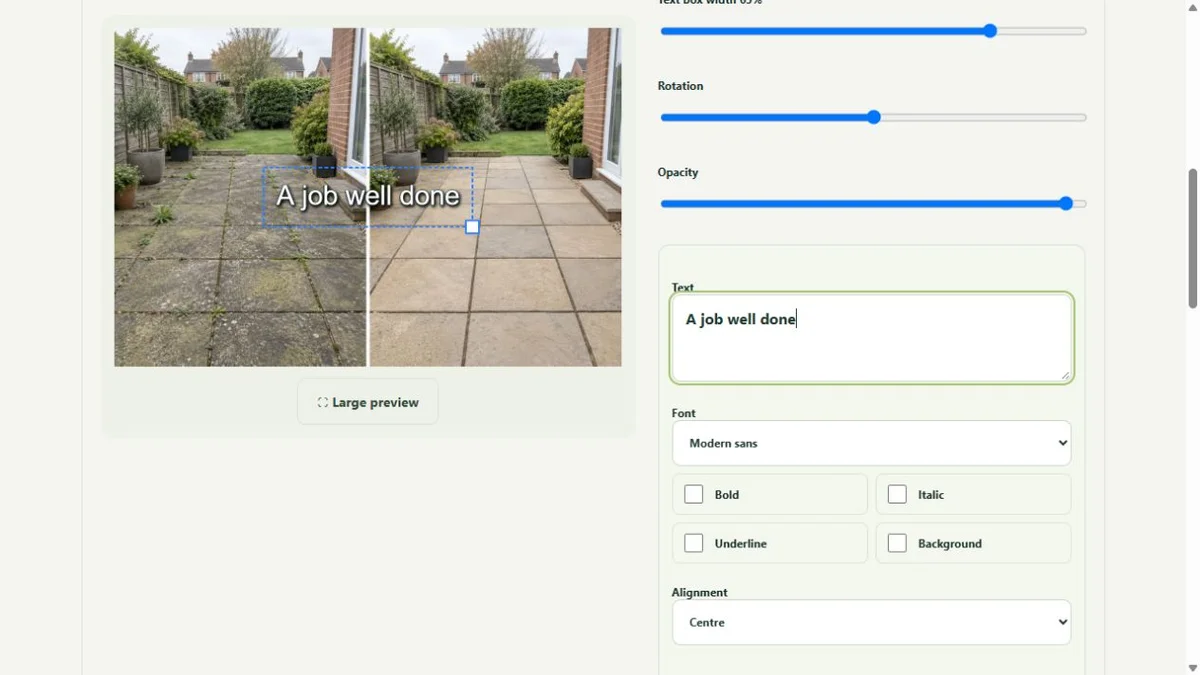
Add stickers, uploaded images and text. Text supports different fonts, curves, colours, outlines, shadows and backgrounds. Move and resize layers so they explain the job without hiding it.
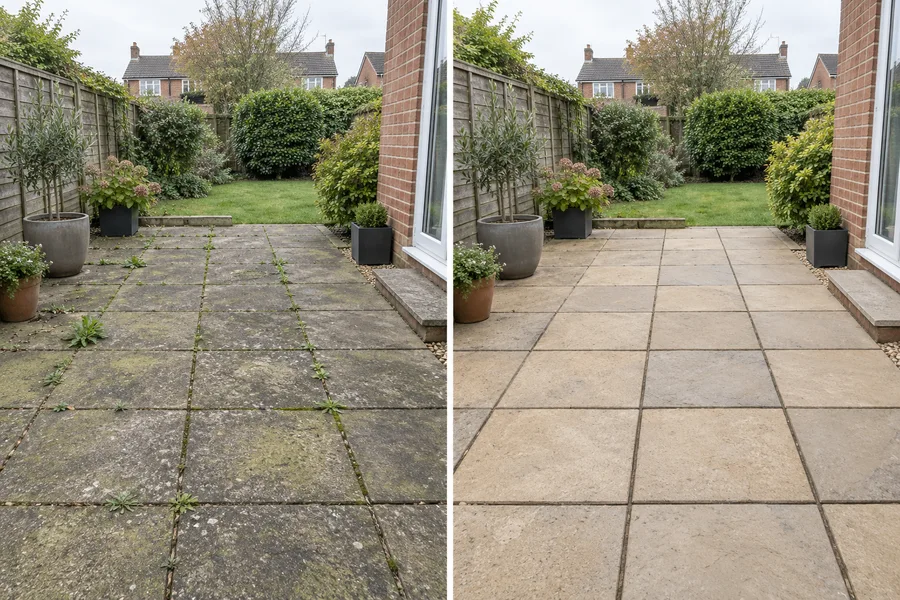
Start with a meaningful source. The editor preview shows actual text and image-layer controls on an illustrative paving example. Check the original and output together; editing should make the job easier to understand.
Select the correct company service, capture useful material and submit with a short explanation. Keep uploading until the handover completes.
See the Worker App →Read the job context, inspect the sources, make editing decisions and review the selected final files. Public use remains a deliberate business decision.
Explore the Office Dashboard →Keep the two phases together and select genuine comparisons.
Explore before & after →Crop, adjust, hide private details and add text layers.
Explore photo editing →Prepare a useful clip with reviewed sound, captions and branding.
Explore video editing →Inspect source media and the complete final export.
Explore office approval →Turn real jobs into consistent, branded content your office can review and use.
Discuss your team’s workflow with us.