Capture in the field. Review in the office. Export for your own publishing workflow.
Actual WorkToSocial interface · sample data.THE PROBLEM
A concise introduction and a useful next step
A short introduction can explain the service; a closing card can tell a viewer how to contact the business. Both should be concise. An overly long opener delays the useful footage, while an unclear ending leaves a viewer without a sensible next step.
01Company intro
02Real job content
03Closing brand card
04Clear CTA
TWO ROLES · ONE WORKFLOW
A clear handover from the field to the office
WORKER
Capture the work
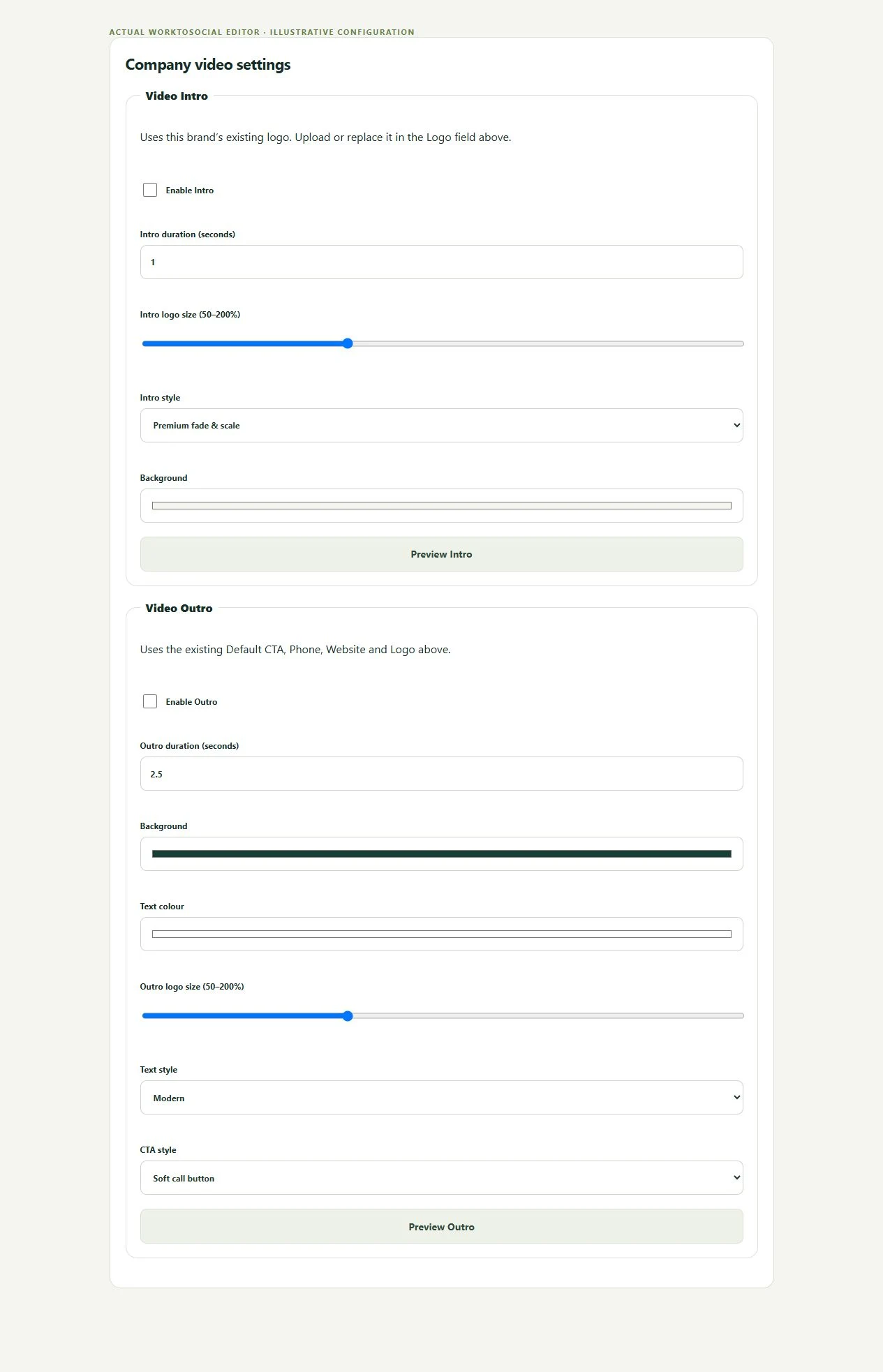
Office configures the brand information and call to action, chooses the video treatment and checks the generated preview. Keep service wording accurate and contact details current. Inspect the transitions, the last frame and the time available to read the closing card before downloading.
Identify the business or service quickly. Avoid a long opening that delays the useful result.
Job content
Give the real work most of the running time. Keep the story accurate and the relevant detail visible.
Outro
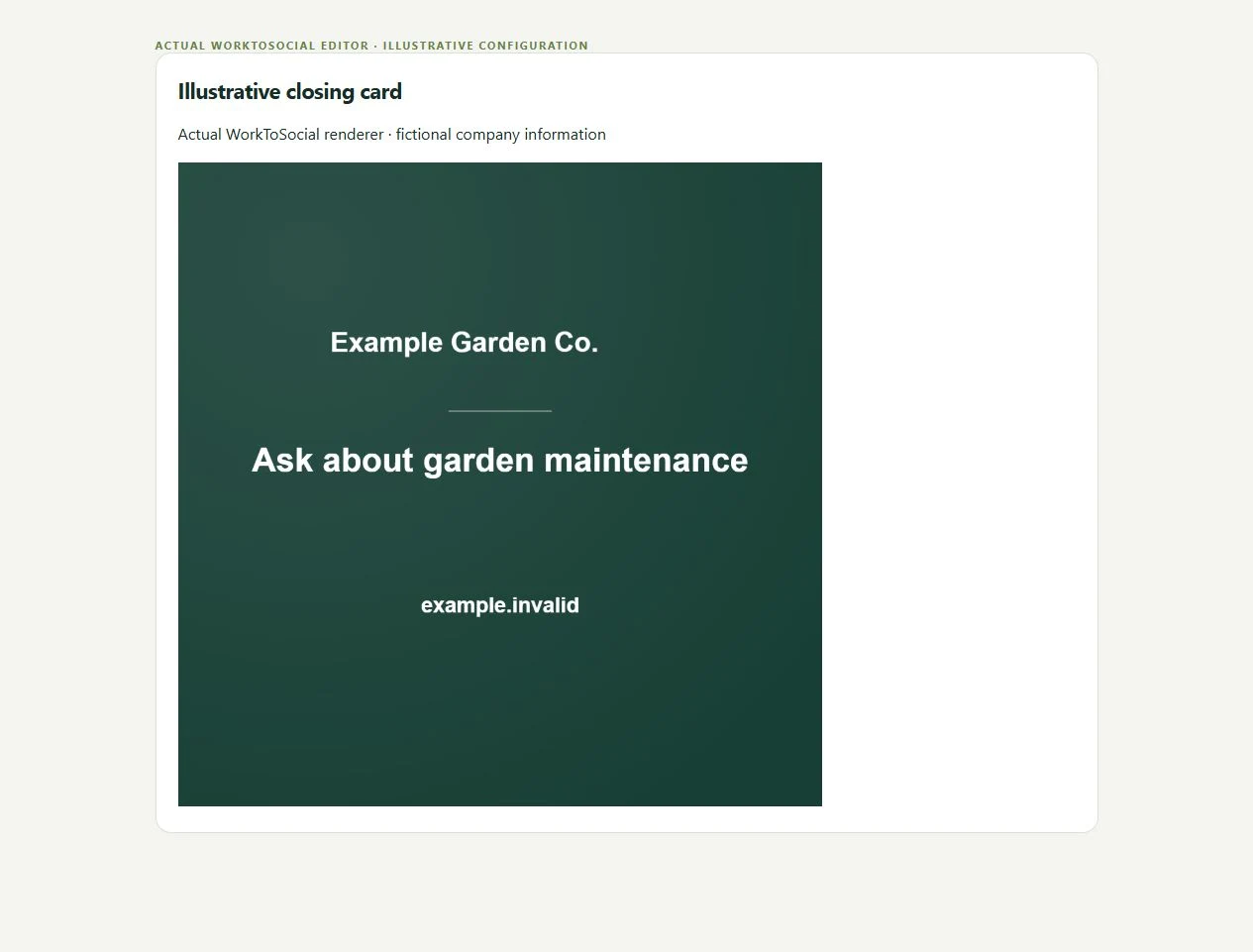
Finish with readable company contact information. Verify the final frame, not just the opening.
Call to action
Invite a sensible enquiry: a maintenance quote, cleaning booking or discussion of the service shown.
BRAND SETTINGS → FINISHED CARD
Check the identity and the next step
● ● ● WorkToSocial · example workspace
Actual intro and outro settings · actual application interface with illustrative records. Select image for full size.
● ● ● WorkToSocial · example workspace
Actual closing-card renderer with fictional company details · actual application interface with illustrative records. Select image for full size.
01Short introduction
02Real job content
03Company closing card
04Clear CTA
IN PRACTICE
A useful example from the field
A garden-maintenance clip might end with a request for a maintenance quote. A cleaning transformation can identify the service and invite a booking enquiry. Avoid claims about guaranteed results, unavailable services or discounts that the business has not approved.
Company brand settings provide the business information used in the content workflow. Office checks the selected treatment and contact details. A saved setting can still be out of date, so inspect it in each preview. Do not advertise unavailable services or a discount that has not been approved.
● ● ● WorkToSocial · example workspace
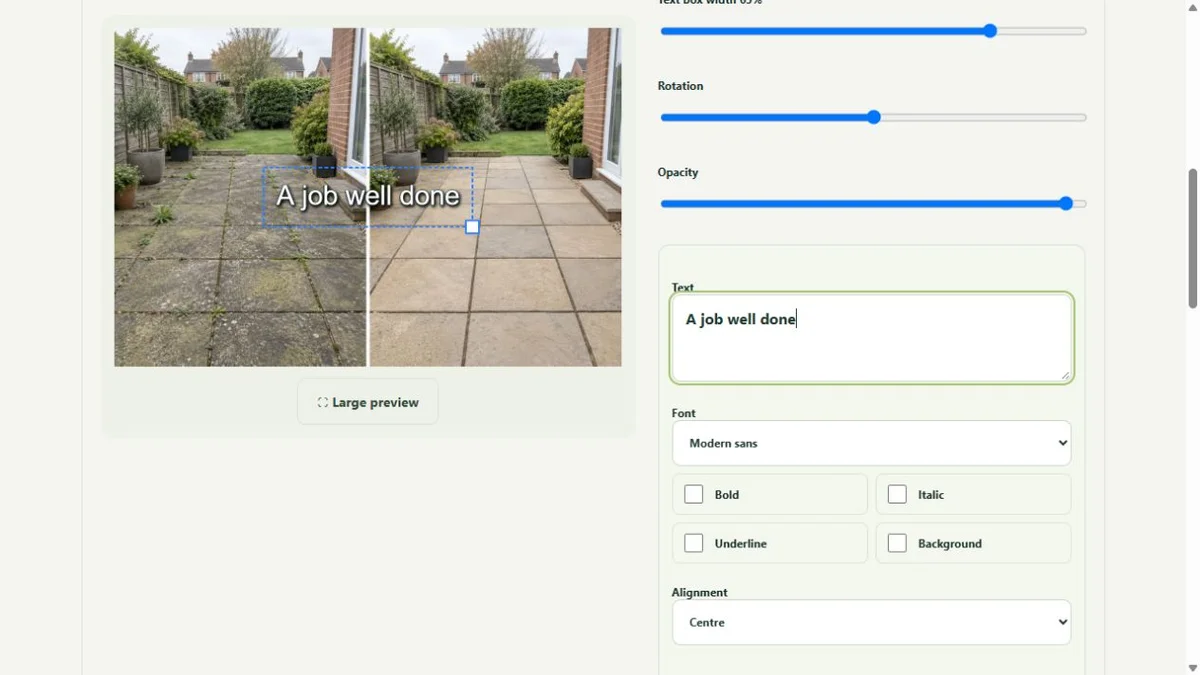
Photo layers and text in the real editor · actual application interface with illustrative records. Select image for full size.QUESTIONS
Before your team starts
Can I review the closing card?
Yes. Review the entire prepared video, including the intro and outro, before approving it for use. Editing changes require a new preview.
Does an upload publish anything?
No. Capture, approval and export are separate steps. Direct social publishing is not active in this release.
CONTINUE THE WORKFLOW
Connected tools, explained in context
Before & after
Keep the two phases together and select genuine comparisons.