Capture in the field. Review in the office. Export for your own publishing workflow.
Actual WorkToSocial interface · sample data.THE PROBLEM
Listen to the job, then choose the soundtrack
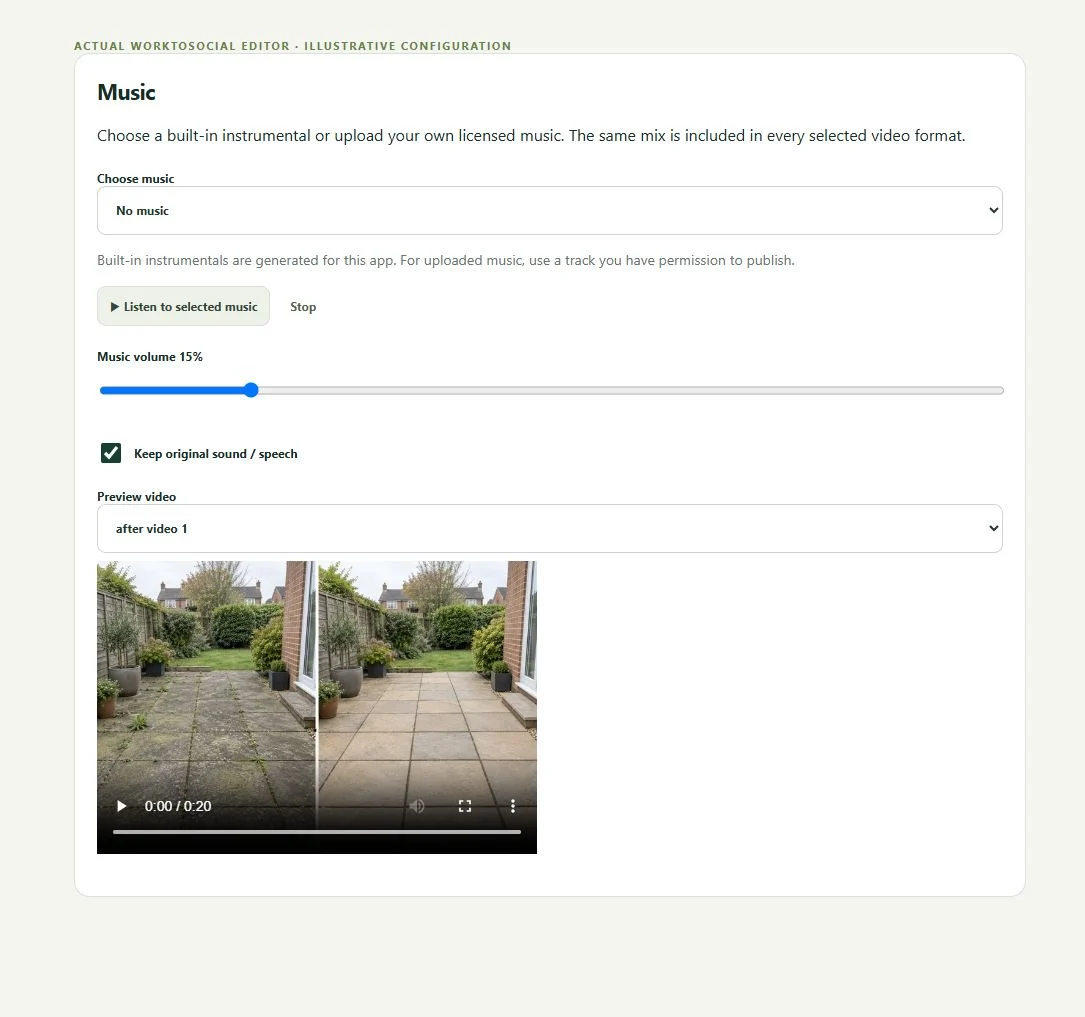
Music can give a transformation video a consistent rhythm, but it should never drown out a worker explaining the job. A useful soundtrack fits the business and the footage. A short garden transformation may suit a different treatment from an educational pest-control explanation.
01Choose track
02Listen
03Set volume
04Keep or remove original sound
05Generate
06Review final mix
TWO ROLES · ONE WORKFLOW
A clear handover from the field to the office
WORKER
Capture the work
Use the music controls in the video editing workflow and listen to the preview with speech included. Change the balance, then regenerate the output when the music settings change. Keep the original job context and review the final audio rather than checking only the first few seconds.
Select a built-in instrumental or upload licensed audio. The editor provides Bright, Calm and Upbeat choices.
Adjust volume
Use the music level control so the soundtrack supports the footage rather than overwhelming it.
Keep original speech
The original sound toggle lets the office retain spoken context or prepare a silent transformation.
Review the complete mix
Listen from beginning to end, including transitions and closing cards, before downloading.
IN PRACTICE
A useful example from the field
For a spoken clip, keep the worker audible throughout. For a silent before-and-after sequence, music can carry the transition without invented narration. Customers are responsible for choosing audio they have permission to use on the intended channel.
A spoken explanation and a silent transformation need different audio decisions. Start with the worker’s speech: if it matters, keep it clear. Uploaded music remains subject to its licence and the intended channel’s requirements. Choosing a file in an editor does not create publishing rights.
● ● ● WorkToSocial · example workspace
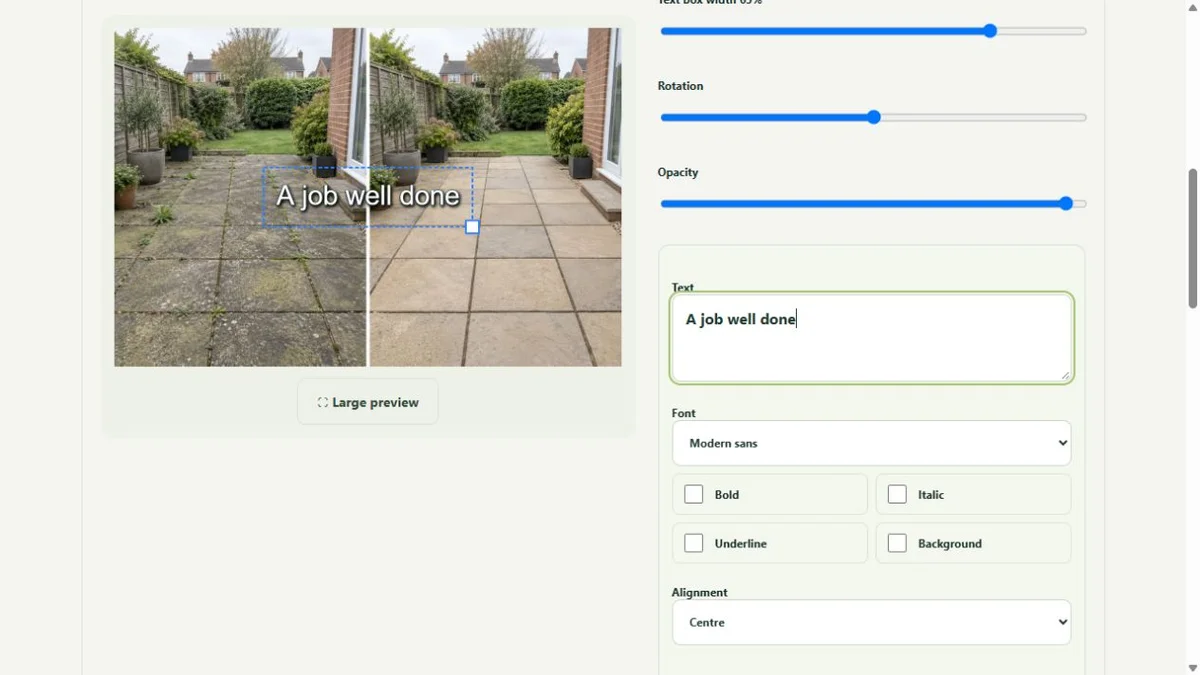
Photo layers and text in the real editor · actual application interface with illustrative records. Select image for full size.QUESTIONS
Before your team starts
Does adding music give me publishing rights?
No. Check the licence for any audio you use. WorkToSocial does not grant rights to third-party music merely because it can be included in an export.
Does an upload publish anything?
No. Capture, approval and export are separate steps. Direct social publishing is not active in this release.
CONTINUE THE WORKFLOW
Connected tools, explained in context
Before & after
Keep the two phases together and select genuine comparisons.