
Lighting installations
Capture the completed room view and the relevant fitting, so the result is understandable at both scales.
The result of an electrical visit is often a small, precise detail: a finished light fitting, a neatly positioned charger or an installation the customer will use every day. A clear photo and a factual job note can explain that work far better than an unrelated stock picture.
Capture in the field. Review in the office. Export for your own publishing workflow.
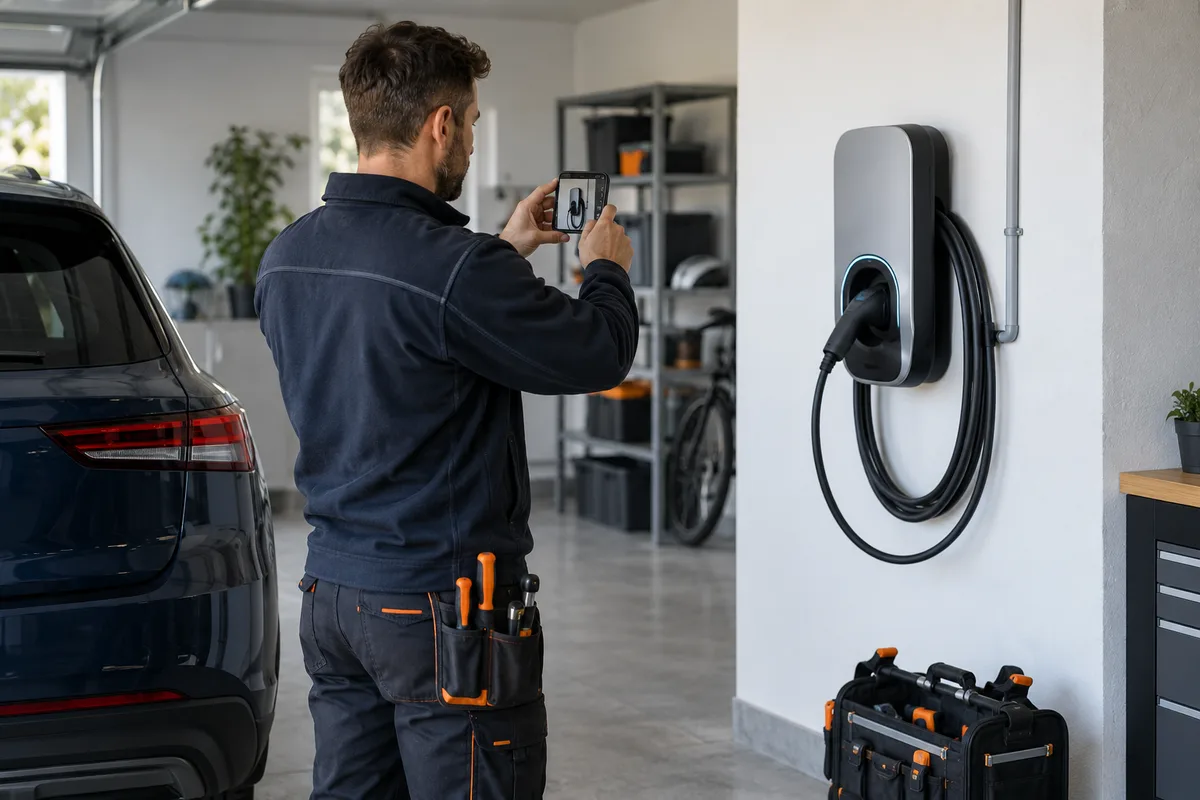
The office may see a photograph without knowing whether it shows a new installation, a replacement or only one stage of a larger job. The technician’s brief description gives the image its meaning. Marketing media should show the completed work accurately, with review separate from certification and technical records.
Capture the completed room view and the relevant fitting, so the result is understandable at both scales.
Where this is a service the company performs, show the finished placement and a brief approved explanation.
Choose a completed, suitable view and remove readable customer information before public use.
Describe the specific task on this visit rather than implying that one photograph covers every system in the property.
Use company-configured services and existing job fields. Illustrative workflow; outputs are downloaded for your chosen publishing process.
Record the service actually performed and a short note distinguishing installation from replacement. Capture a stable finished view in an authorised area. Leave documents, addresses and customer details outside the selected public frame.
See the Worker App →Confirm what the image shows before adding a headline. Select a crop that retains the relevant installation, add company branding and check the final output. Technical qualifications, test results and compliance wording require their own verified basis.
Explore the Office Dashboard →A technician submits a finished garage photograph and the note “wall-mounted charger installation completed on this visit”. Office chooses the relevant view, adds the company identity and prepares a concise service post. The post explains what the team did; it does not show wiring instructions or give a viewer a test result.
For a lighting replacement, a matched room view can show the visual change. Keep exposure reasonably comparable. A brighter photograph alone does not prove a performance, efficiency or safety improvement.
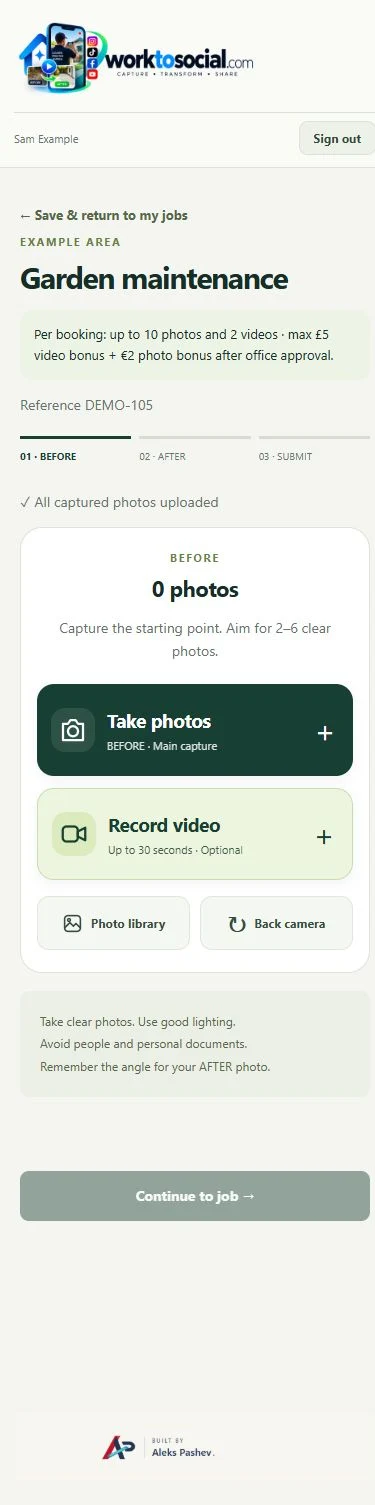
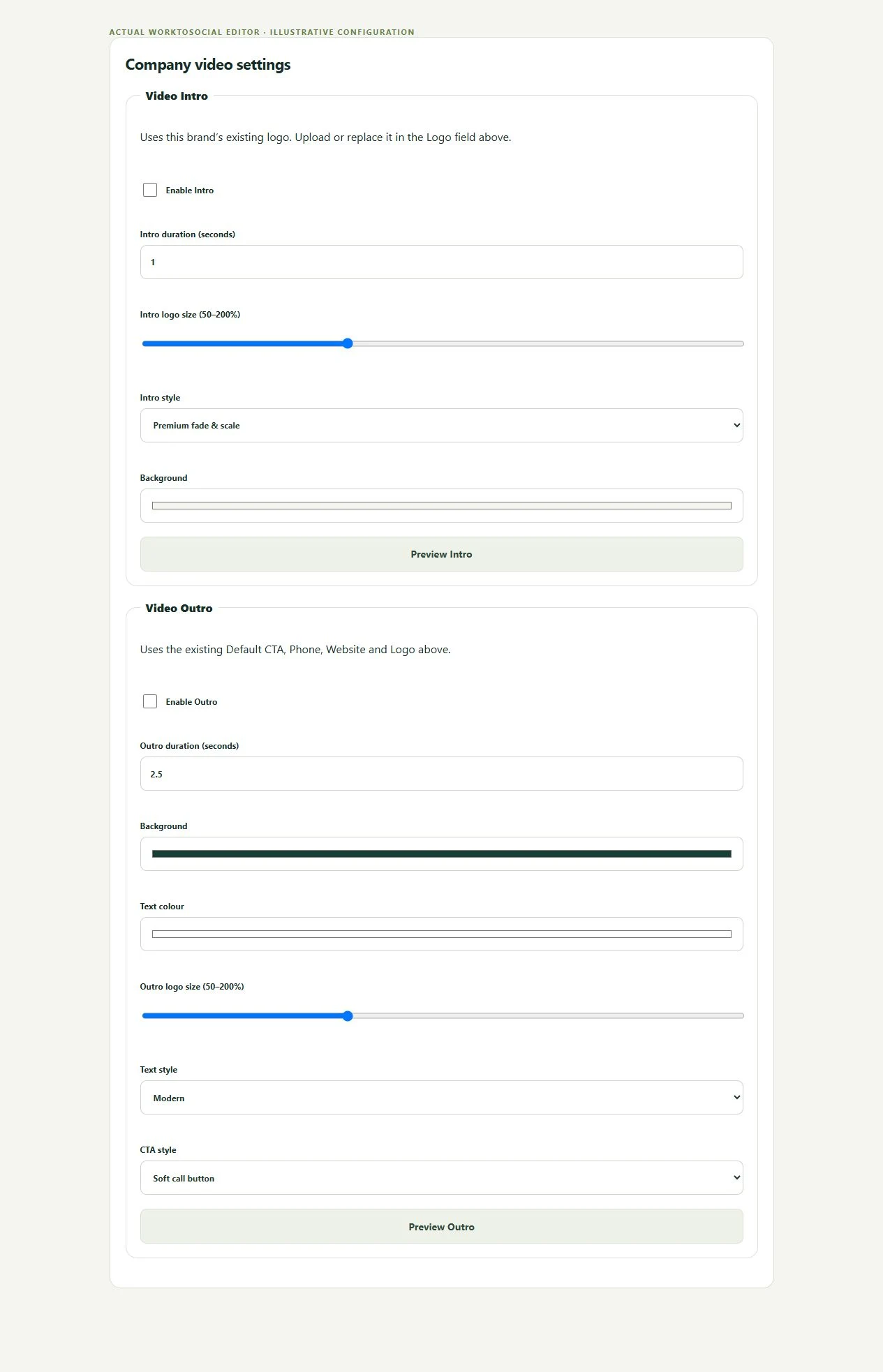
Confirm what the image shows before adding a headline. Select a crop that retains the relevant installation, add company branding and check the final output. Technical qualifications, test results and compliance wording require their own verified basis.
The public-use decision is separate from capture. A selected image or clip can be edited and prepared, but an upload does not publish it. Keep the final text tied to this task, check visible details and current company contact information, then use the downloaded file in the business’s chosen publishing workflow.
No. This page describes a media handover and marketing-content process, not technical instructions.
No. A photograph is not a test record or compliance certificate. Keep those records in the appropriate technical system.
No. A clear completed fitting and a useful note may explain the work better than a forced comparison.
Keep installation context beside the source.
Explore field photo management →Explain the task without overstating what an image proves.
Explore proof of work →Prepare a company-led finished-work clip.
Explore video branding →Turn real jobs into consistent, branded content your office can review and use.
Discuss your team’s workflow with us.