
Team at work
Show an authorised moment that explains coordination and handling, with staff permission.
The useful story of a move is often the team: careful wrapping, a well-organised load or a piece of furniture arriving at its destination. Moving-day media can show the service without making a customer’s home and belongings the centre of a public post.
Capture in the field. Review in the office. Export for your own publishing workflow.

Labels, addresses, family possessions and room views can appear in the same frame as good teamwork. A customer may allow an anonymous packing detail but not a full property tour. Give the office enough context to make a deliberate selection instead of treating every photograph as a public asset.
Show an authorised moment that explains coordination and handling, with staff permission.
Choose a close view of wrapping or protection without readable labels and private possessions.
A suitable van view can identify the business without exposing the customer’s address or journey.
A permitted finished placement or team image can mark completion without implying the home is available to film.
Use company-configured services and existing job fields. Illustrative workflow; outputs are downloaded for your chosen publishing process.
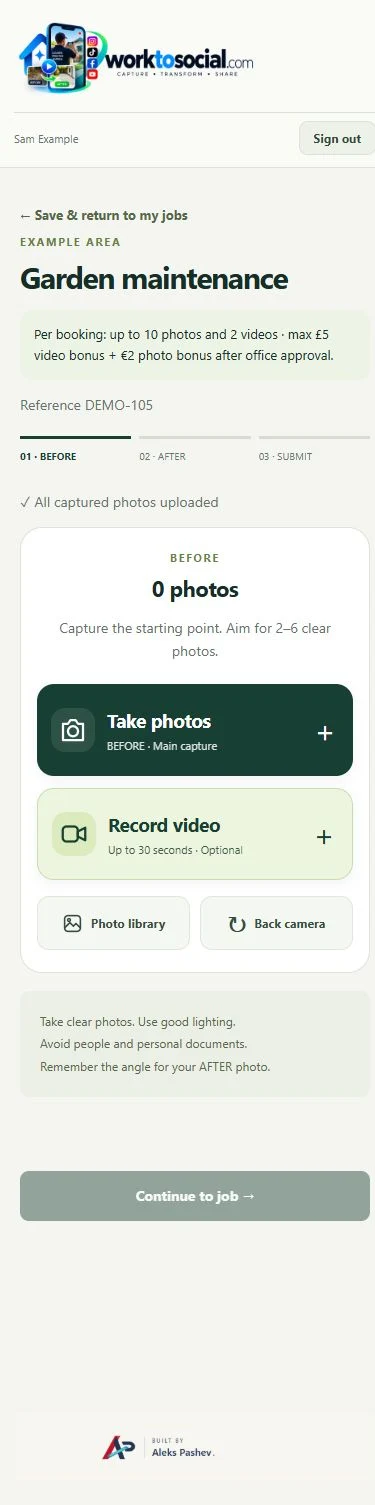
Capture only the agreed subjects and keep a move reference with the files. Use the note to explain the stage—packing, loading or completed placement—and flag anything the reviewer should exclude. Do not rely on a close crop later to justify capturing private material unnecessarily.
See the Worker App →Review addresses, labels, reflections and customer belongings. Select one clear moment, add accurate service wording and company details, then inspect the finished file. A post should explain this move rather than promise a result for every unusual item.
Explore the Office Dashboard →The team records a short wrapping detail and an approved exterior team photograph. Office uses the wrapping clip as the main story, removes a frame containing a label and adds the company identity. It keeps the property interior out of the final export because that was not part of the agreed public-use scope.
For removals, BEFORE and AFTER may show a cleared loading area or an authorised final furniture placement. A team or process clip is often more meaningful than forcing a transformation pair from two different properties.
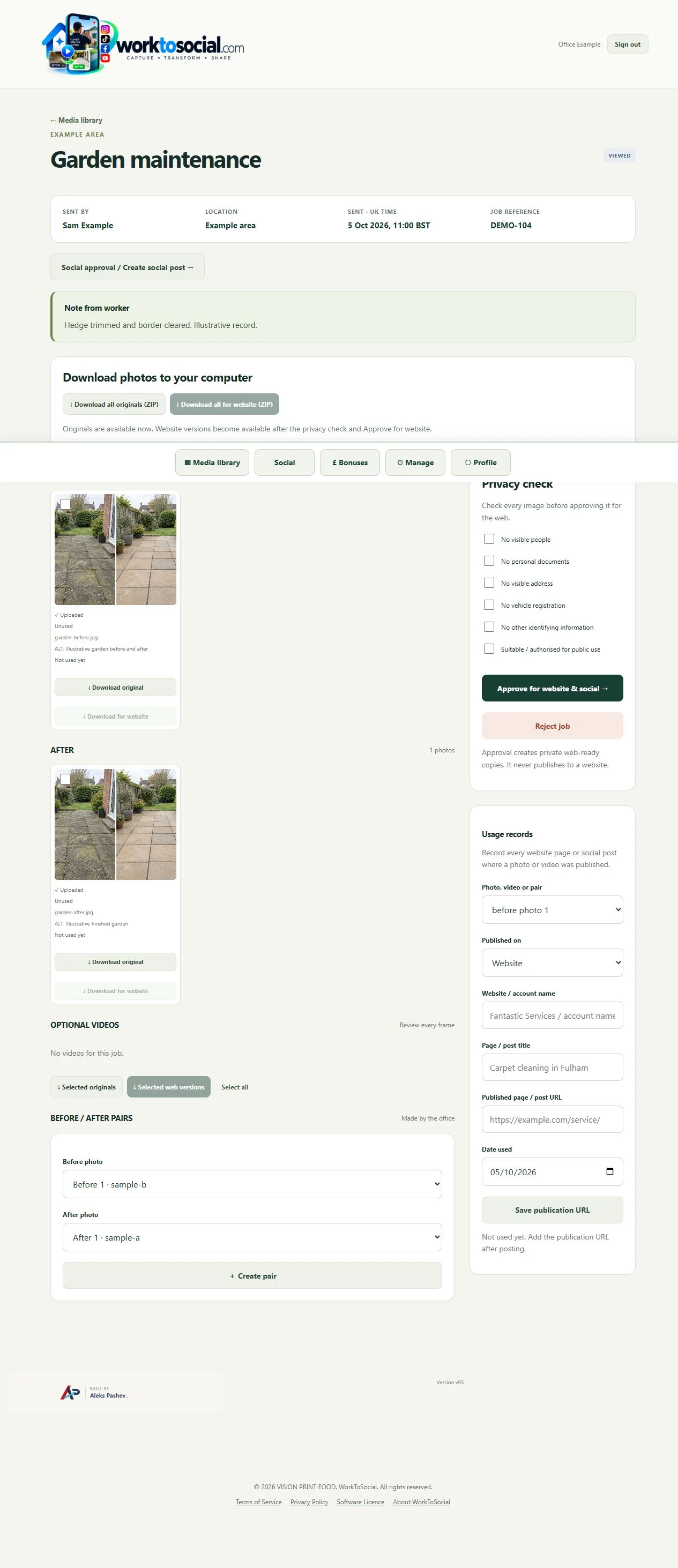
Review addresses, labels, reflections and customer belongings. Select one clear moment, add accurate service wording and company details, then inspect the finished file. A post should explain this move rather than promise a result for every unusual item.
The public-use decision is separate from capture. A selected image or clip can be edited and prepared, but an upload does not publish it. Keep the final text tied to this task, check visible details and current company contact information, then use the downloaded file in the business’s chosen publishing workflow.
Only after the business checks the relevant permission and public-use suitability. An upload alone is not approval.
No. The workflow connects job context, media review and content preparation; bookings and transport planning stay elsewhere.
Use authorised footage and a factual explanation of this task. Do not infer qualifications or guarantees from the image.
Give the crew a short, purposeful brief.
Explore worker-generated content →Review labels and private details in selected images.
Explore photo editing →Keep the company identity around the team story.
Explore video branding →Turn real jobs into consistent, branded content your office can review and use.
Discuss your team’s workflow with us.