
Multiple properties
Use a focused multiple properties example from a real visit. Capture the relevant result and add enough job context for the office to describe it accurately.
Keep maintenance job photos and videos connected to the service, reference and office review.
Capture in the field. Review in the office. Export for your own publishing workflow.

Maintenance teams move between properties and carry out different jobs in a single day. Without context, the office can struggle to tell which image belongs to which repair. Use the job reference and service to make the upload useful while keeping tenant information out of material intended for marketing.
Use a focused multiple properties example from a real visit. Capture the relevant result and add enough job context for the office to describe it accurately.
Use a focused different field teams example from a real visit. Capture the relevant result and add enough job context for the office to describe it accurately.
Use a focused repeat visits example from a real visit. Capture the relevant result and add enough job context for the office to describe it accurately.
Use a focused common-area repairs example from a real visit. Capture the relevant result and add enough job context for the office to describe it accurately.
Use a focused job references example from a real visit. Capture the relevant result and add enough job context for the office to describe it accurately.
Use a focused selected public examples example from a real visit. Capture the relevant result and add enough job context for the office to describe it accurately.
Capture the relevant condition and finished repair, then submit them under the right job. For common-area work, check for residents in view. For a short worker explanation, avoid access codes, keys, private documents or a visible address. Operational evidence and public marketing content need different judgement.
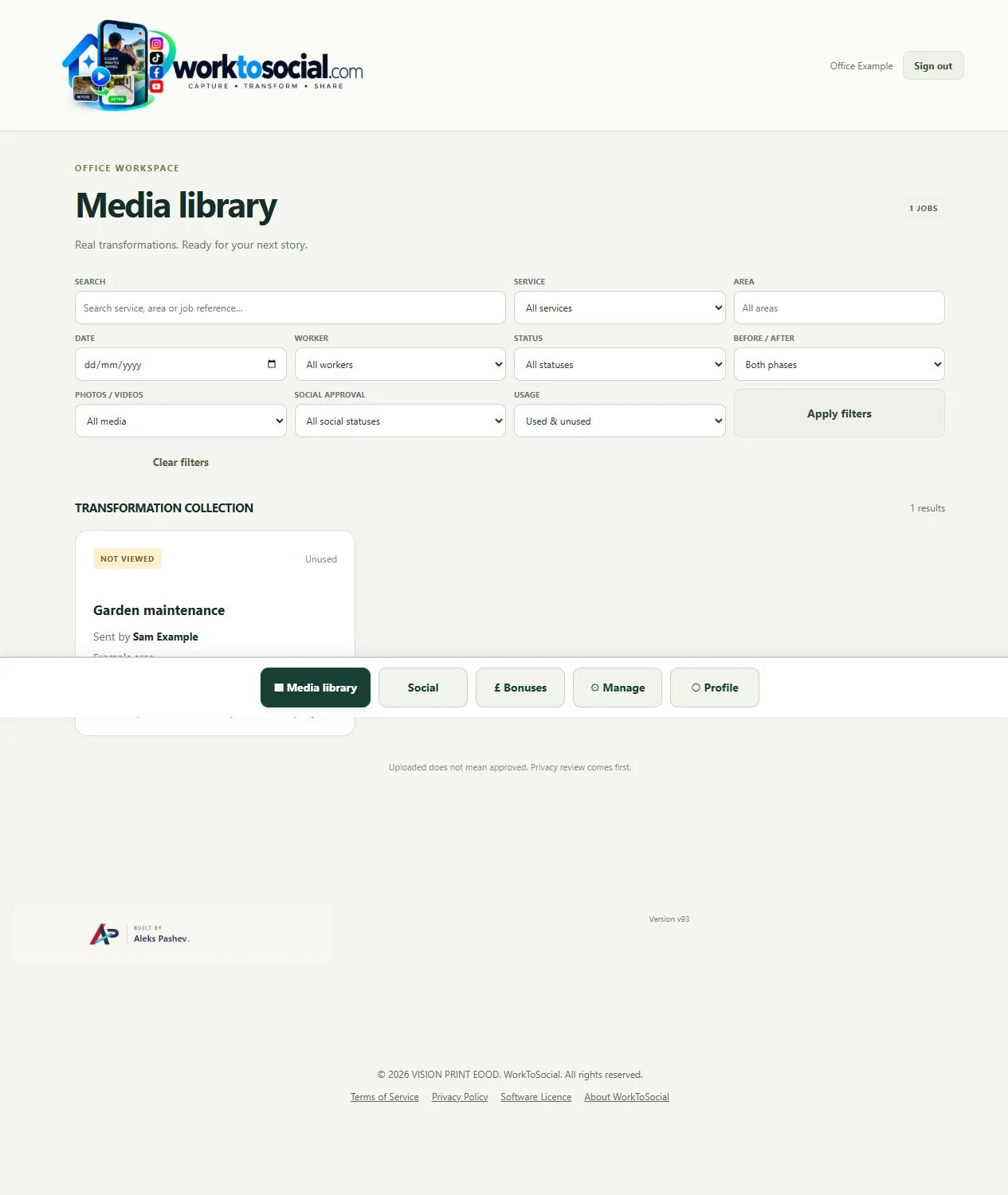
See the Worker App →Office filters the library, selects material that is appropriate for public use and prepares the chosen photos or video. Publication records can link the job to a website page or social post. They help keep an audit of use without exposing private job details on the public site.
Explore the Office Dashboard →A service and reference identify the visit for the office. The public export can show the repair without revealing tenant details or a precise address.
Keep operational evidence and public marketing decisions separate. A useful maintenance record can still be inappropriate to share. Check keys, access codes and door numbers in every frame.
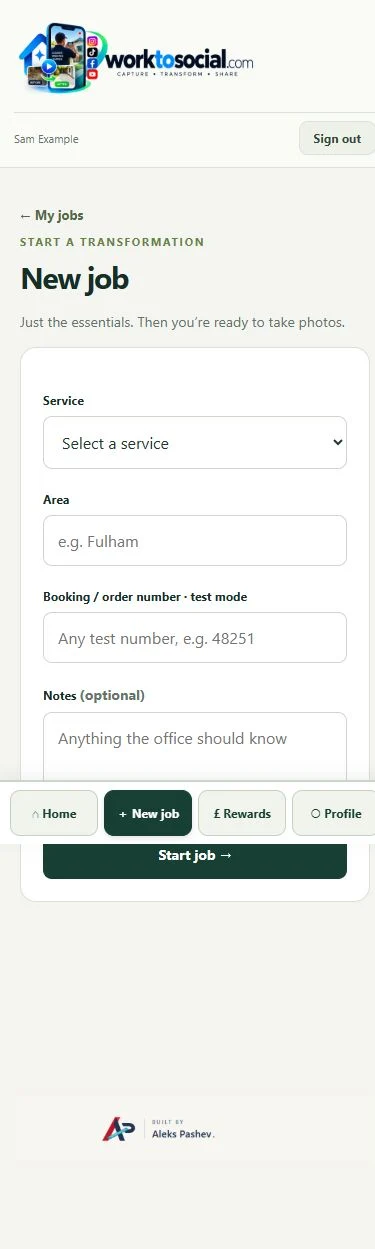
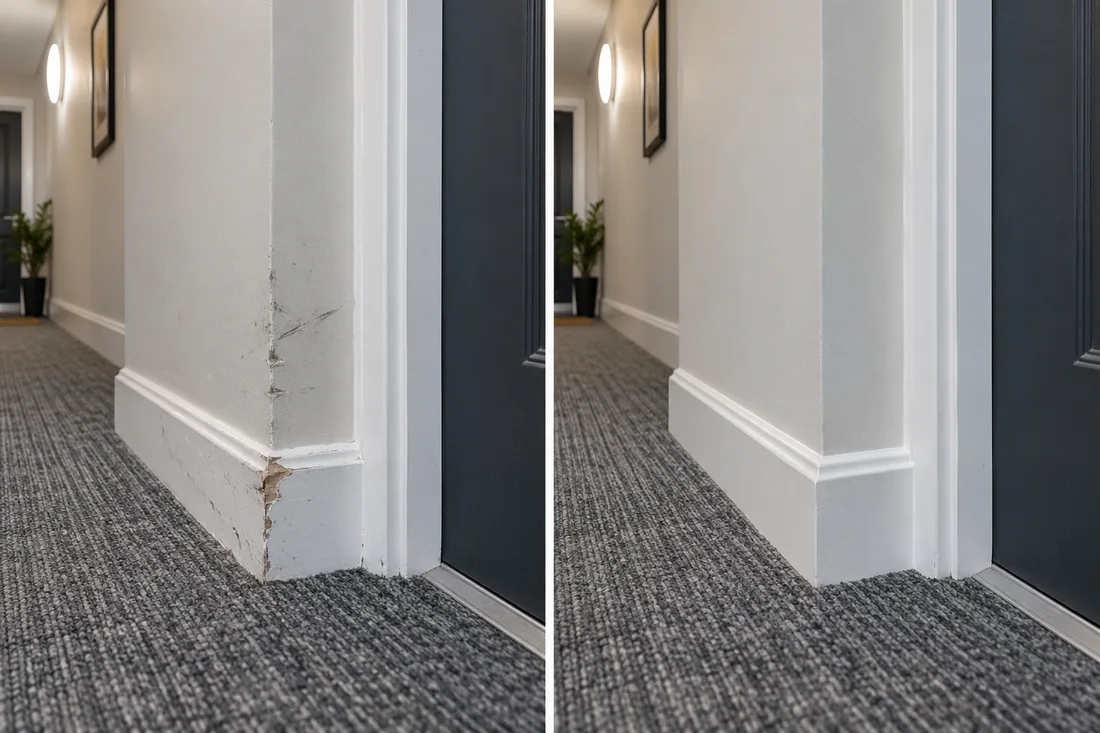
Keep operational evidence and public marketing decisions separate. A useful maintenance record can still be inappropriate to share. Check keys, access codes and door numbers in every frame. The final check should cover privacy, accurate wording and the company’s current contact details. A downloadable file is ready for your own publishing process; it has not automatically been posted to a social account.
No. A useful operational record may still be unsuitable for public sharing. Review permission and privacy before approving any material.
No. Workers capture useful source material. The office selects, edits, brands and exports the content.
Explore the tool most relevant to this industry’s source material.
Explore field content management →Connect this step to the rest of the office workflow.
Explore office content approval →Give the team a clear capture and submission routine.
Explore worker app →Turn real jobs into consistent, branded content your office can review and use.
Discuss your team’s workflow with us.
Find the repair by its reference and area.
Explore media library →Connect field visits with the reviewer’s decisions.
Explore office dashboard →