
Repairs
Use a focused repairs example from a real visit. Capture the relevant result and add enough job context for the office to describe it accurately.
Organise repair photos and short worker explanations into reviewed, branded service content.
Capture in the field. Review in the office. Export for your own publishing workflow.
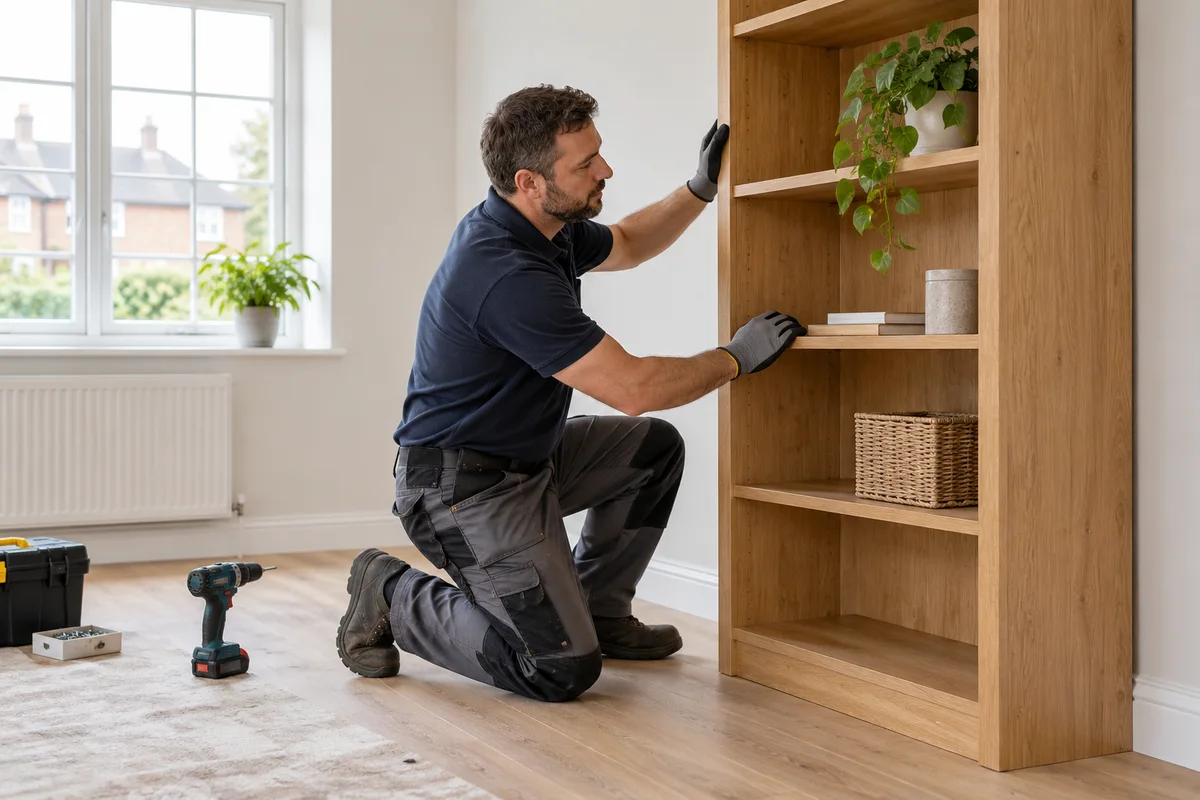
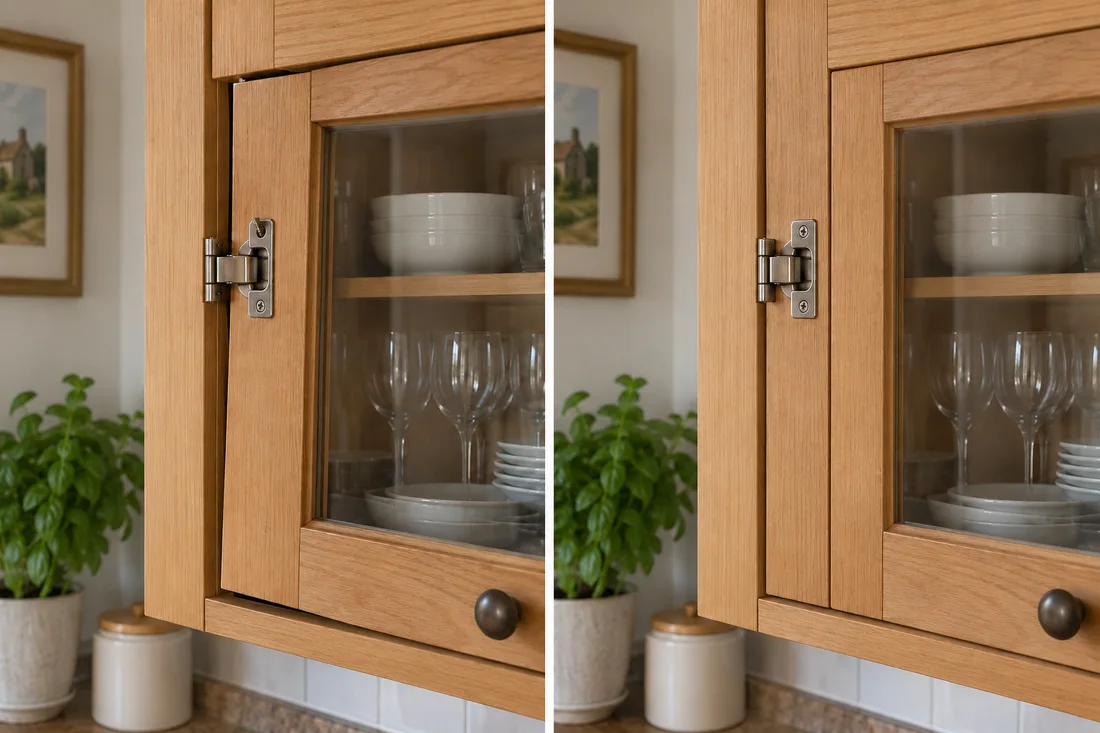
Handyman work is often detailed: a repaired hinge, a properly fitted shelf or a tidy finish around a fixture. A wide room photo can miss the result. Capture the relevant detail clearly and add a short note so the office understands the repair without making technical assumptions.
Use a focused repairs example from a real visit. Capture the relevant result and add enough job context for the office to describe it accurately.
Use a focused furniture assembly example from a real visit. Capture the relevant result and add enough job context for the office to describe it accurately.
Use a focused mounting example from a real visit. Capture the relevant result and add enough job context for the office to describe it accurately.
Use a focused installations example from a real visit. Capture the relevant result and add enough job context for the office to describe it accurately.
Use a focused maintenance example from a real visit. Capture the relevant result and add enough job context for the office to describe it accurately.
Use a focused finished details example from a real visit. Capture the relevant result and add enough job context for the office to describe it accurately.
Photograph the issue before work starts and the completed result from a comparable angle. Record a brief explanation when motion or operation matters. Keep customer possessions and identifying paperwork out of frame. Do not turn an edited video into a how-to instruction for work that requires qualified professionals.
See the Worker App →Office chooses the material that demonstrates the service accurately, checks privacy and prepares a useful format. A brand logo and closing contact detail can connect the result to the business. Keep the description specific: describe this repair rather than promising every possible maintenance service.
Explore the Office Dashboard →A close view can explain the problem and the tidy repair better than a wide room shot. A short clip can show the door operating correctly.
Use a clear description of the repair performed. The office should avoid guessing from a photograph or turning a result clip into instructions for regulated work.
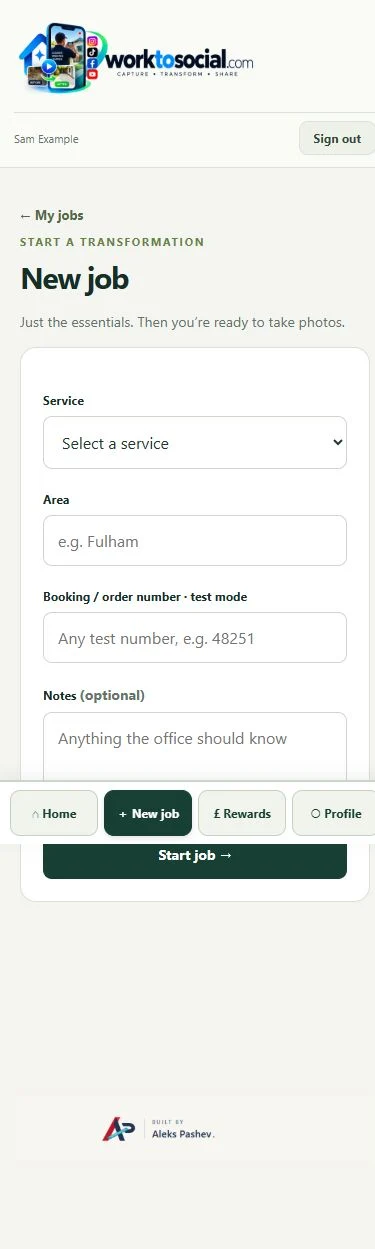
Use a clear description of the repair performed. The office should avoid guessing from a photograph or turning a result clip into instructions for regulated work. The final check should cover privacy, accurate wording and the company’s current contact details. A downloadable file is ready for your own publishing process; it has not automatically been posted to a social account.
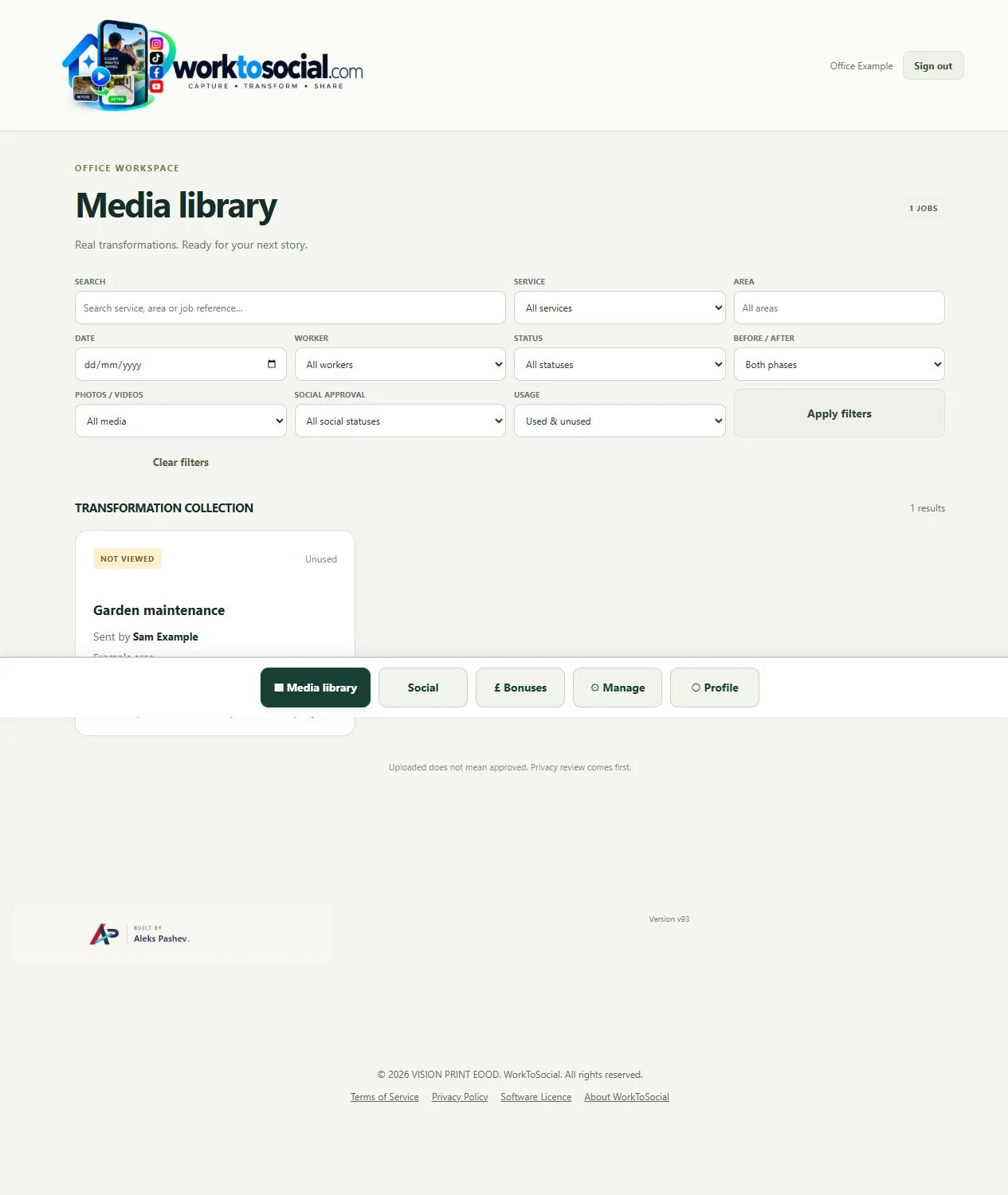
No. A clear finished detail or a short demonstration may explain the result better. The workspace supports single photos as well as deliberate pairs.
No. Workers capture useful source material. The office selects, edits, brands and exports the content.
Explore the tool most relevant to this industry’s source material.
Explore field photo management →Connect this step to the rest of the office workflow.
Explore video branding →Give the team a clear capture and submission routine.
Explore worker app →Turn real jobs into consistent, branded content your office can review and use.
Discuss your team’s workflow with us.
Keep the useful repair detail visible.
Explore photo editing →Submit the task and a short factual note.
Explore worker app →