
Routine maintenance
Explain one completed visit with a useful fitting or room detail and a clear service note.
A facilities team may complete small but useful tasks across several buildings in a day. The reviewer was not at each location. A reference, an area and a concise note make the difference between an unexplained maintenance image and a story the office can use.
Capture in the field. Review in the office. Export for your own publishing workflow.
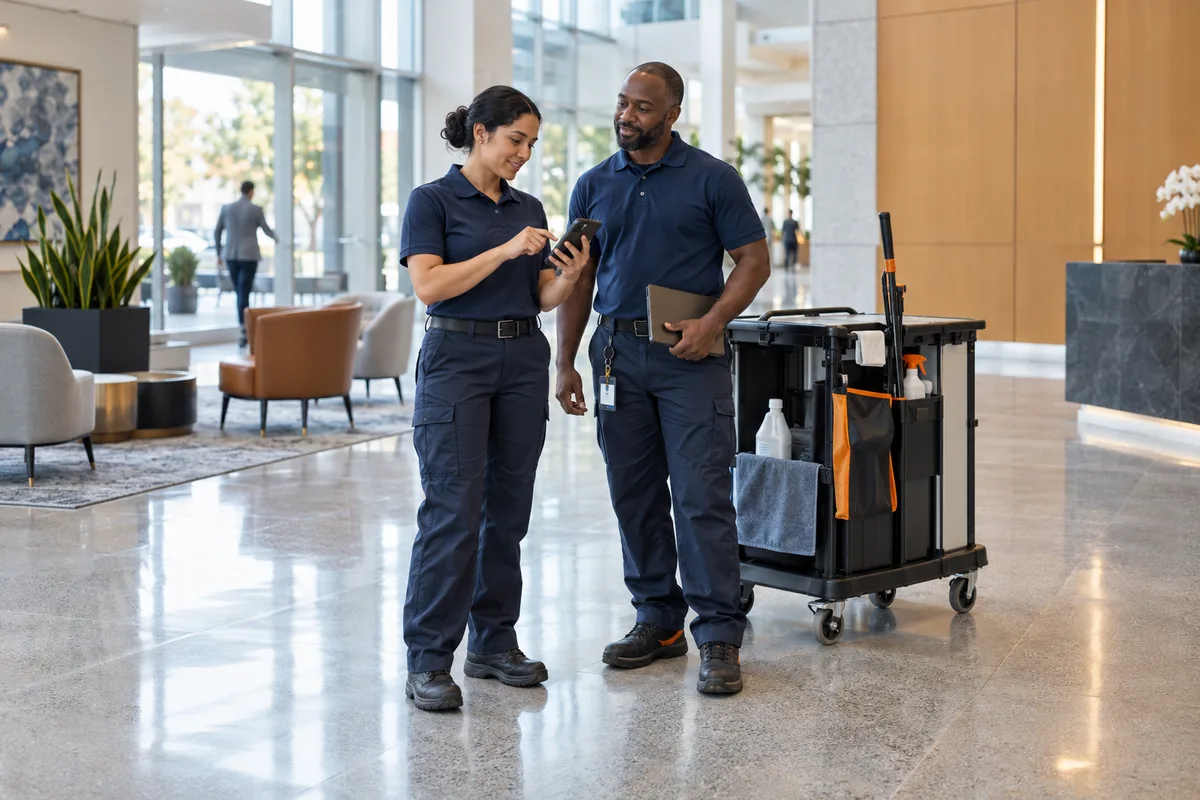
An image of a repaired fitting can look identical to another visit. The office needs to identify who submitted it, what changed and which area the record concerns. Job-based media filtering helps the reviewer find a source without promising a live operational map or facilities work-order system.
Explain one completed visit with a useful fitting or room detail and a clear service note.
Distinguish the original condition from the finished task; avoid public views of access systems or tenant information.
Keep the worker and job reference attached so the office can ask a focused follow-up question.
Choose an anonymous example of the team’s work for a reviewed business presentation.
Use company-configured services and existing job fields. Illustrative workflow; outputs are downloaded for your chosen publishing process.
Use the company’s area and job-reference fields consistently. Explain the task and the location context the authorised office needs. Capture a relevant detail without placing access codes, security screens, tenant lists or private documents in the public-use frame.
See the Worker App →Find submissions by the available service, area, worker and approval filters. Select material whose scope and permissions are clear. Central review means a shared content decision within the company workspace, not live technician tracking or a guaranteed integration with a facilities platform.
Explore the Office Dashboard →Two technicians submit similar finished door-hardware photographs from different buildings. Their job references and notes distinguish the visits. Office selects the authorised example, removes location identifiers from the export and prepares a short company service story while keeping the private operational context with the source record.
A maintenance comparison can show the same damaged fixture and its completed repair. A wider building photograph from a different location should not be presented as the AFTER view of that task.
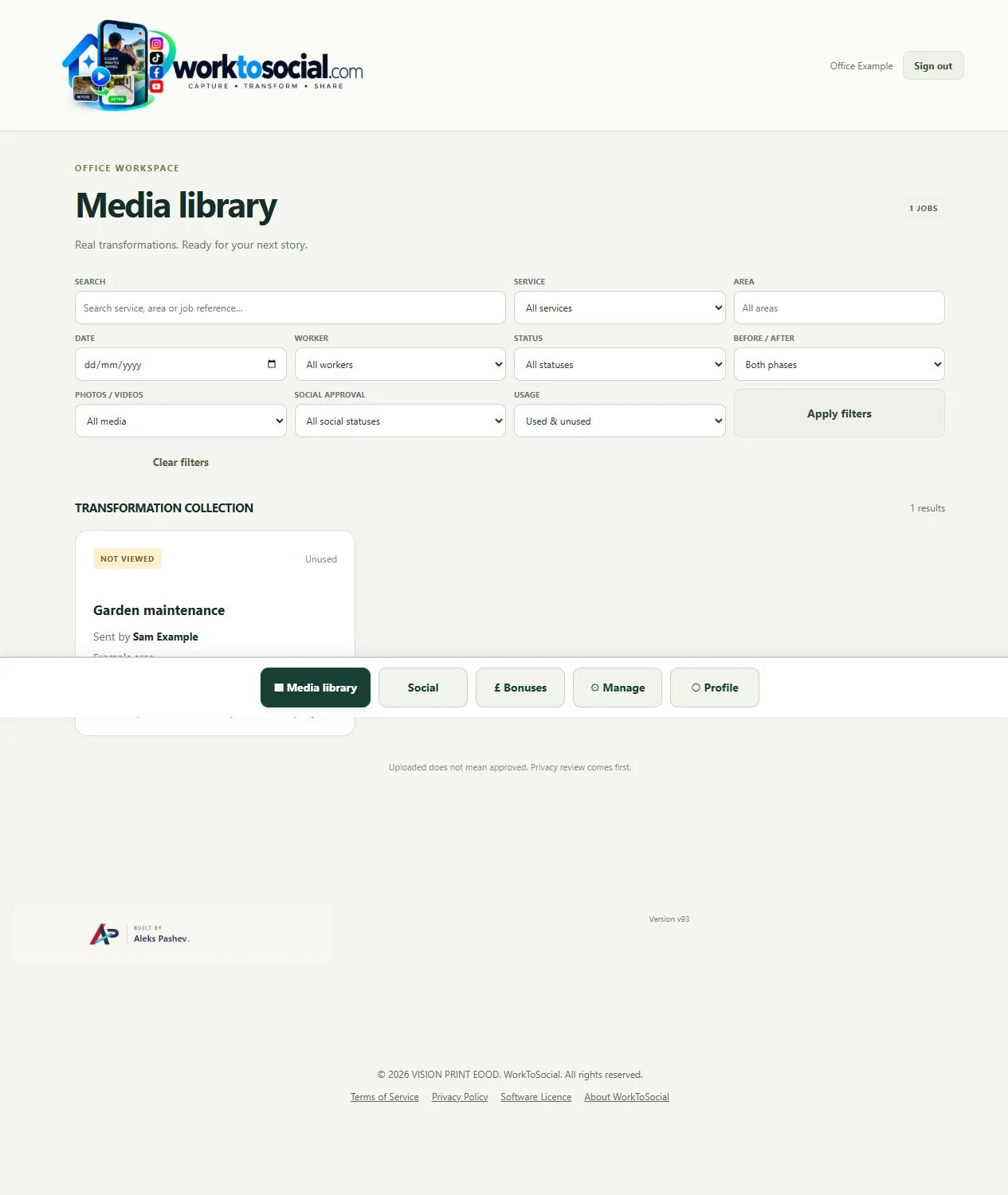
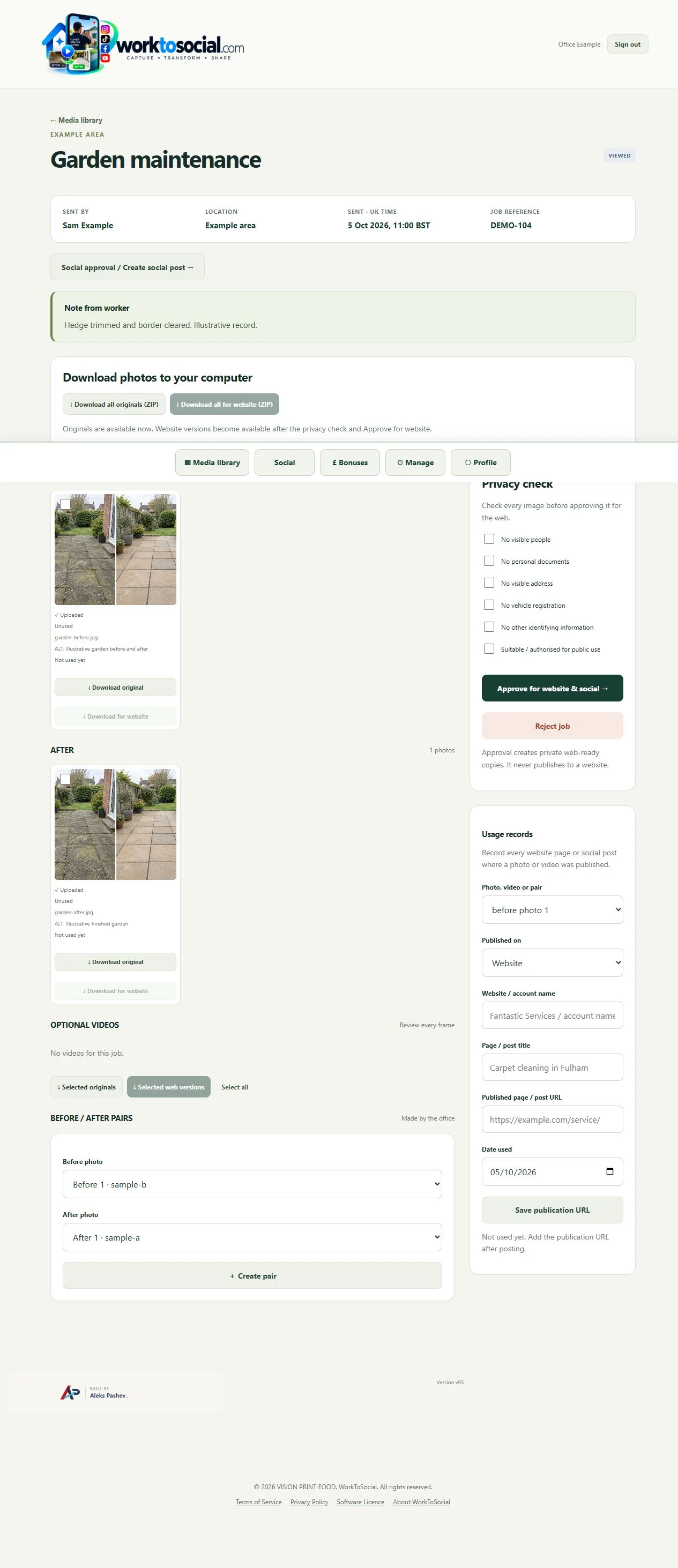
Find submissions by the available service, area, worker and approval filters. Select material whose scope and permissions are clear. Central review means a shared content decision within the company workspace, not live technician tracking or a guaranteed integration with a facilities platform.
The public-use decision is separate from capture. A selected image or clip can be edited and prepared, but an upload does not publish it. Keep the final text tied to this task, check visible details and current company contact information, then use the downloaded file in the business’s chosen publishing workflow.
No. WorkToSocial focuses on job-linked media, review and preparation. Asset registers, maintenance scheduling and operational compliance stay in their existing systems.
Authorised worker accounts can submit within the configured company workspace and agreed capacity. Office access controls who reviews it.
No. The office works with submitted job records and filters. The product does not promise real-time site surveillance or technician tracking.
Review the handover centrally.
Explore office dashboard →Retain the task and location context.
Explore field photo management →Filter the source material before preparing content.
Explore media library →Turn real jobs into consistent, branded content your office can review and use.
Discuss your team’s workflow with us.