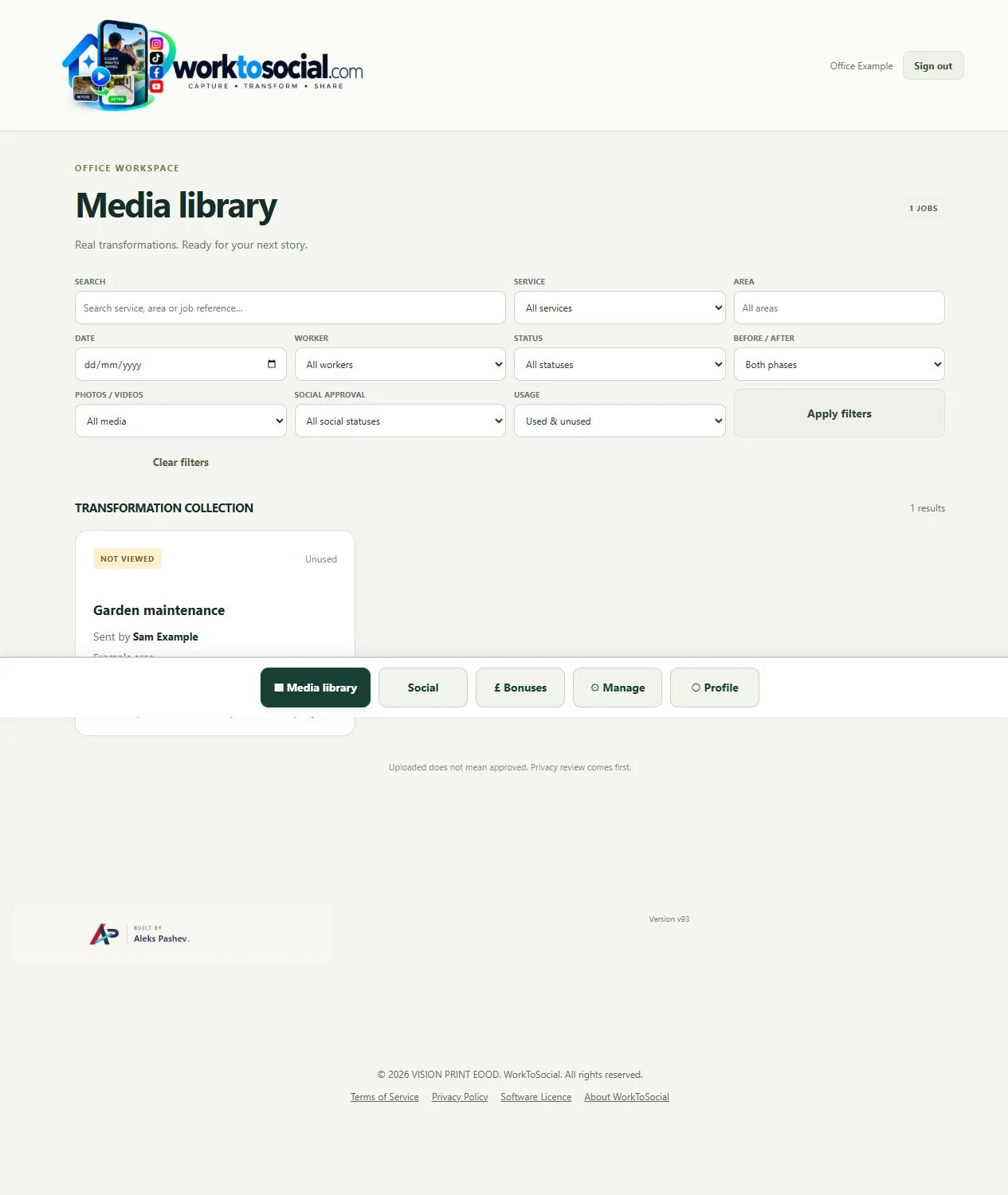
The office repeatedly needs to connect source media to job context, review it and prepare branded outputs.
Workers submit media against a service and job reference. Office reviews the source, prepares selected files and records their public use.
COMPARE THE TASK
Follow a photo beyond the upload
A workflow comparison, not an exhaustive feature or security ranking
Task
WhatsApp
WorkToSocial
Deliver or store a file
Messaging and coordination is the primary context.
Media is submitted with job context.
Explain what was done
The team can add messages, descriptions or a folder convention.
Service, area, reference and worker notes sit with the job.
Prepare marketing media
An additional editing workflow may be used alongside the tool.
Photo and video controls support preparing selected outputs.
Decide public suitability
Set a review process appropriate to the team’s use.
Office review and final-preview checks are deliberate stages.
Publish the result
Use the business’s chosen publishing tools.
Download files; direct social publishing is not active.
This compares the field-content task, not every capability of either product. Product information checked on 5 October 2026; settings and plans can vary.
A DECISION FOR YOUR TEAM
When the explanation is buried in a chat
Consider a cleaner who sends a photo after a visit, followed by a voice note and a later correction. Messaging is useful for that conversation. Before using the image publicly, the office still needs to identify the service, choose the source that supports the explanation and check private details. A WorkToSocial submission starts with a job record so those decisions can be made beside the media. Keep everyday coordination in the team’s preferred messaging tool when that works; use the content workflow for material selected for preparation.
USE THEM TOGETHER WHEN IT HELPS
A focused workflow does not replace every business tool
WhatsApp can remain useful for the wider purpose it serves. WorkToSocial does not replace all messaging, documents, general file storage or a booking system. Start by identifying the handover your office struggles with: finding the right job, understanding a photo, making a comparison or preparing a reviewed export.