
Dropbox
Dropbox offers cloud storage, file synchronisation, sharing and collaboration around files and folders.
The team needs files available across devices and a straightforward way to share folders or links.
Dropbox official product information →Choose the tool around the task: file storage, syncing and sharing or a guided field-to-content workflow.
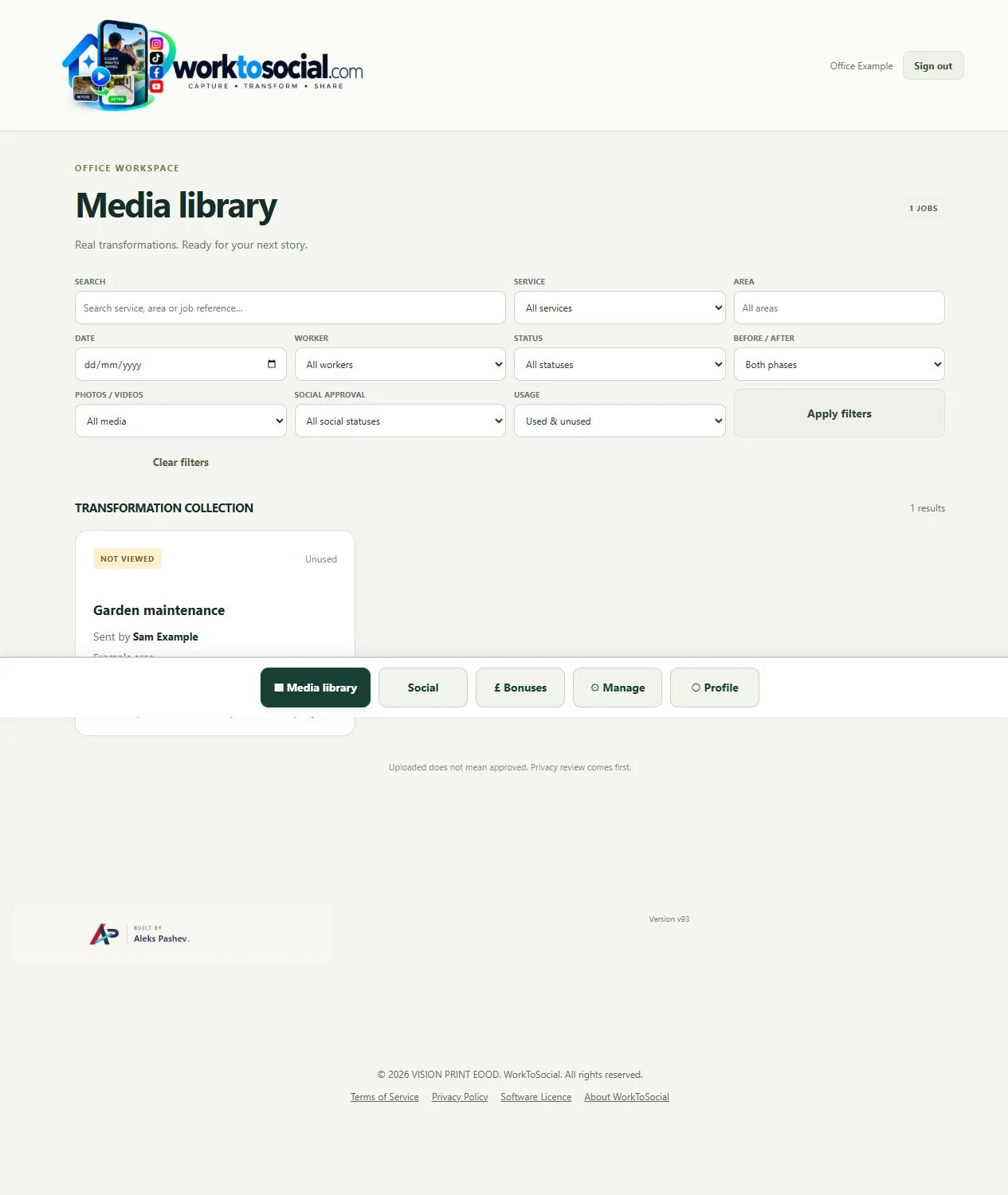
Capture in the field. Review in the office. Export for your own publishing workflow.
Dropbox offers cloud storage, file synchronisation, sharing and collaboration around files and folders.
The team needs files available across devices and a straightforward way to share folders or links.
Dropbox official product information →The office needs field capture context, deliberate before-and-after selection and a content preparation workflow.
Workers submit media against a service and job reference. Office reviews the source, prepares selected files and records their public use.
| Task | Dropbox | WorkToSocial |
|---|---|---|
| Deliver or store a file | File storage, syncing and sharing is the primary context. | Media is submitted with job context. |
| Explain what was done | The team can add messages, descriptions or a folder convention. | Service, area, reference and worker notes sit with the job. |
| Prepare marketing media | An additional editing workflow may be used alongside the tool. | Photo and video controls support preparing selected outputs. |
| Decide public suitability | Set a review process appropriate to the team’s use. | Office review and final-preview checks are deliberate stages. |
| Publish the result | Use the business’s chosen publishing tools. | Download files; direct social publishing is not active. |
This compares the field-content task, not every capability of either product. Product information checked on 5 October 2026; settings and plans can vary.
Consider a team that already shares job photographs through synced folders. File access and synchronisation can remain valuable for the wider business. When the marketing reviewer selects a clip, they need to understand its context, decide whether it is suitable, review its wording and prepare the chosen format. WorkToSocial connects those decisions to a job submission and a selected export. Evaluate the preparation task separately from general storage requirements; this comparison does not rank security, claim one product replaces all the other’s capabilities or assume every plan works the same way.
Dropbox can remain useful for the wider purpose it serves. WorkToSocial does not replace all messaging, documents, general file storage or a booking system. Start by identifying the handover your office struggles with: finding the right job, understanding a photo, making a comparison or preparing a reviewed export.
See how job context travels with a photo.
Explore field photo management →Explore the review and preparation interface.
Explore office dashboard →Find source media by job context.
Explore media library →Turn real jobs into consistent, branded content your office can review and use.
Discuss your team’s workflow with us.