
Original condition
An authorised overview can establish what area the visit concerns without turning a marketing image into a formal survey.
A roof photograph is difficult to interpret without a stage and a viewpoint. The original condition, a repair in progress and a finished replacement tell different stories. Give the office the sequence and explanation it needs to prepare accurate roofing content.
Capture in the field. Review in the office. Export for your own publishing workflow.
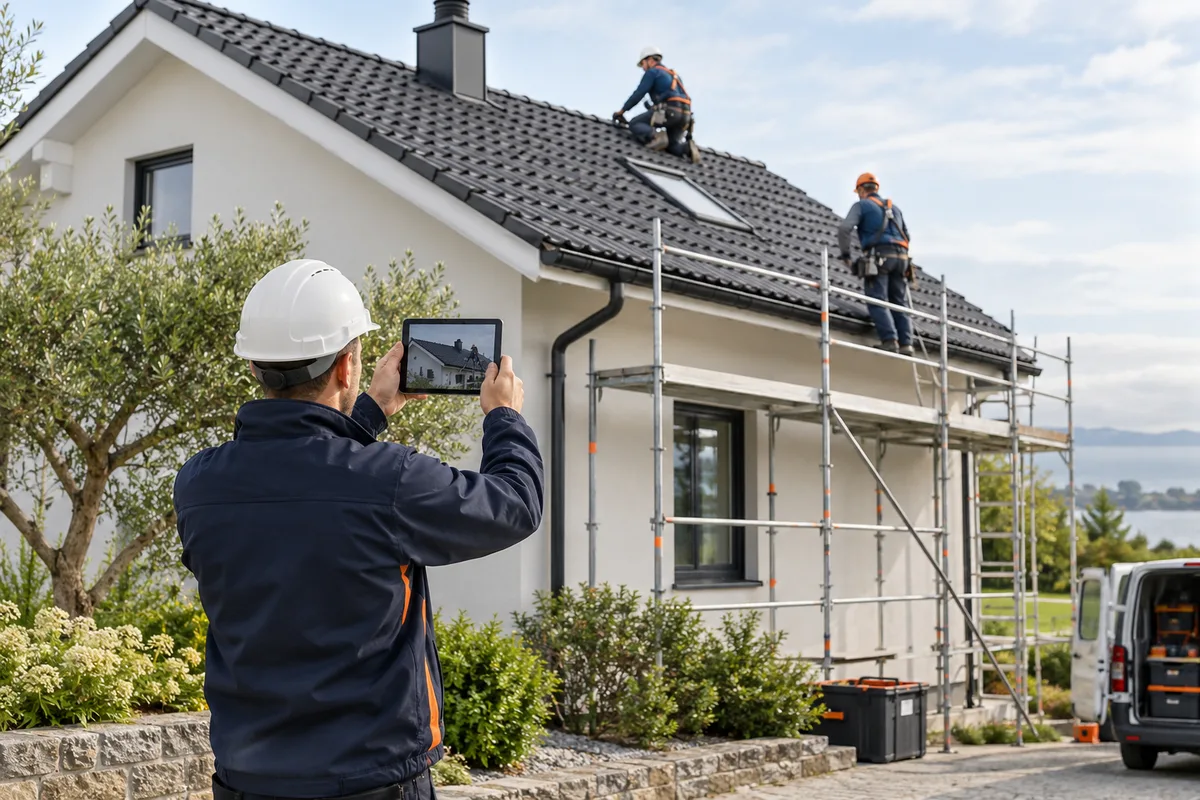
A close repair detail may be useful to the crew but confusing to a public viewer. A wide view may show the house while hiding the work being described. Select images that support the specific task and identify the stage before the office adds a company message.
An authorised overview can establish what area the visit concerns without turning a marketing image into a formal survey.
Explain the stage being shown; avoid presenting unfinished work as the completed result.
Keep the sequence and scope clear when photographs come from separate visits.
Choose a suitable overall view and a useful detail that describe the completed work.
Use company-configured services and existing job fields. Illustrative workflow; outputs are downloaded for your chosen publishing process.
Document from an authorised position under the company’s existing site rules. Add the stage and work area to the submission. The content routine does not require workers to change how they access a roof or obtain a photograph.
See the Worker App →Choose a view that actually supports the description. Check people, neighbours, addresses and surrounding properties. Keep condition, progress and completion distinct, and review every claim before adding an outro or contact CTA.
Explore the Office Dashboard →The crew submits an overview of the relevant roof section, a repair-stage detail and a finished view. Office chooses the overview and finished result for a concise story, with the note that this visit covered the specified area. A separate progress image can explain a stage without suggesting the whole replacement was complete that day.
Use a condition-to-completion pair only when the same roof section and viewpoint can be understood. Different distances or angles can make a small repair look like a different project.
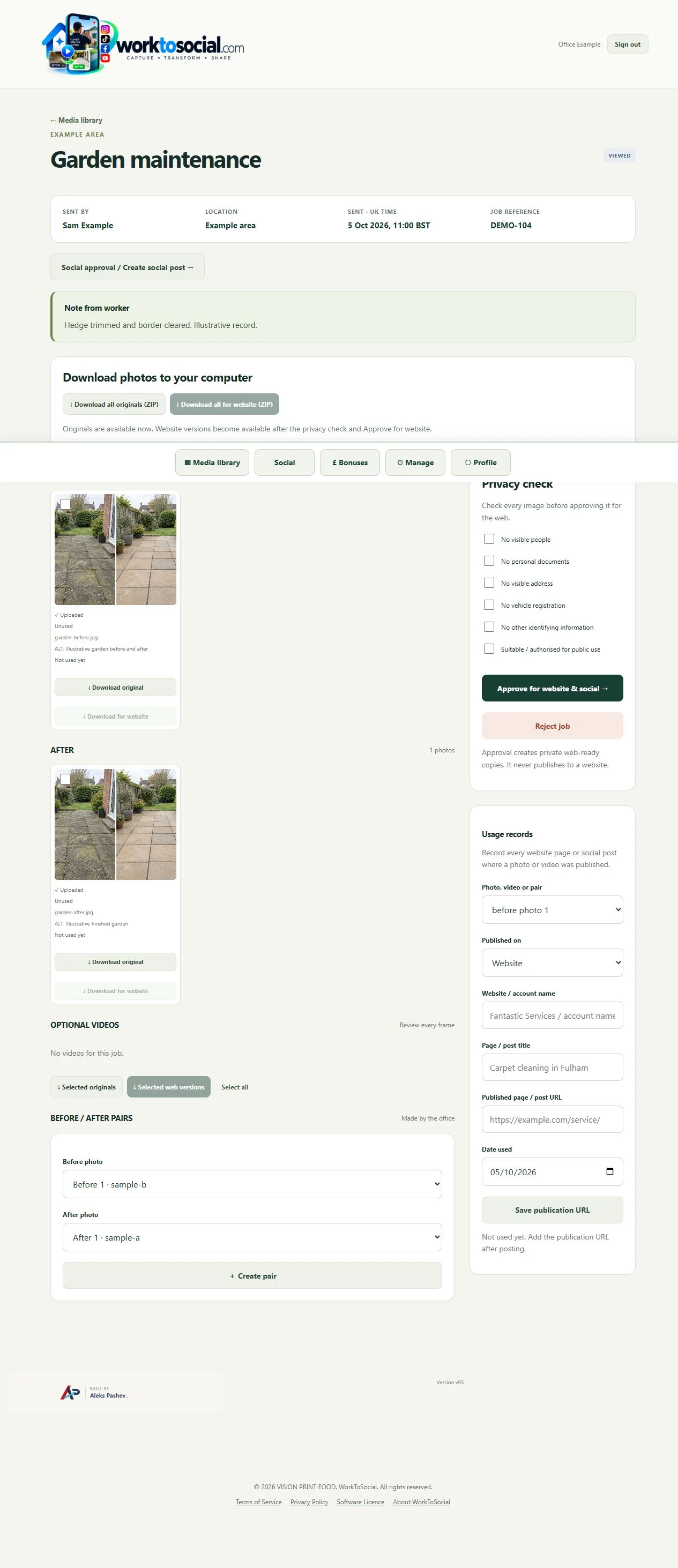
Choose a view that actually supports the description. Check people, neighbours, addresses and surrounding properties. Keep condition, progress and completion distinct, and review every claim before adding an outro or contact CTA.
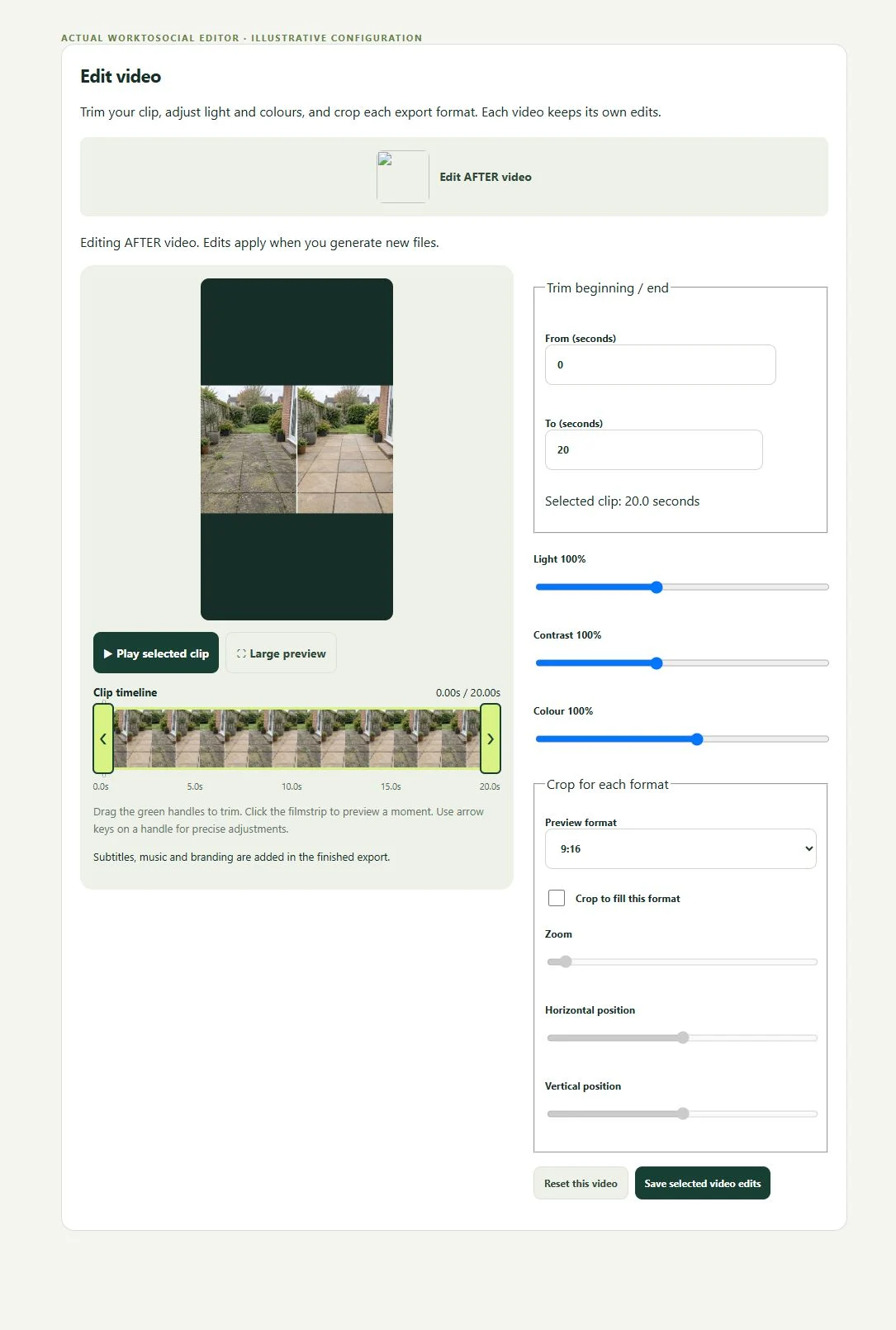
The public-use decision is separate from capture. A selected image or clip can be edited and prepared, but an upload does not publish it. Keep the final text tied to this task, check visible details and current company contact information, then use the downloaded file in the business’s chosen publishing workflow.
No. Marketing source images are not a roof survey, inspection report or condition guarantee.
Use clear project references and stage notes. Review the sequence before selecting it for an export.
No. Use suitable, authorised source material already captured under the business’s site rules.
Keep project references with the views.
Explore field photo management →Turn selected stage clips into a concise sequence.
Explore video editing →Check the scope and final roofing presentation.
Explore office approval →Turn real jobs into consistent, branded content your office can review and use.
Discuss your team’s workflow with us.