
Inspection context
Use a focused inspection context example from a real visit. Capture the relevant result and add enough job context for the office to describe it accurately.
Field content for pest technicians: proofing, treatment context and educational videos reviewed by the office.
Capture in the field. Review in the office. Export for your own publishing workflow.
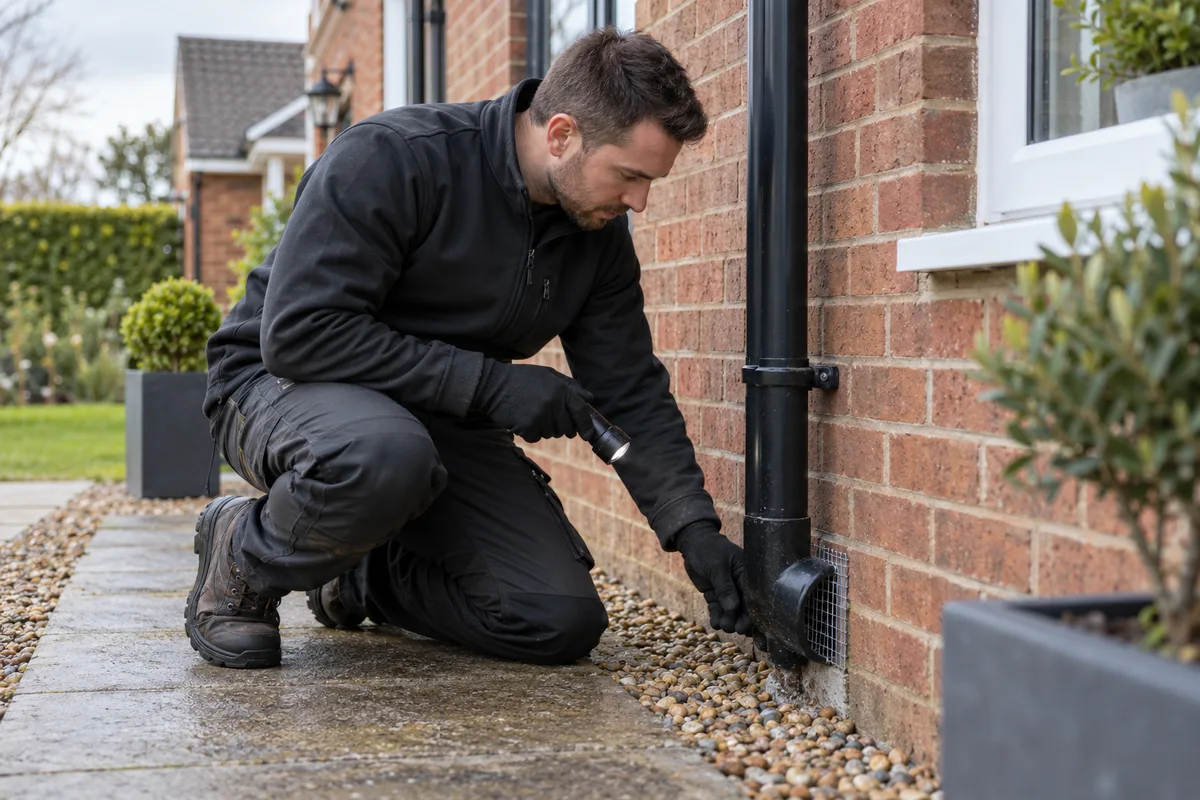
Pest-control content needs particular care. A close-up of an infestation can be distressing, and identifying a customer’s property can cause harm. Choose images that explain the professional work without exposing the customer. Proofing an entry point or showing an appropriate inspection detail can be more useful than sensational footage.
Use a focused inspection context example from a real visit. Capture the relevant result and add enough job context for the office to describe it accurately.
Use a focused proofing details example from a real visit. Capture the relevant result and add enough job context for the office to describe it accurately.
Use a focused technician explanations example from a real visit. Capture the relevant result and add enough job context for the office to describe it accurately.
Use a focused treatment equipment example from a real visit. Capture the relevant result and add enough job context for the office to describe it accurately.
Use a focused property conditions example from a real visit. Capture the relevant result and add enough job context for the office to describe it accurately.
Use a focused educational clips example from a real visit. Capture the relevant result and add enough job context for the office to describe it accurately.
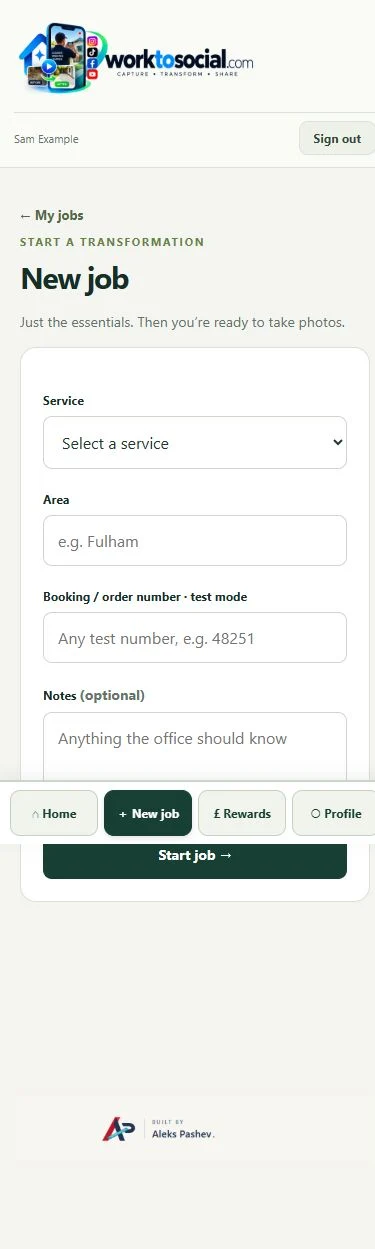
A technician can record a short explanation of a completed proofing task, photograph the relevant area or document a safe treatment context. Keep product labels, customer information and location details out of public frames. Avoid disclosing security-sensitive access points that could identify a property.
See the Worker App →Office reviews the full clip, checks technical language in subtitles and prepares the company’s branded export. Explain what was done on this job without implying guaranteed eradication or using a video as a substitute for professional advice. Record publication consent for identifiable technicians.
Explore the Office Dashboard →Show an anonymous detail of completed proofing and let the technician explain the work. Avoid identifying the property or publishing distressing infestation footage.
Prefer professional, explanatory material. Office should check terminology and customer permission before use. A content clip does not replace treatment records or professional advice.
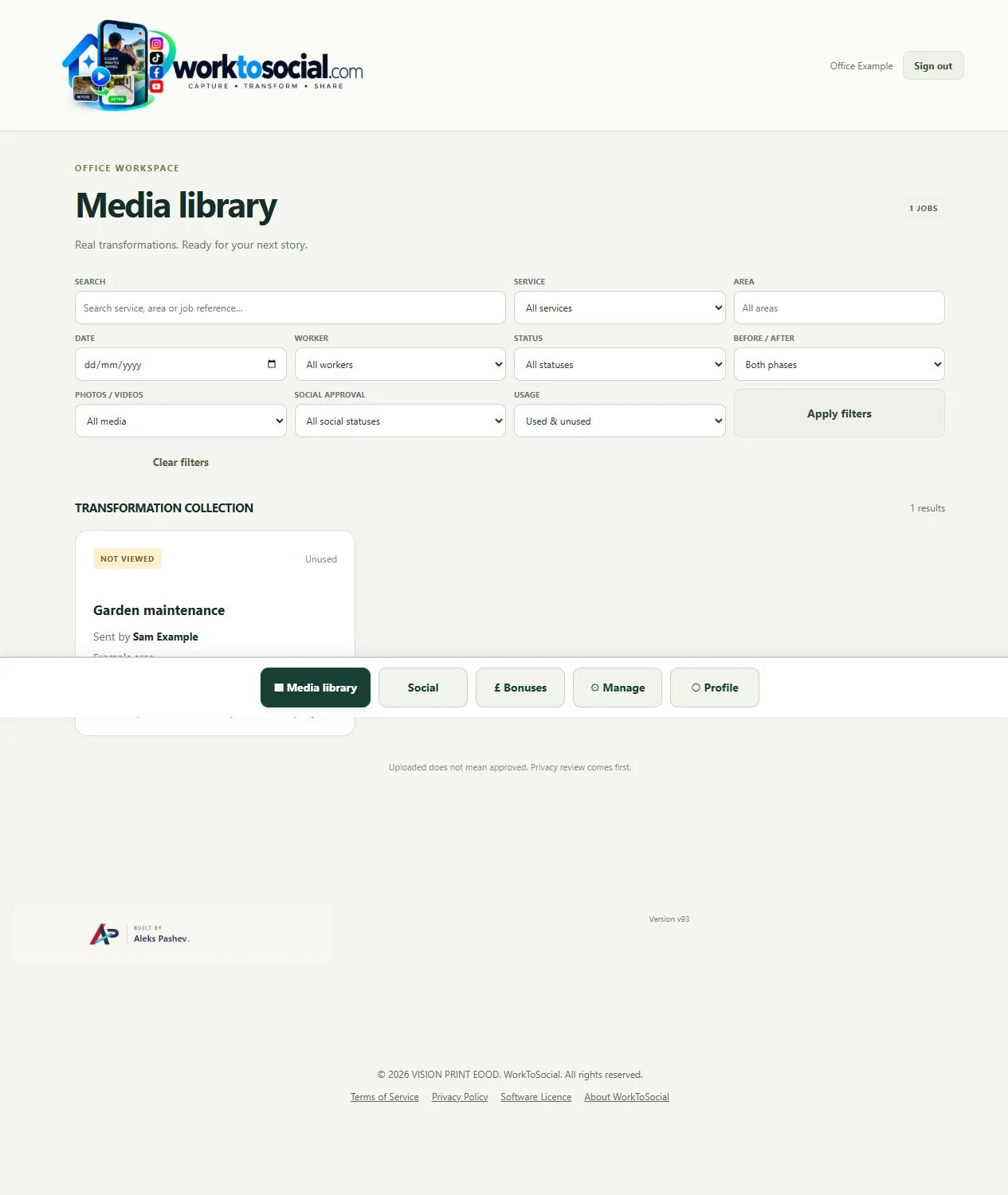
Prefer professional, explanatory material. Office should check terminology and customer permission before use. A content clip does not replace treatment records or professional advice. The final check should cover privacy, accurate wording and the company’s current contact details. A downloadable file is ready for your own publishing process; it has not automatically been posted to a social account.
No. Select content according to customer permission, privacy, appropriateness and educational value. The strongest post may be a clear explanation rather than an infestation close-up.
No. Workers capture useful source material. The office selects, edits, brands and exports the content.
Explore the tool most relevant to this industry’s source material.
Explore video subtitles →Connect this step to the rest of the office workflow.
Explore office content approval →Give the team a clear capture and submission routine.
Explore worker app →Turn real jobs into consistent, branded content your office can review and use.
Discuss your team’s workflow with us.
Review treatment explanations and private details.
Explore content approval →Check every recognised technical phrase.
Explore video subtitles →