
Lawn care
Use a focused lawn care example from a real visit. Capture the relevant result and add enough job context for the office to describe it accurately.
Capture clear garden before and after photos, seasonal maintenance and finished landscaping details.
Capture in the field. Review in the office. Export for your own publishing workflow.
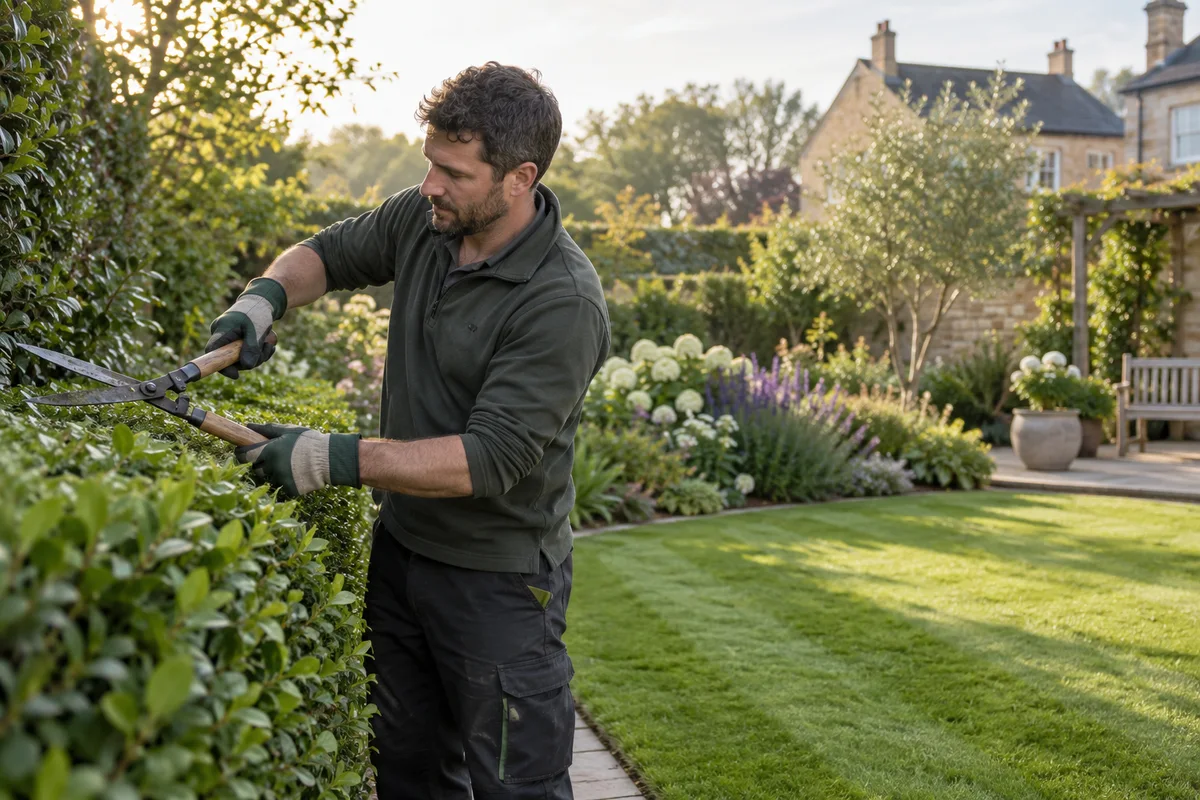
Garden work changes over time. A border that was overgrown in the morning can be clear by the afternoon; a maintenance visit may reveal a smaller but meaningful improvement. Show the actual work with similar framing, and distinguish immediate results from planting that will mature over a season.
Use a focused lawn care example from a real visit. Capture the relevant result and add enough job context for the office to describe it accurately.
Use a focused hedge trimming example from a real visit. Capture the relevant result and add enough job context for the office to describe it accurately.
Use a focused garden maintenance example from a real visit. Capture the relevant result and add enough job context for the office to describe it accurately.
Use a focused clearance example from a real visit. Capture the relevant result and add enough job context for the office to describe it accurately.
Use a focused landscaping details example from a real visit. Capture the relevant result and add enough job context for the office to describe it accurately.
Use a focused seasonal work example from a real visit. Capture the relevant result and add enough job context for the office to describe it accurately.
Capture an overview and a detail before work begins. Return to the same position for the finished result. Use short clips for a walk-through of a landscaped area or a worker explaining seasonal care. Avoid neighbouring properties, identifiable customers and private address details.
See the Worker App →Office pairs the selected images, chooses a suitable layout and adds the company’s brand information. A sequence can explain clearance, pruning or routine maintenance without claiming a complete redesign. Music can support a silent transformation clip; reviewed subtitles help a spoken explanation.
Explore the Office Dashboard →Keep the before and after views comparable. Explain whether the visit involved clearance, pruning or ongoing maintenance rather than calling every job a redesign.
Capture an overview and a detail, then repeat the angle after work. Distinguish immediate changes from plants that will mature over time. Avoid neighbouring properties and identifiable customers.
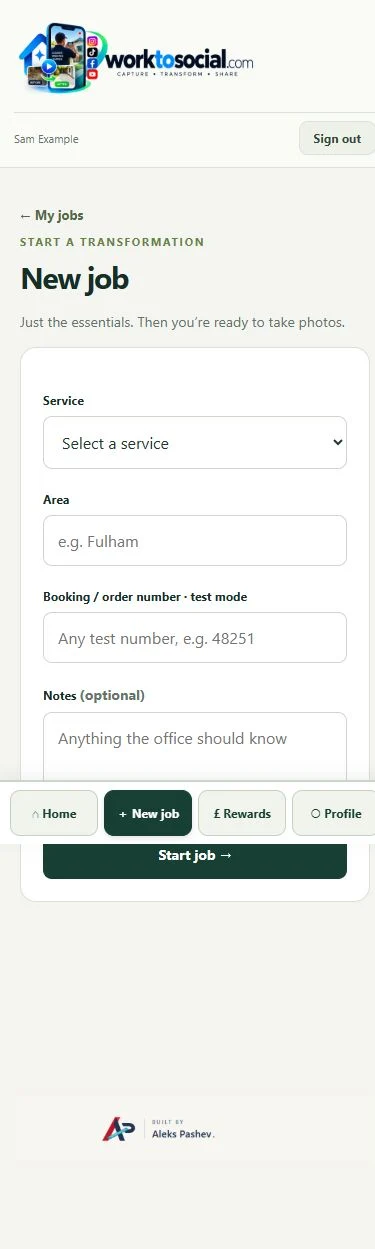
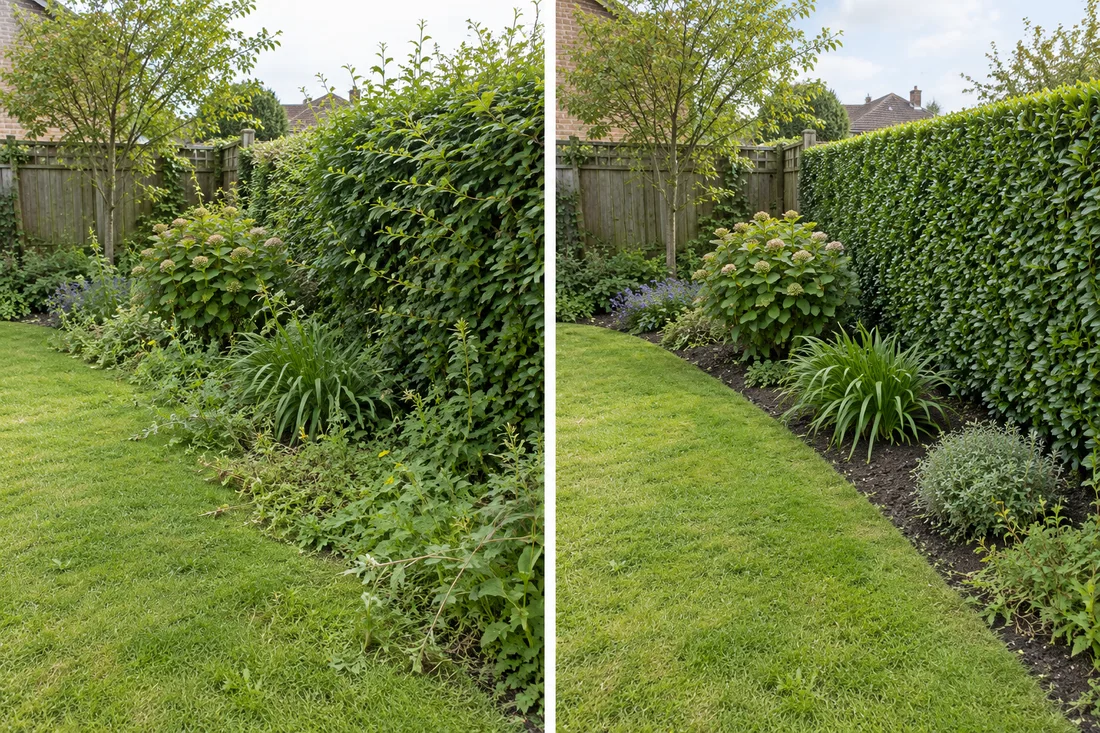
Capture an overview and a detail, then repeat the angle after work. Distinguish immediate changes from plants that will mature over time. Avoid neighbouring properties and identifiable customers. The final check should cover privacy, accurate wording and the company’s current contact details. A downloadable file is ready for your own publishing process; it has not automatically been posted to a social account.
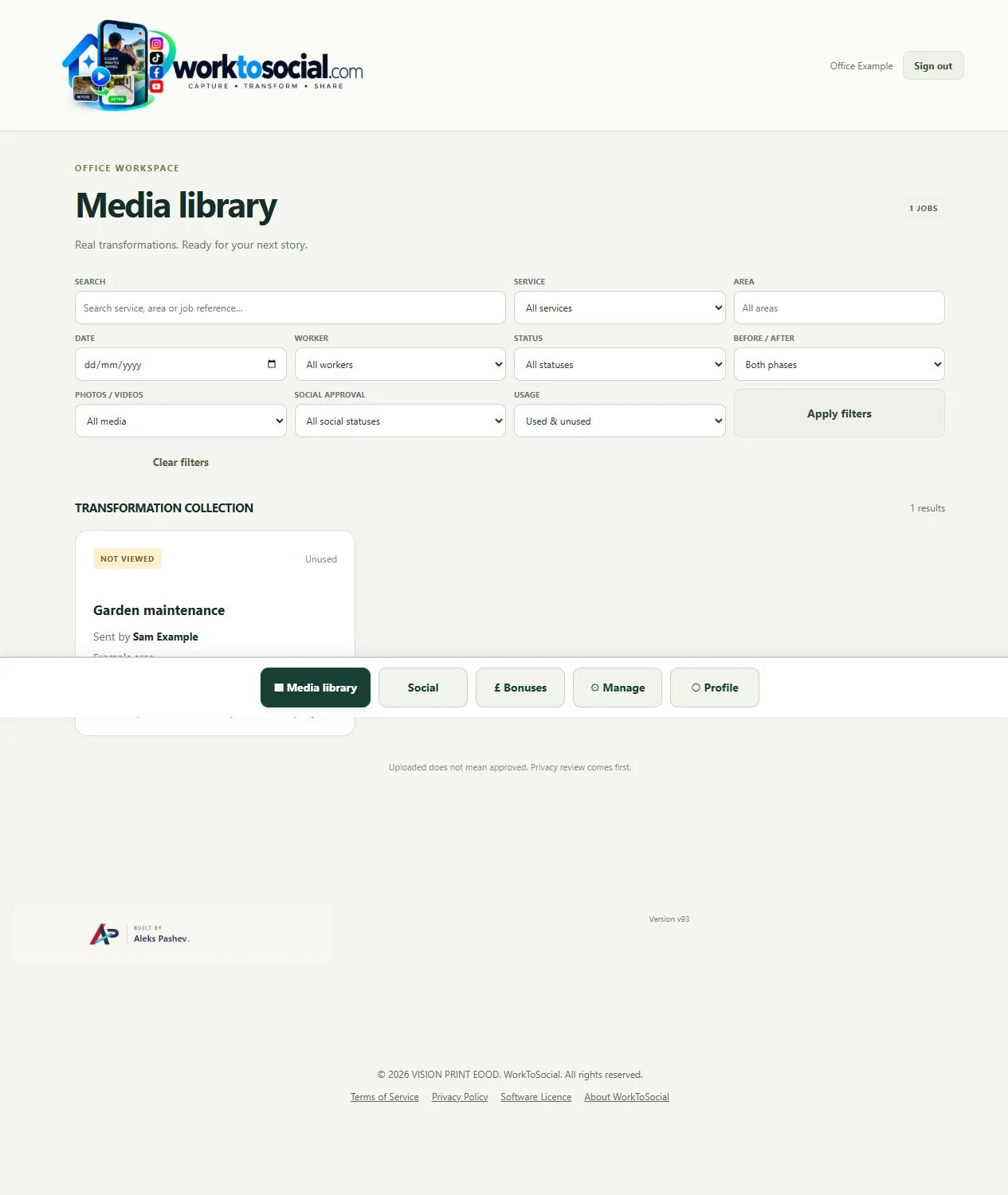
Yes. A finished border, careful pruning or a short maintenance explanation can be useful on its own. Before-and-after pairing is optional.
No. Workers capture useful source material. The office selects, edits, brands and exports the content.
Explore the tool most relevant to this industry’s source material.
Explore before and after photos →Connect this step to the rest of the office workflow.
Explore video music →Give the team a clear capture and submission routine.
Explore worker app →Turn real jobs into consistent, branded content your office can review and use.
Discuss your team’s workflow with us.
Compare garden clearance or a completed stage honestly.
Explore before & after →Explain the maintenance or landscape work performed.
Explore field video →