
End of tenancy
Use a focused end of tenancy example from a real visit. Capture the relevant result and add enough job context for the office to describe it accurately.
Before and after content for cleaning teams, from carpet and upholstery work to end-of-tenancy cleans.
Capture in the field. Review in the office. Export for your own publishing workflow.
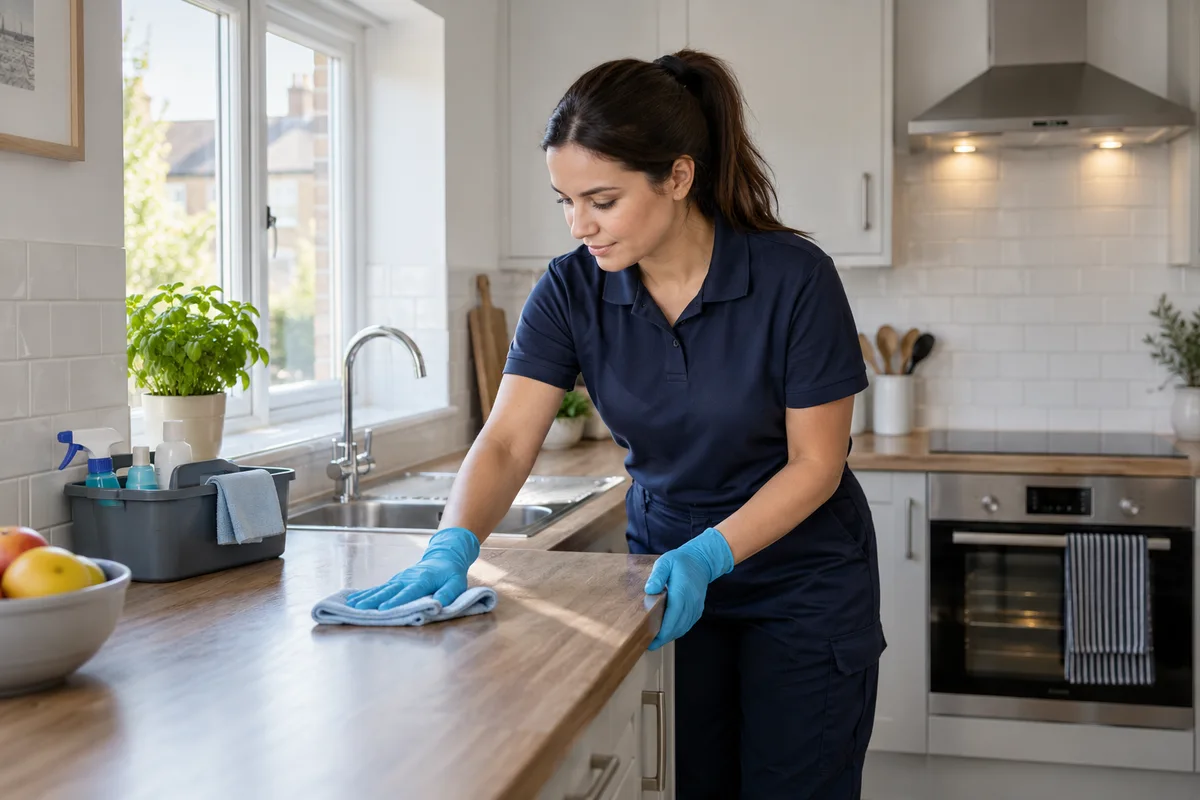
The office rarely sees the difference a cleaner makes on site. A finished room looks good, but without the starting point a customer may not understand the work involved. Capture the same carpet patch, oven interior or room before and after the clean. Keep property documents, personal belongings and addresses out of frame.
Use a focused end of tenancy example from a real visit. Capture the relevant result and add enough job context for the office to describe it accurately.
Use a focused domestic cleaning example from a real visit. Capture the relevant result and add enough job context for the office to describe it accurately.
Use a focused carpet and upholstery example from a real visit. Capture the relevant result and add enough job context for the office to describe it accurately.
Use a focused oven cleaning example from a real visit. Capture the relevant result and add enough job context for the office to describe it accurately.
Use a focused after builders example from a real visit. Capture the relevant result and add enough job context for the office to describe it accurately.
Use a focused before and after example from a real visit. Capture the relevant result and add enough job context for the office to describe it accurately.
For an end-of-tenancy clean, agree a small set of useful shots rather than asking for a complete property tour. For carpet and upholstery, photograph the treated area at a consistent angle. Add a note about the service performed without promising that every stain can be removed.
See the Worker App →Office checks the images, selects a genuine pair and adjusts the presentation for a website or social channel. Short worker videos can explain the process, with reviewed subtitles and the cleaning company’s branding. Keep customer permission and privacy review in the workflow before using content publicly.
Explore the Office Dashboard →Take the starting view before treatment and return to the same position for the finished photo. Add a note describing this service; avoid implying every stain can be removed.
Agree a capture routine for the cleaner: one overview, one relevant detail, and a matched finished frame. For occupied homes, check belongings and paperwork before taking the picture.
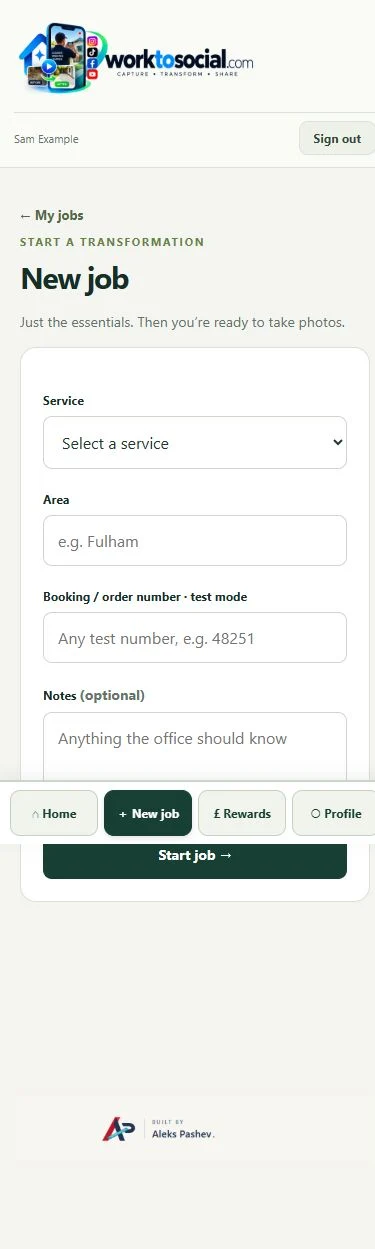
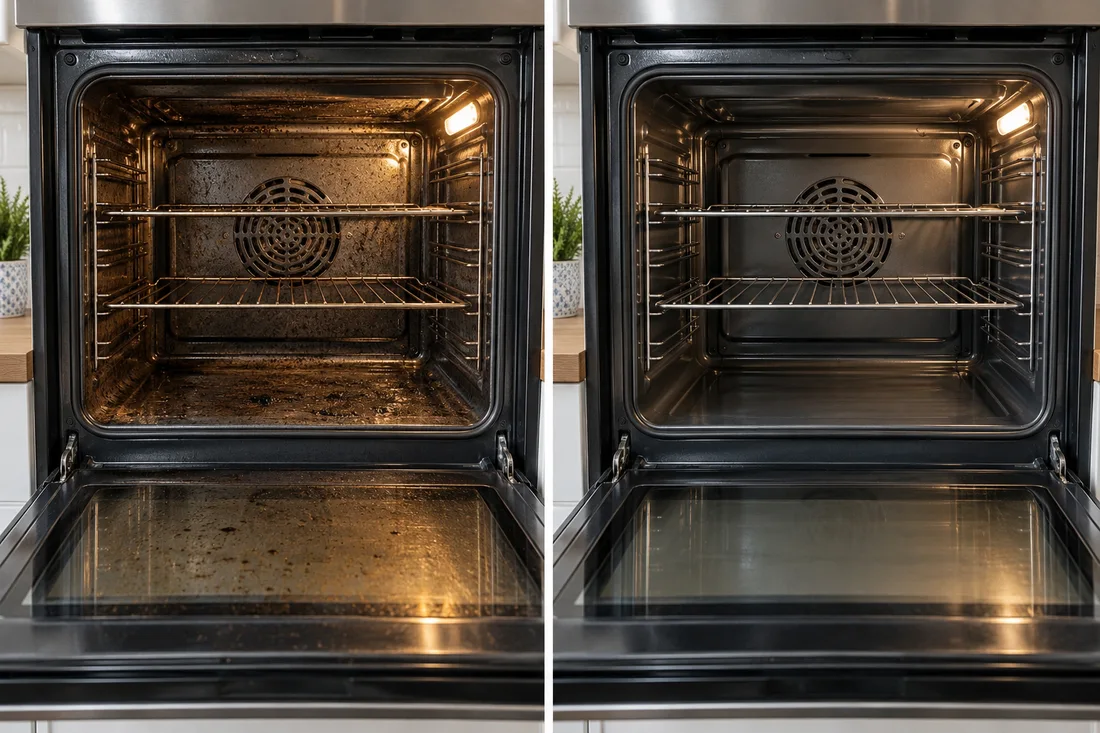
Agree a capture routine for the cleaner: one overview, one relevant detail, and a matched finished frame. For occupied homes, check belongings and paperwork before taking the picture. The final check should cover privacy, accurate wording and the company’s current contact details. A downloadable file is ready for your own publishing process; it has not automatically been posted to a social account.
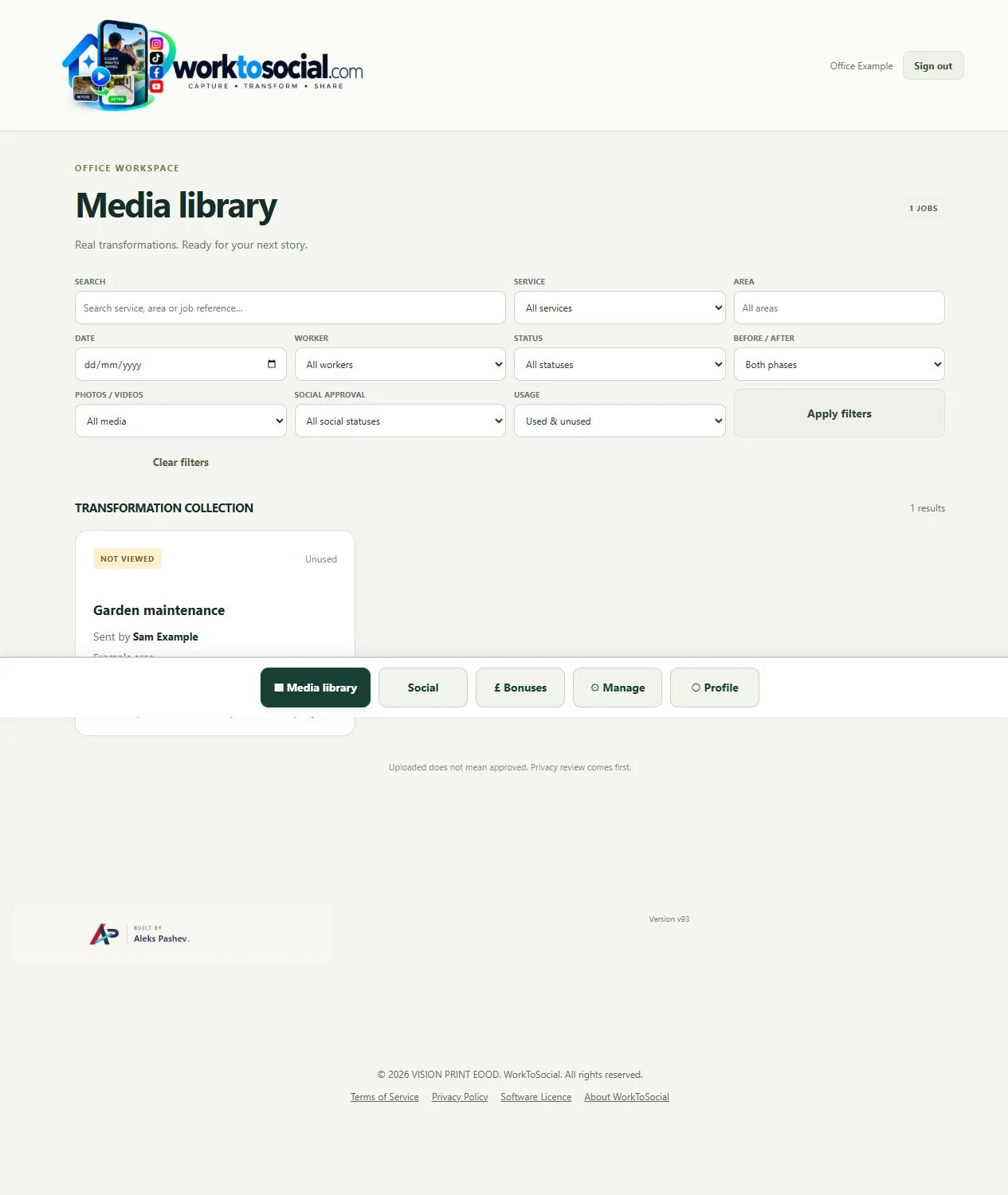
Yes. Company services give uploads context and the media library can be filtered by service. Use the service actually performed rather than a generic category.
No. Workers capture useful source material. The office selects, edits, brands and exports the content.
Explore the tool most relevant to this industry’s source material.
Explore before and after photos →Connect this step to the rest of the office workflow.
Explore field photo management →Give the team a clear capture and submission routine.
Explore worker app →Turn real jobs into consistent, branded content your office can review and use.
Discuss your team’s workflow with us.
Choose the same cleaning area in both phases.
Explore before & after →Explain the actual clean performed.
Explore worker app →Keep source images with the cleaning job.
Explore field photo management →