
Interior before / after
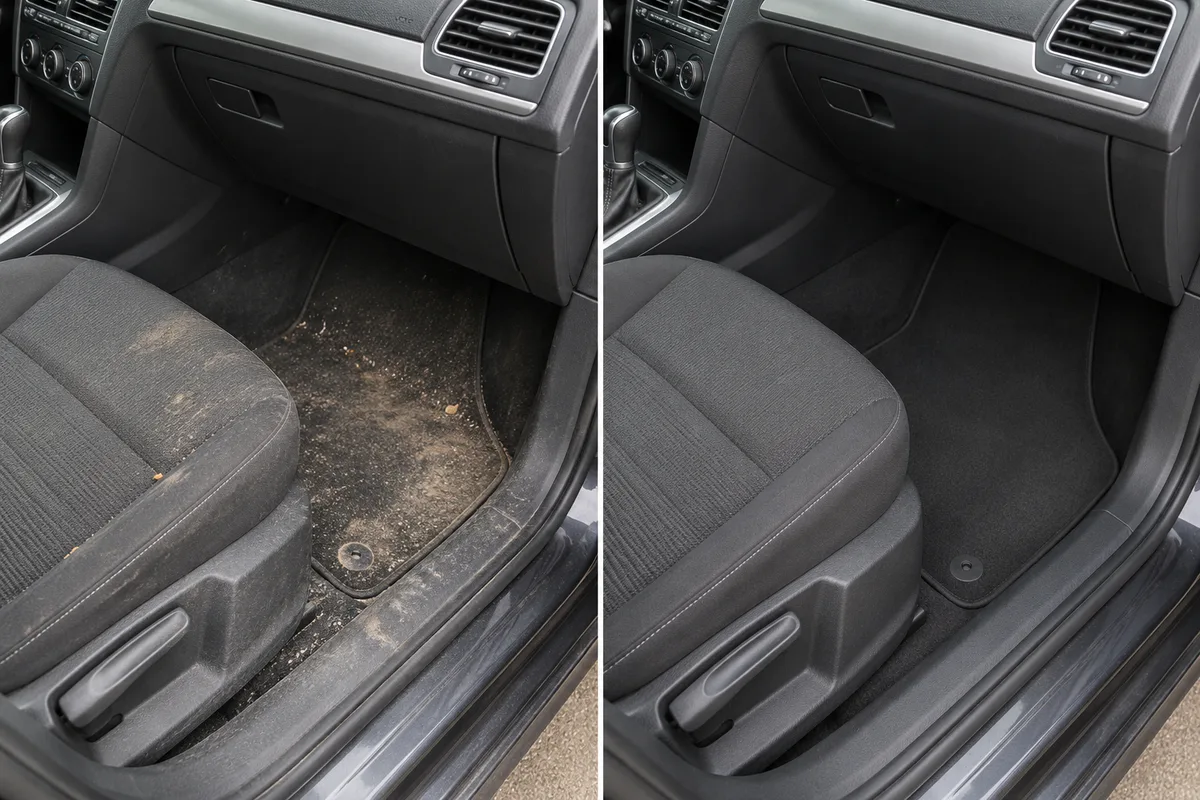
Match the same seat, footwell or trim area so the viewer understands the change.
A dirty footwell, a clean seat and a finished paint reflection each explain a different part of a detailing service. Your team can capture those details during the job, while the office chooses the images that show the result clearly and honestly.
Capture in the field. Review in the office. Export for your own publishing workflow.
Different light, a wet panel or a new camera angle can make a comparison misleading. A collection of close-ups may also lose the vehicle or job reference. Keep the service and source phases organised, then choose a visual story that supports the work performed rather than a stronger-looking edit.
Match the same seat, footwell or trim area so the viewer understands the change.
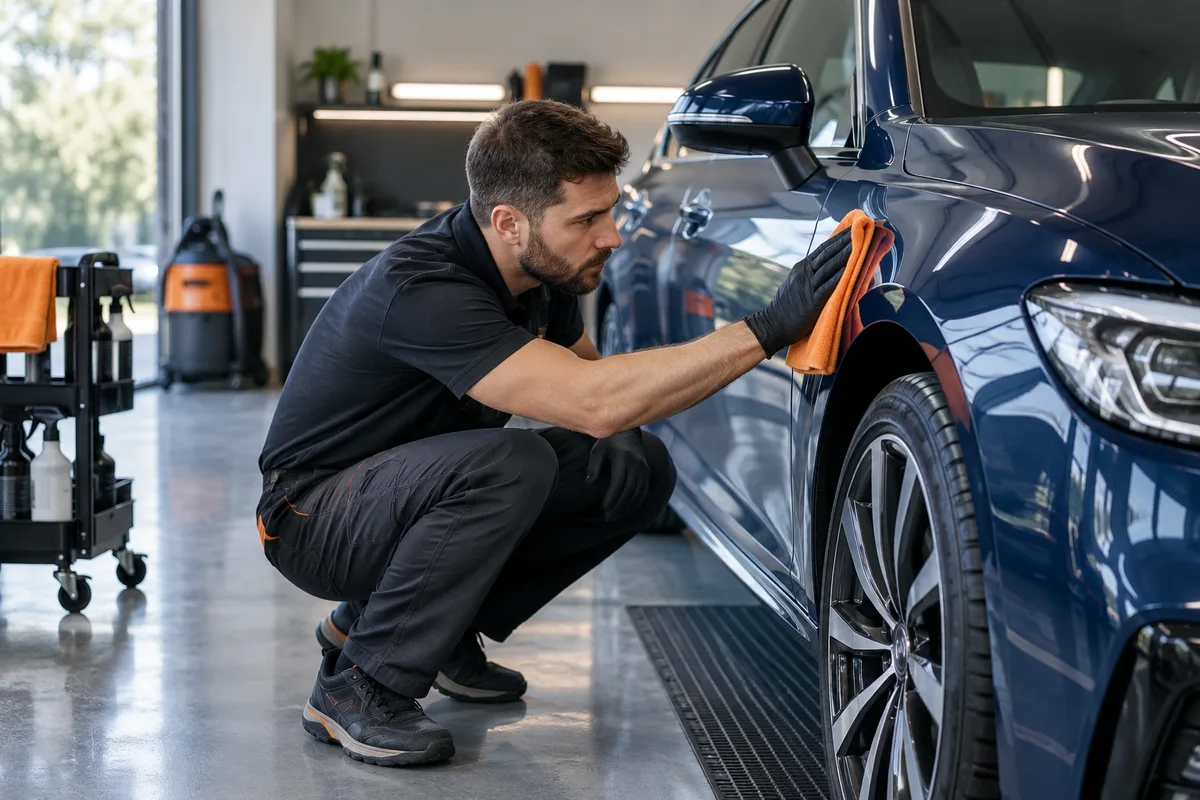
Use a stable overall view and a useful wheel or bodywork detail.
A controlled detail can explain the visible finish; avoid claims about defects an image does not establish.
Record a short, steady result clip. Music can support a silent presentation while the office checks the full sequence.
Use company-configured services and existing job fields. Illustrative workflow; outputs are downloaded for your chosen publishing process.
Record the service and use a non-public job reference rather than a registration number as promotional text. Capture the first view before starting and return to a comparable position. Keep customer belongings, plates and reflections in mind when choosing a public-use source.
See the Worker App →Compare framing and light before selecting the pair. Crop deliberately, review private details and keep adjustments consistent with the source. Select music and branding for the chosen output, then watch the full preview rather than approving only a thumbnail.
Explore the Office Dashboard →A detailer captures the same footwell before and after the interior clean, followed by a short finished-cabin clip. Office selects the matched pair for a photo export and trims the clip into a separate result presentation. The caption names the interior service; it does not claim that the whole vehicle received paint correction.
For paint-finish examples, keep the same panel, lighting direction and distance. If the source is not comparable, use a single finished photograph with accurate wording rather than an exaggerated before-and-after story.
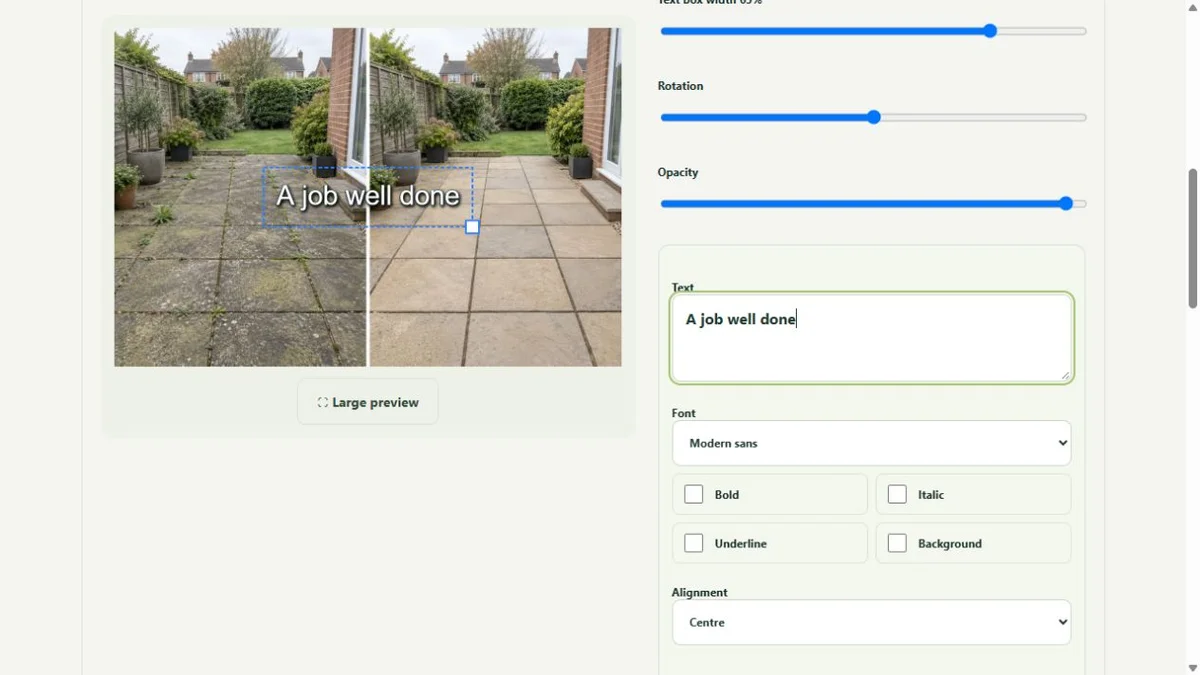
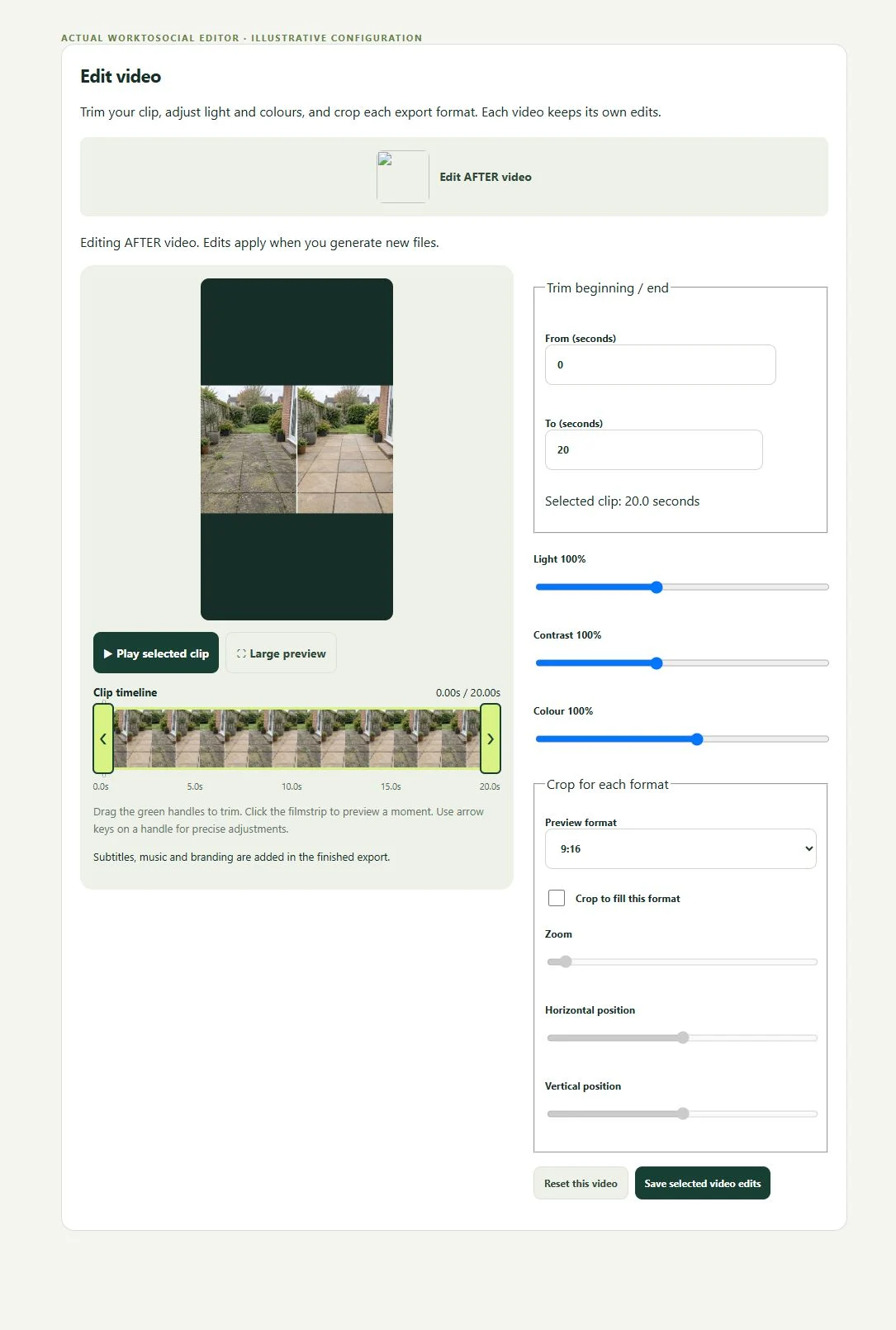
Compare framing and light before selecting the pair. Crop deliberately, review private details and keep adjustments consistent with the source. Select music and branding for the chosen output, then watch the full preview rather than approving only a thumbnail.
The public-use decision is separate from capture. A selected image or clip can be edited and prepared, but an upload does not publish it. Keep the final text tied to this task, check visible details and current company contact information, then use the downloaded file in the business’s chosen publishing workflow.
Yes. A pair is optional. A clear finished result and a factual service explanation can stand alone.
Use the controls to prepare the source, not to misrepresent it. Compare the edited preview with the actual captured result.
The business decides permission and public suitability. Review plates and other identifiers before exporting or publishing.
Choose an honest matched transformation.
Explore before & after →Prepare a focused result clip.
Explore video editing →Add the detailing business identity.
Explore video branding →Turn real jobs into consistent, branded content your office can review and use.
Discuss your team’s workflow with us.