
Select the story
Decide what the viewer needs to understand: the result, the process or a useful detail. Do this before adding a promotional headline.
Select a meaningful source, explain the work accurately and prepare a reviewed visual that fits the business’s marketing channels.
Capture in the field. Review in the office. Export for your own publishing workflow.
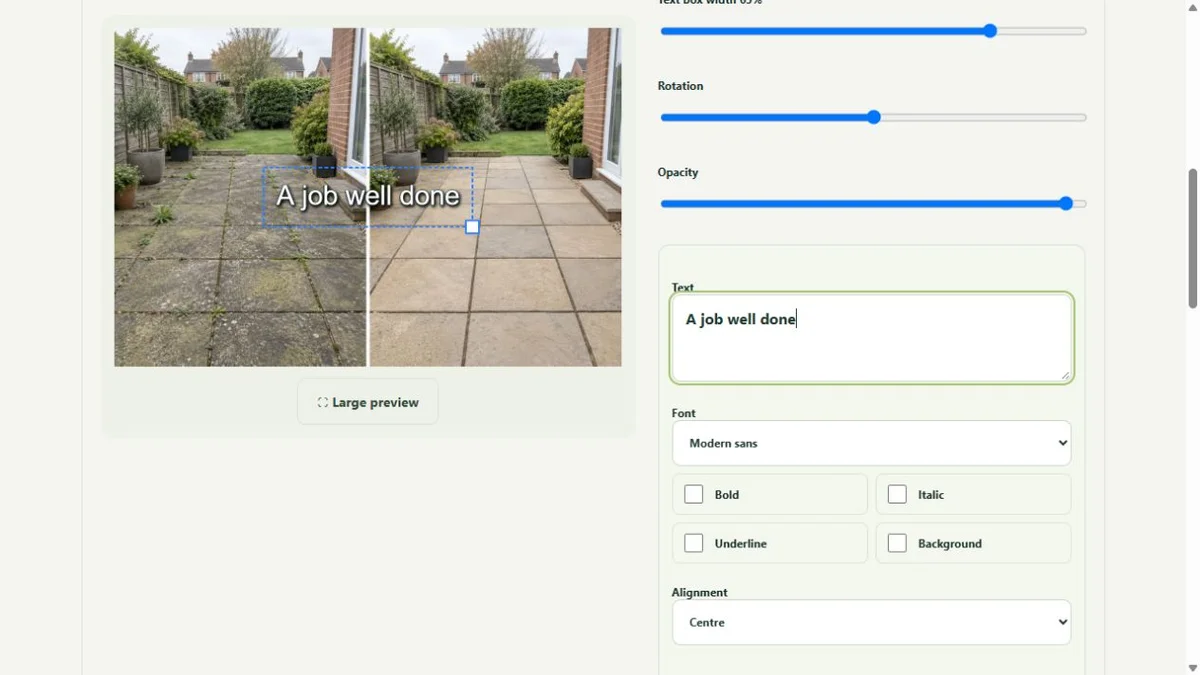
A cleaner submits a finished carpet photograph. Office reads the job note, selects a useful crop and adds a short service description. A matched before image can help, but a single finished frame is enough when it tells the result honestly.
Decide what the viewer needs to understand: the result, the process or a useful detail. Do this before adding a promotional headline.
Choose the crop, adjustments and purposeful layers. Keep the relevant result visible and preserve the source.
Describe this job. Avoid unsupported claims about every customer, every stain or guaranteed enquiries.
Can the office explain the work from the source and job note? Does the selected visual support the wording? Are the people and private details suitable for the intended use? A finished file should answer those questions before it is downloaded.
The workflow prepares content for the business’s own channels. It does not guarantee reach or enquiries, certify the work or automatically publish a social post.
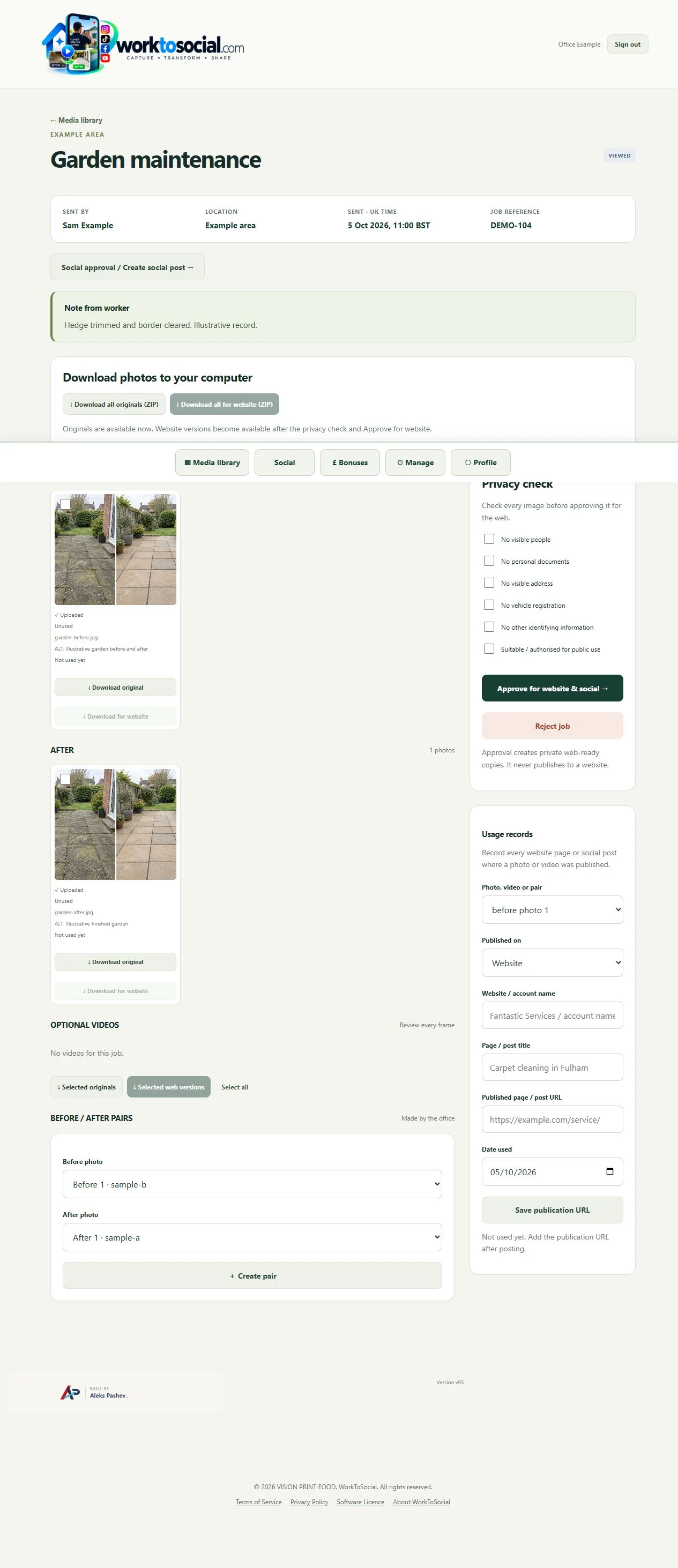
Explore the related product controls in more detail.
Explore turn job photos into content →Agree a focused capture brief with the team.
Explore worker app →Choose a different problem to work through.
Explore use cases →Turn real jobs into consistent, branded content your office can review and use.
Discuss your team’s workflow with us.