
Agree the minimum context
Ask workers to select the actual company service and add the visit reference and area. Keep notes short but useful.
Create a team capture routine built around services, job references and worker notes, then find the source through the office library.
Capture in the field. Review in the office. Export for your own publishing workflow.
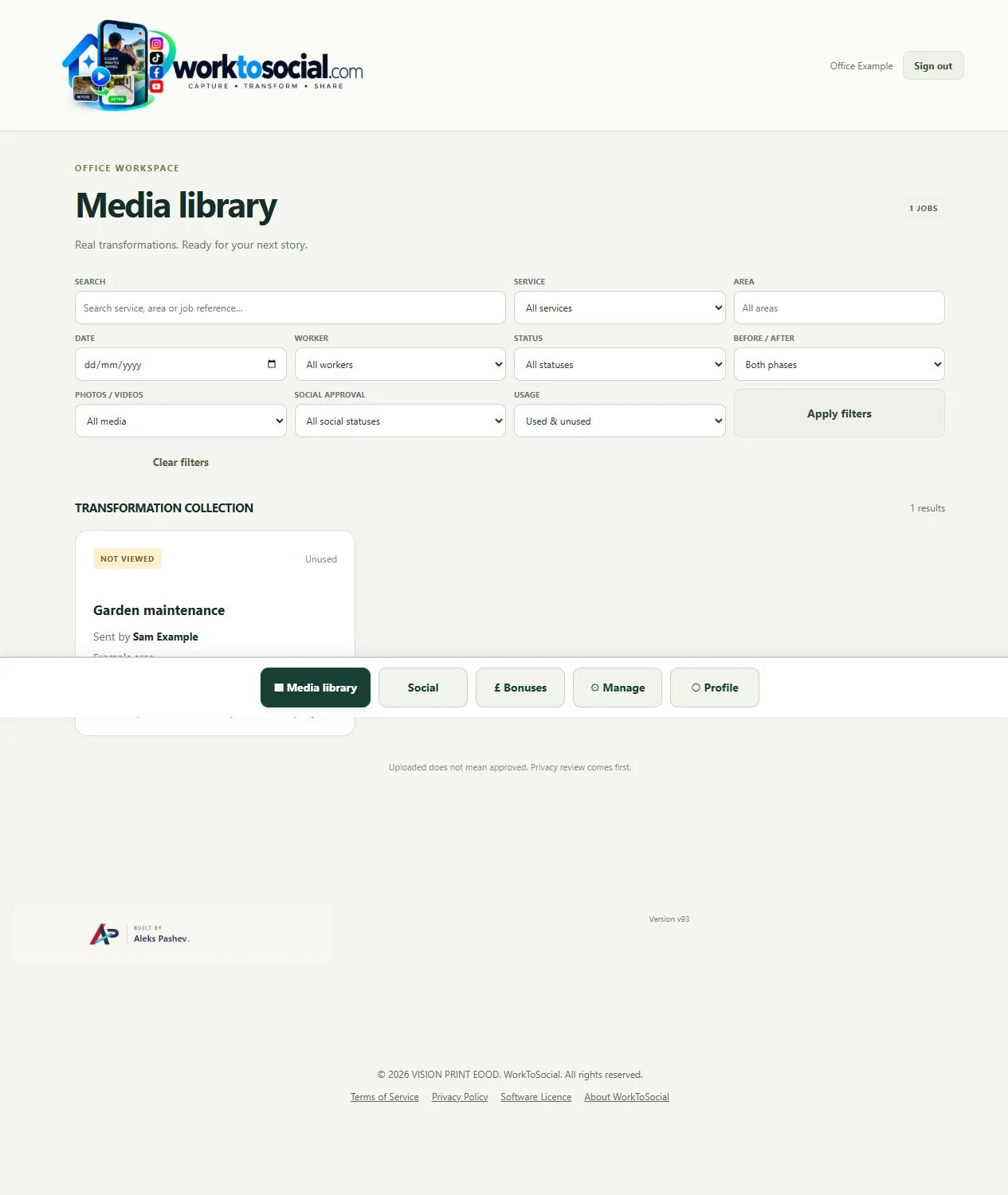
An office receives several photographs from different visits on the same day. Instead of guessing from filenames, it filters service and worker and opens the relevant job reference. A short note explains which task the photograph shows.
Ask workers to select the actual company service and add the visit reference and area. Keep notes short but useful.
Use library filters to narrow the collection, then inspect the source rather than relying on a thumbnail.
A small number of clear photographs is easier to use than a large batch with no explanation. Review the first submissions together.
Can the office explain the work from the source and job note? Does the selected visual support the wording? Are the people and private details suitable for the intended use? A finished file should answer those questions before it is downloaded.
The workflow prepares content for the business’s own channels. It does not guarantee reach or enquiries, certify the work or automatically publish a social post.
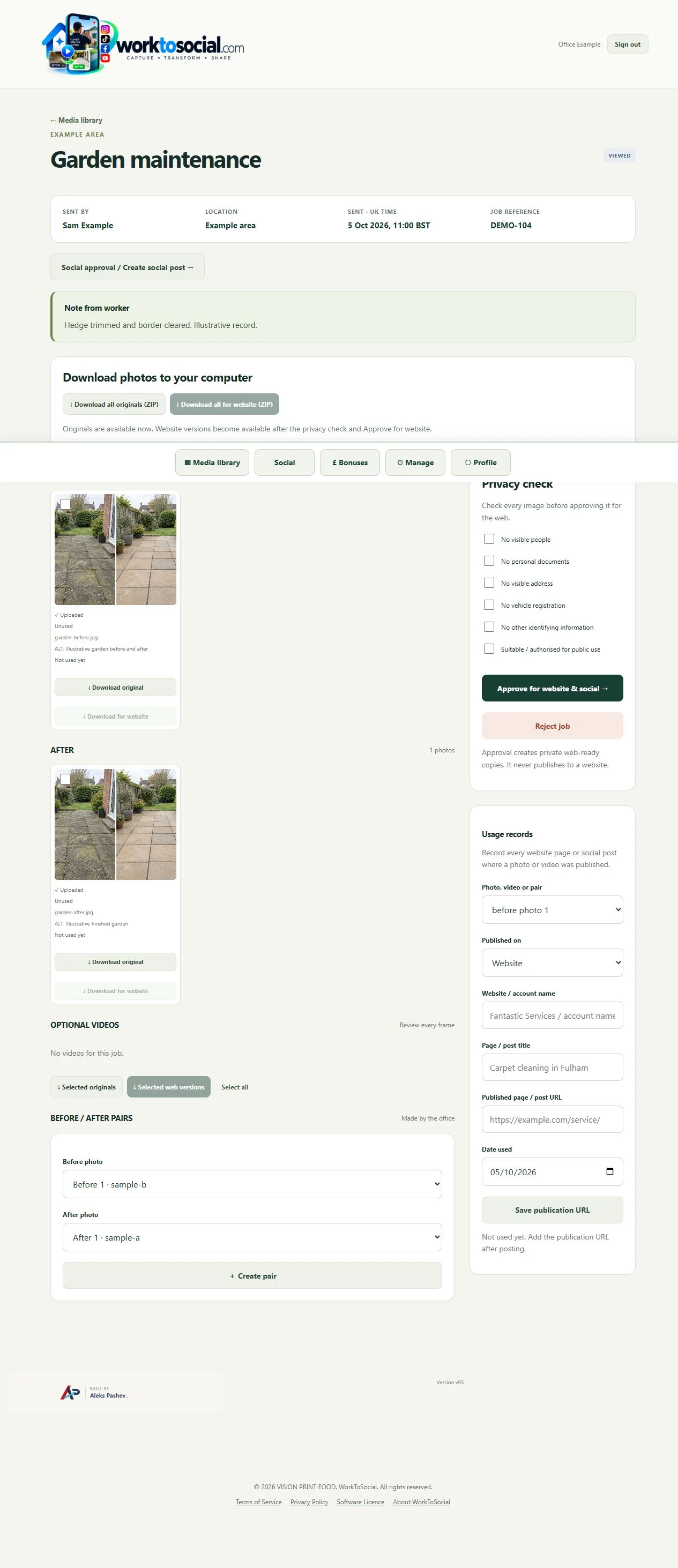
Explore the related product controls in more detail.
Explore organise field photos →Agree a focused capture brief with the team.
Explore worker app →Choose a different problem to work through.
Explore use cases →Turn real jobs into consistent, branded content your office can review and use.
Discuss your team’s workflow with us.