
Check the identity
Use the service company’s logo and current details. The software brand and the company brand have different purposes.
Use clear company details, reviewed sound and concise opening or closing cards around footage of the real job.
Capture in the field. Review in the office. Export for your own publishing workflow.
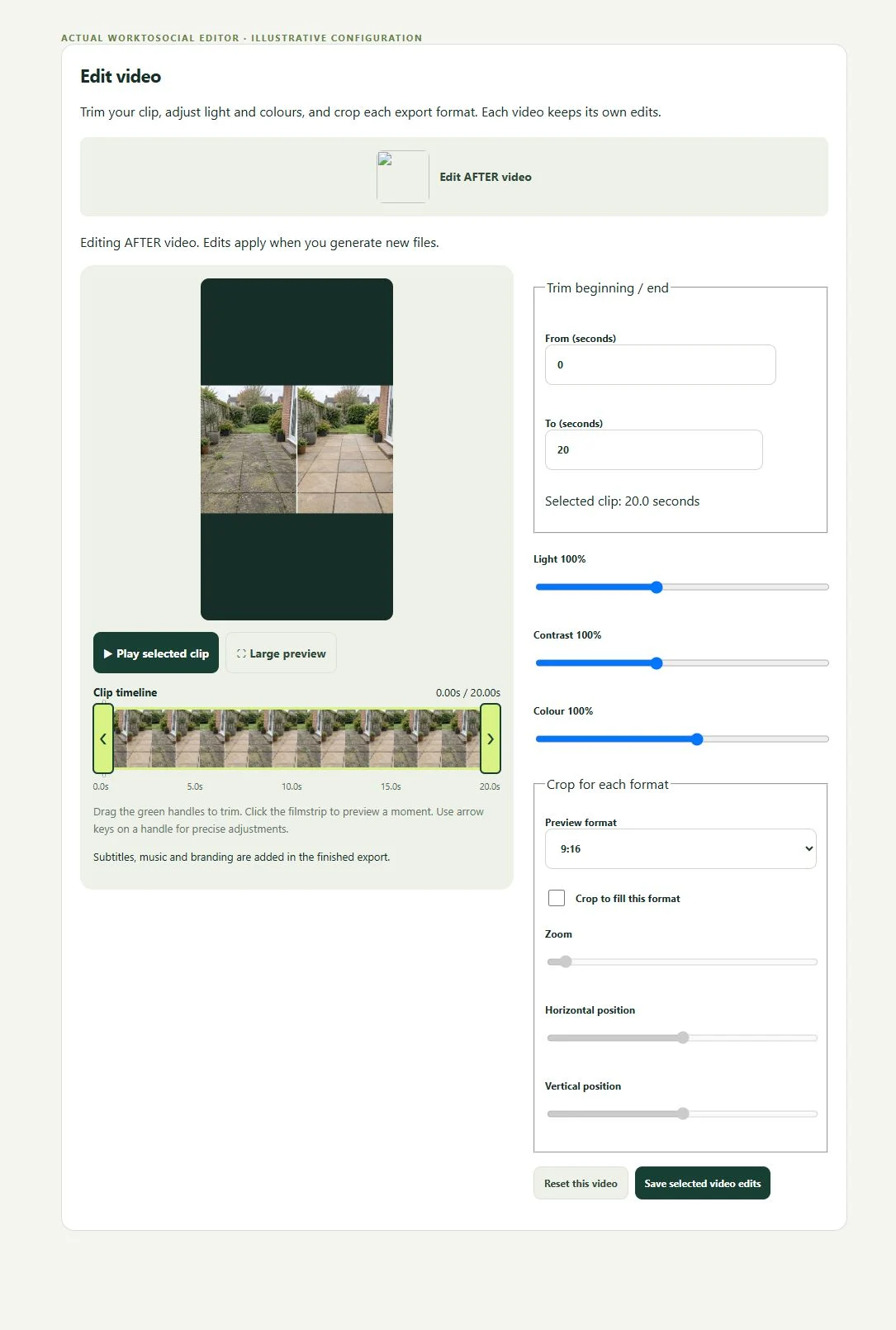
A technician sends a short explanation of a completed task. Office trims the unrelated opening, corrects subtitles and adds the service business’s contact details. The final card invites an enquiry without making an unsupported promise.
Use the service company’s logo and current details. The software brand and the company brand have different purposes.
Do not let a long intro obscure the useful footage. Branding should explain who performed the work.
Check sound, subtitles, transitions and the closing CTA in every selected format.
Can the office explain the work from the source and job note? Does the selected visual support the wording? Are the people and private details suitable for the intended use? A finished file should answer those questions before it is downloaded.
The workflow prepares content for the business’s own channels. It does not guarantee reach or enquiries, certify the work or automatically publish a social post.
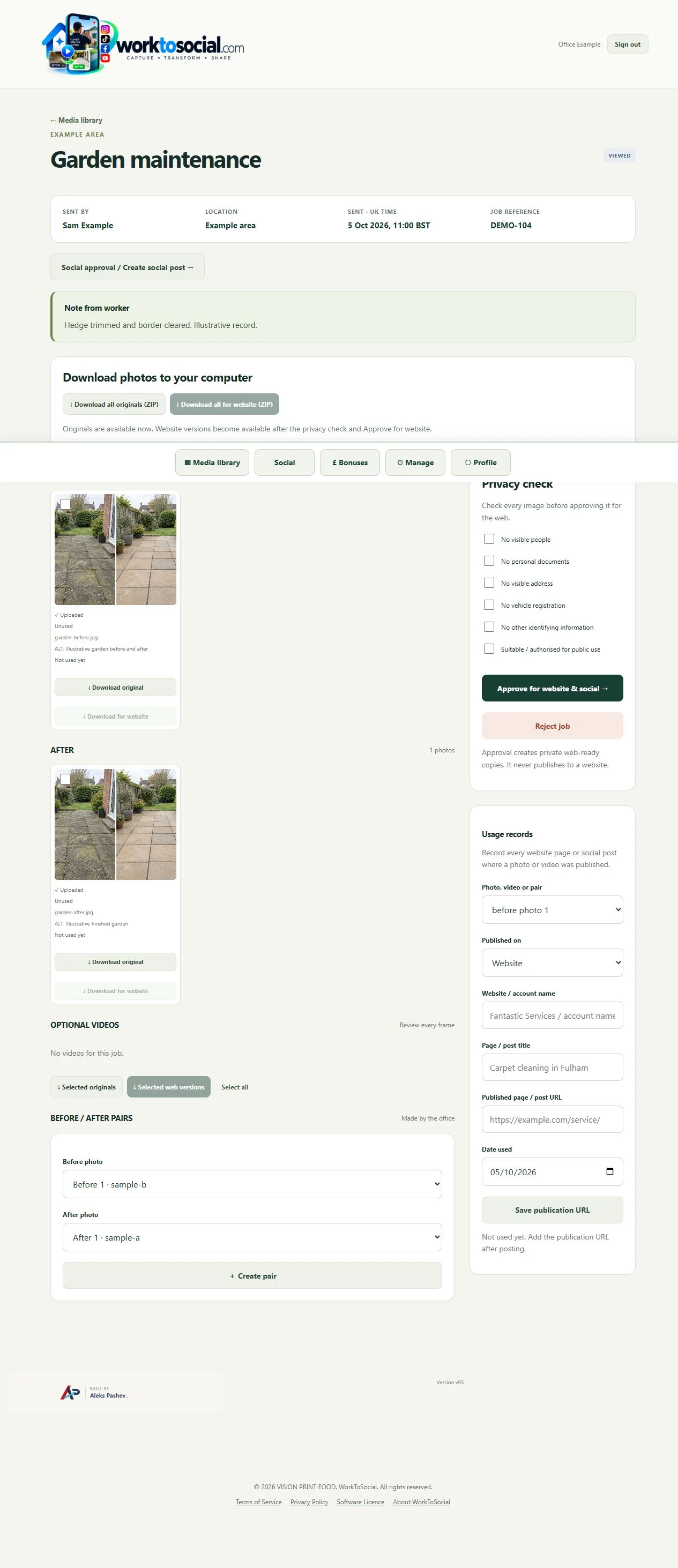
Explore the related product controls in more detail.
Explore brand field videos →Agree a focused capture brief with the team.
Explore worker app →Choose a different problem to work through.
Explore use cases →Turn real jobs into consistent, branded content your office can review and use.
Discuss your team’s workflow with us.