
Plan the first frame
Capture BEFORE before starting. Choose an angle the worker can safely return to afterwards.
Plan matched source photographs on site and turn an honest visual pair into reviewed business content.
Capture in the field. Review in the office. Export for your own publishing workflow.
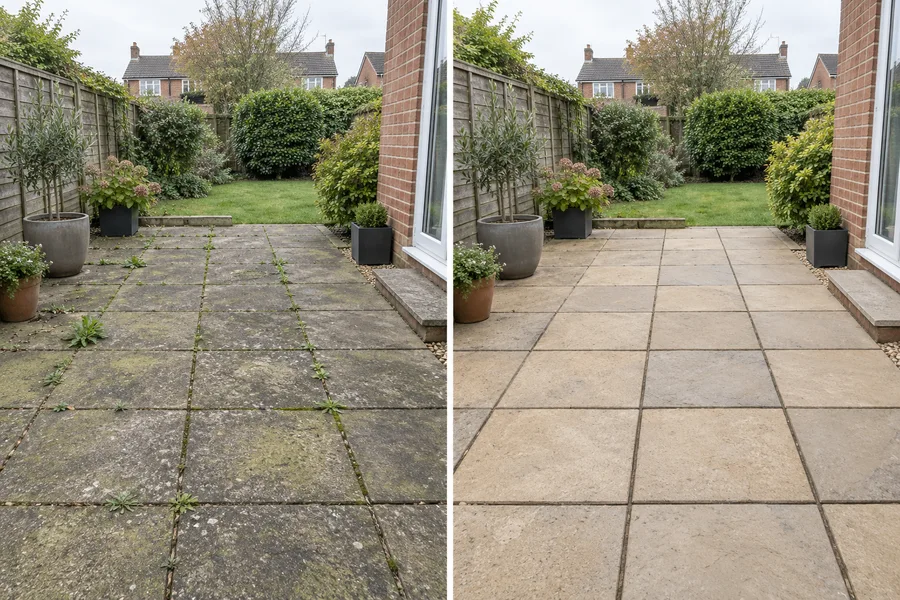
A gardener clears an overgrown border. The worker records the first frame before starting and returns to the same position after the visit. Office selects a comparable pair and explains clearance rather than claiming a complete landscape redesign.
Capture BEFORE before starting. Choose an angle the worker can safely return to afterwards.
Keep subject, viewpoint and lighting similar. Different framing or heavy unequal edits can misrepresent the result.
Office selects the images and layout. Skip the comparison when the source phases are unrelated or unclear.
Can the office explain the work from the source and job note? Does the selected visual support the wording? Are the people and private details suitable for the intended use? A finished file should answer those questions before it is downloaded.
The workflow prepares content for the business’s own channels. It does not guarantee reach or enquiries, certify the work or automatically publish a social post.
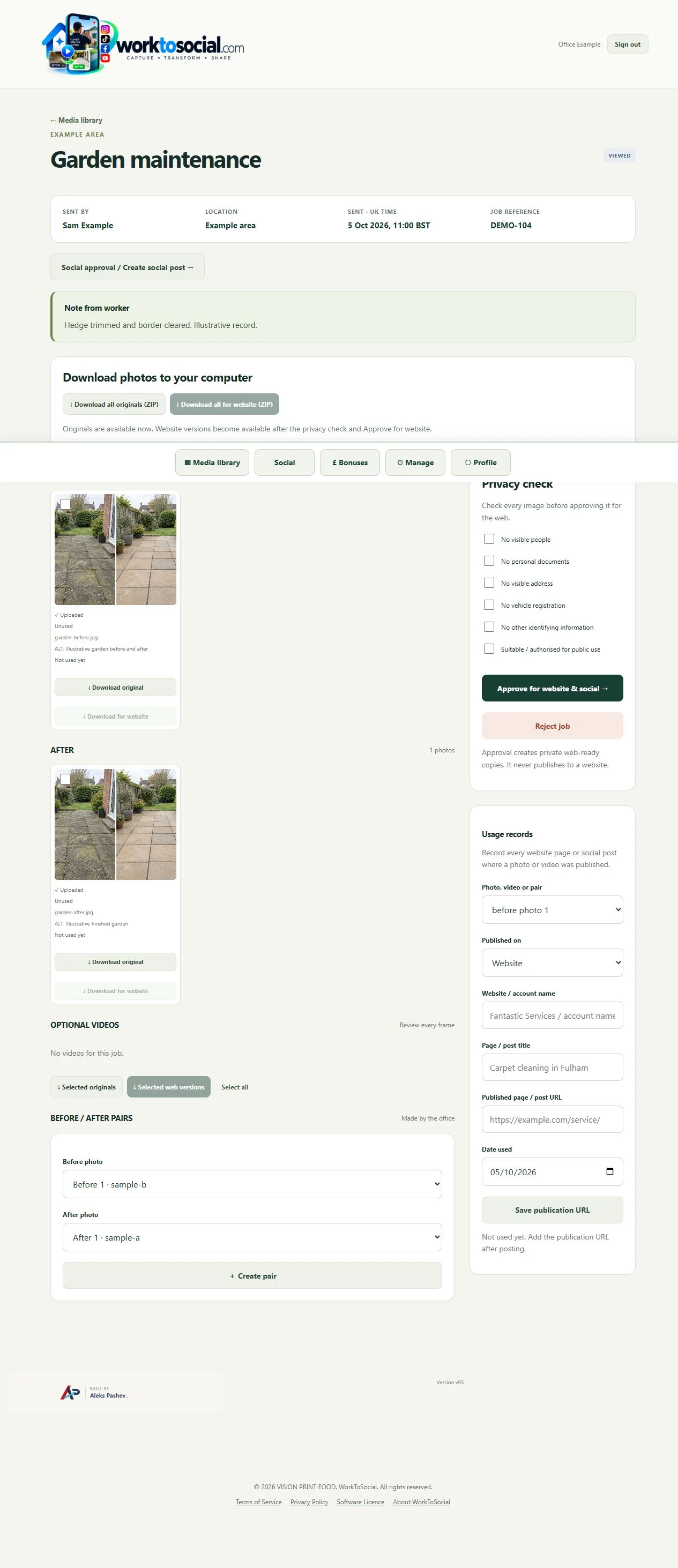
Explore the related product controls in more detail.
Explore before and after content →Agree a focused capture brief with the team.
Explore worker app →Choose a different problem to work through.
Explore use cases →Turn real jobs into consistent, branded content your office can review and use.
Discuss your team’s workflow with us.