
Bathroom work
Show the relevant vanity, shower or bath and explain which part of the room the team worked on.
A replacement tap is a different story from a bathroom refit. A pipe repair can be useful even when the change is hidden inside a cupboard. The plumber knows what happened on site; the office needs that explanation beside the right photographs to describe the service honestly.
Capture in the field. Review in the office. Export for your own publishing workflow.
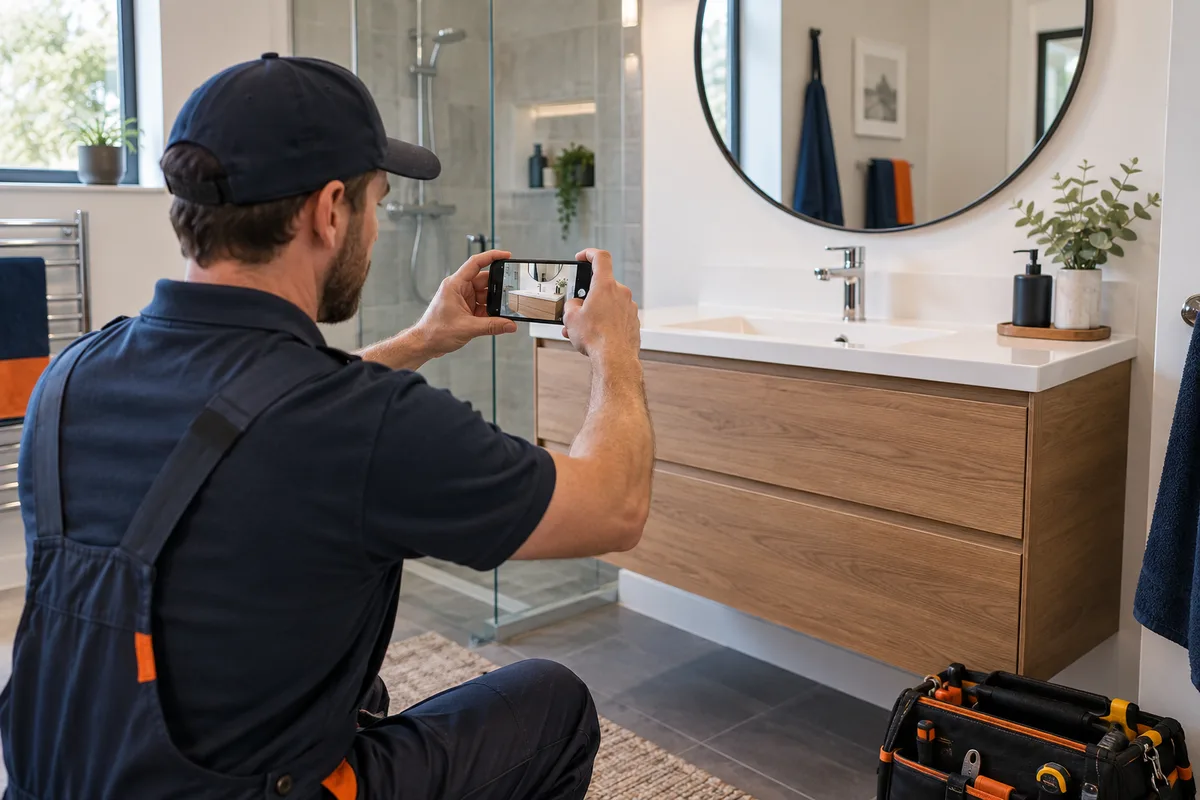
Photos may mix the original issue, work in progress and the completed result. Without a note, the reviewer cannot tell which phase is suitable for public use or whether a clean bathroom image represents a repair or a full refit. Keep the scope of this visit explicit rather than asking a caption to guess.
Show the relevant vanity, shower or bath and explain which part of the room the team worked on.
A focused detail and a brief note may tell the story; keep private storage and paperwork outside the frame.
Capture the finished fitting and enough surroundings to make its position clear.
Pair the same fixture or area when the visible change is meaningful, with consistent framing.
Use company-configured services and existing job fields. Illustrative workflow; outputs are downloaded for your chosen publishing process.
Use the company’s relevant service and job reference. Keep the source phases distinct and describe the part replaced or repaired in a short factual note. A finished view should not be mixed with an unexplained progress image.
See the Worker App →Select media that supports the plumber’s note. Crop unrelated room details, inspect reflections and private belongings, and choose a single image or comparison deliberately. Review wording so a small repair is not presented as an entire bathroom renovation.
Explore the Office Dashboard →The worker submits matched photographs of an old vanity and its completed replacement. Office selects the two views, preserves the same area in the crop and adds “vanity replacement” as the explanation. A separate close-up of the new tap can support another post, but the caption stays tied to the actual task.
For a pipe repair, avoid a comparison if the photographs show unrelated sections or the completed result cannot be understood visually. A detail image with a short explanation can be the more accurate choice.
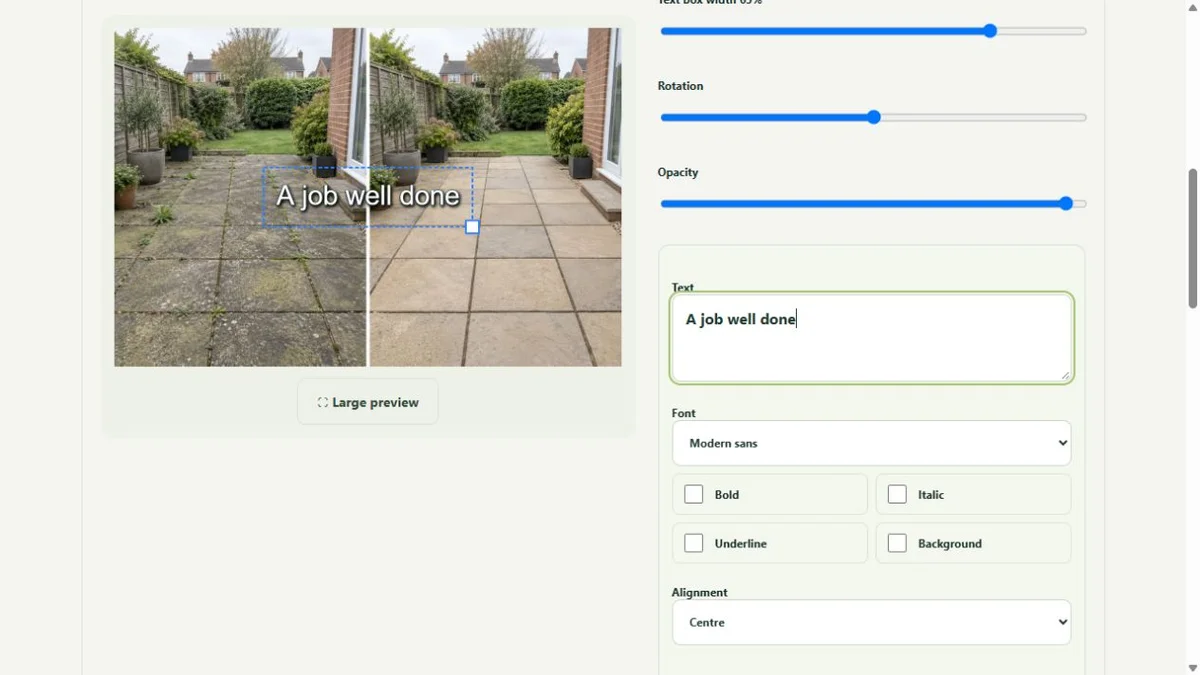

Select media that supports the plumber’s note. Crop unrelated room details, inspect reflections and private belongings, and choose a single image or comparison deliberately. Review wording so a small repair is not presented as an entire bathroom renovation.
The public-use decision is separate from capture. A selected image or clip can be edited and prepared, but an upload does not publish it. Keep the final text tied to this task, check visible details and current company contact information, then use the downloaded file in the business’s chosen publishing workflow.
Yes. A clear detail and accurate scope can be useful content without a dramatic room transformation.
No. WorkToSocial prepares media and job context for review. It does not provide diagnosis or plumbing instructions.
Use the job notes and source phases to explain the visit. Office chooses what is suitable and checks the wording before export.
Select comparable fixture views.
Explore before & after photos →Crop the repair detail and review private surroundings.
Explore photo editing →Give each submission a service and reference.
Explore worker app →Turn real jobs into consistent, branded content your office can review and use.
Discuss your team’s workflow with us.