
Stop asking what a photo belongs to
A service, reference and worker note explain the source. The office can ask a specific follow-up rather than chasing an entire story through a long chat.
Give field teams a repeatable capture routine and the office a connected way to organise, edit, brand and review the results.
Capture in the field. Review in the office. Export for your own publishing workflow.
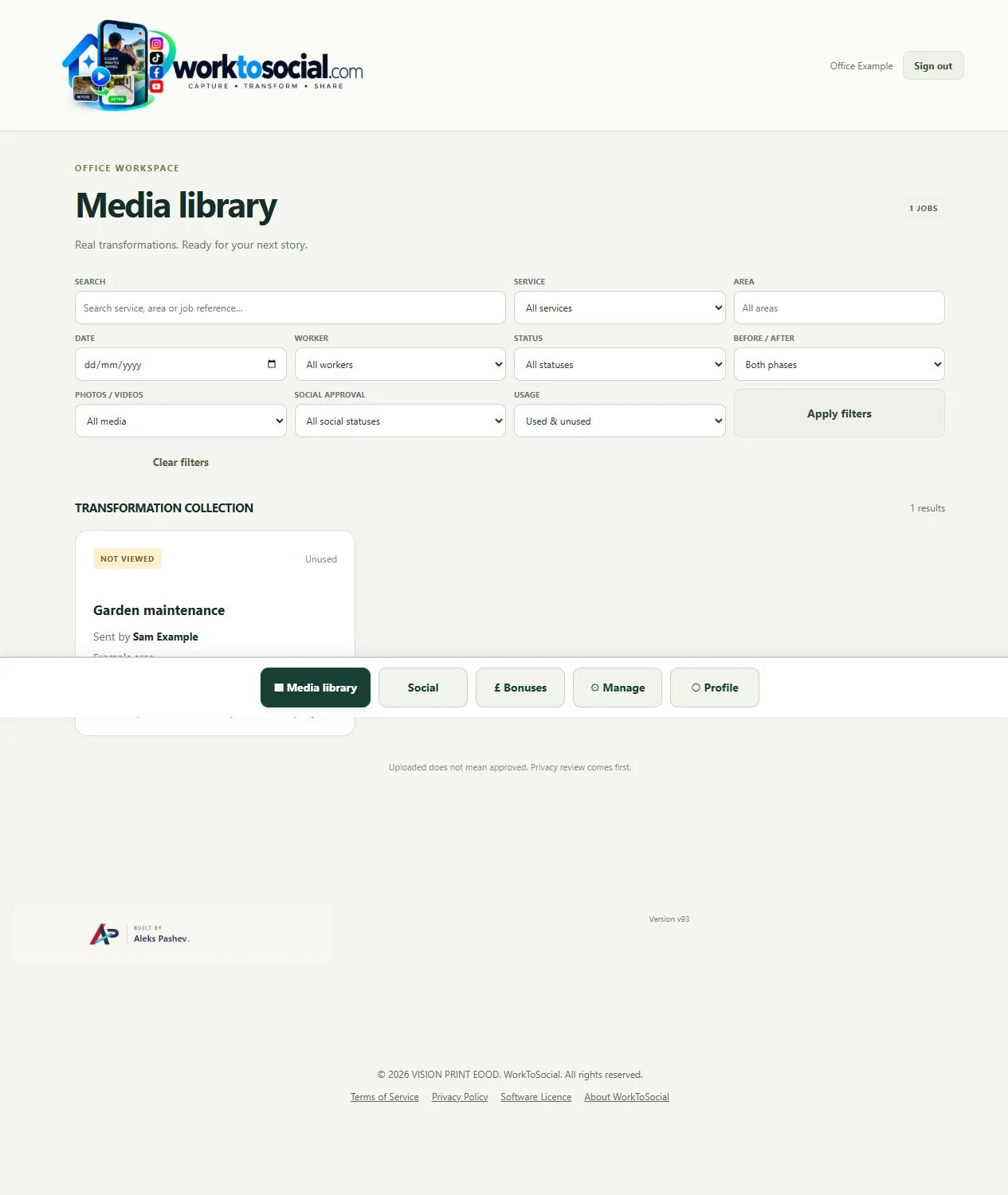
A service, reference and worker note explain the source. The office can ask a specific follow-up rather than chasing an entire story through a long chat.
Before and after material belongs to the job. Office deliberately chooses comparable images instead of guessing which files form a pair.
A clear sequence for crop, subtitles, music and branding reduces repeated decisions. The team still needs to inspect each job and each final file.
Workers focus on capture. Office decides whether the source is suitable, what to say and how to prepare it for the business’s channels.
Start with a manageable number of useful captures. Review early submissions with the workers and refine the brief. More files are not helpful if none explain the work.
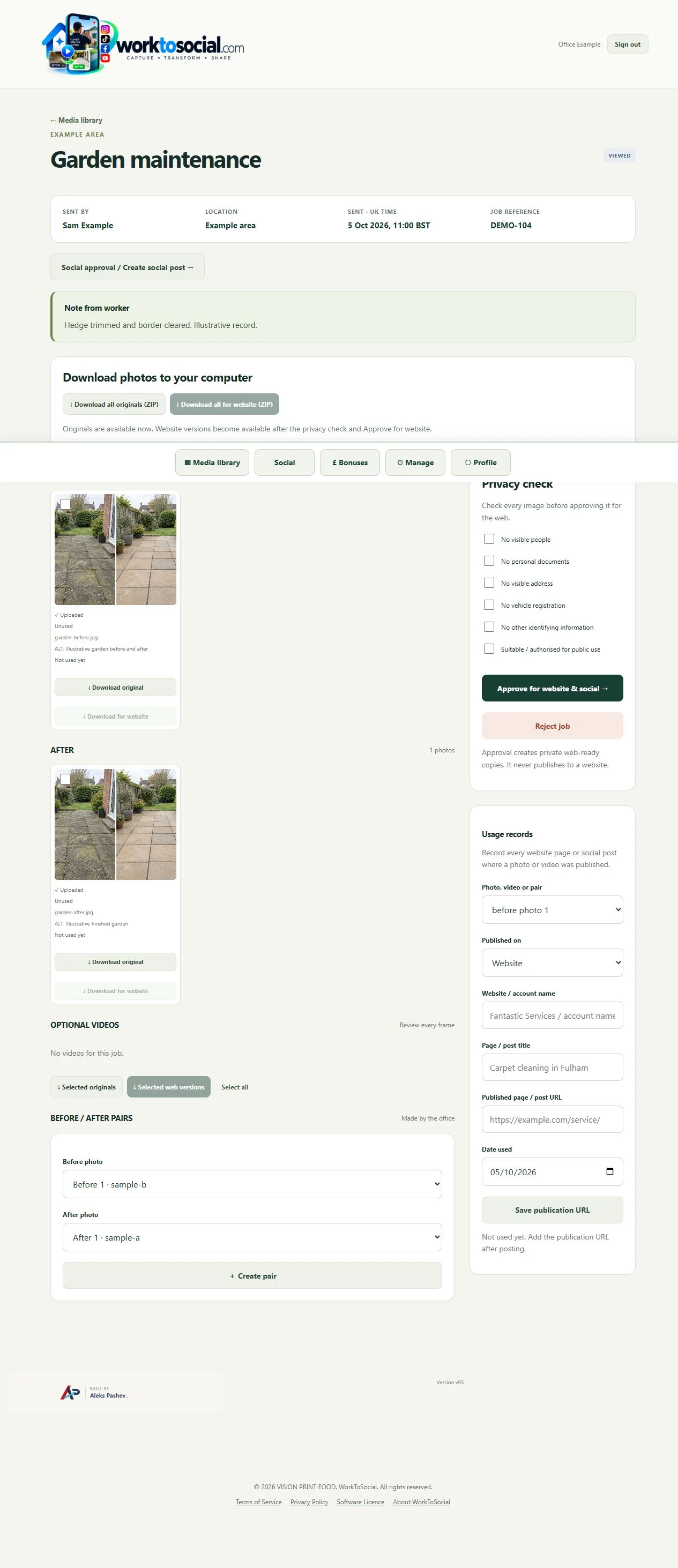
Select the correct company service, capture useful material and submit with a short explanation. Keep uploading until the handover completes.
See the Worker App →Read the job context, inspect the sources, make editing decisions and review the selected final files. Public use remains a deliberate business decision.
Explore the Office Dashboard →Keep the two phases together and select genuine comparisons.
Explore before & after →Crop, adjust, hide private details and add text layers.
Explore photo editing →Prepare a useful clip with reviewed sound, captions and branding.
Explore video editing →Inspect source media and the complete final export.
Explore office approval →Turn real jobs into consistent, branded content your office can review and use.
Discuss your team’s workflow with us.