
Assign the review
Make it clear who in the office checks suitability and who verifies the final wording. Avoid treating a submission as automatic permission.
Organise the people, privacy and accuracy checks your office makes before adapting field media for public use.
Capture in the field. Review in the office. Export for your own publishing workflow.
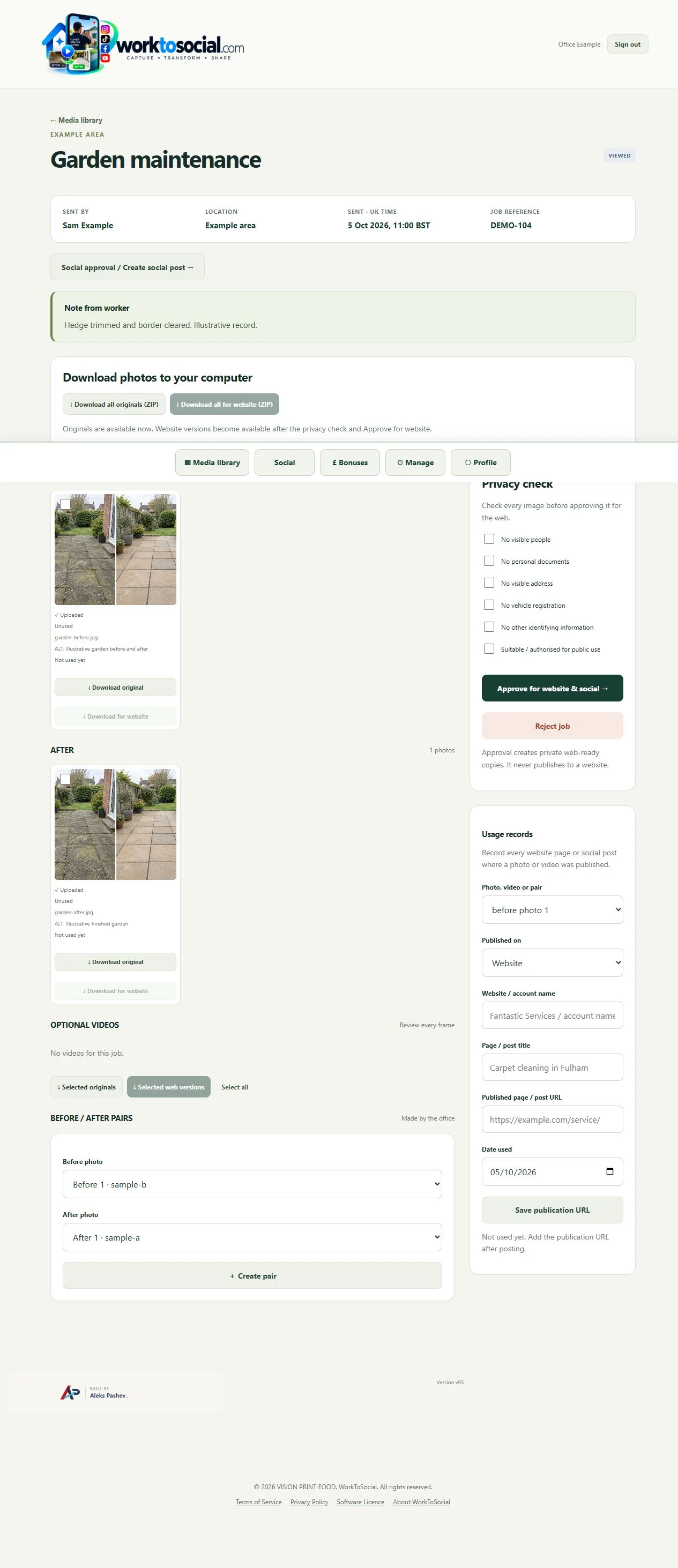
A tenancy-cleaning clip briefly shows customer paperwork on a worktop. The reviewer checks the full source, chooses a privacy edit where appropriate and replays the finished preview before approving the file for use.
Make it clear who in the office checks suitability and who verifies the final wording. Avoid treating a submission as automatic permission.
Play every frame and listen to the full audio. Check background details and consent as well as the central subject.
A new crop or subtitle can expose information or change meaning. Inspect the output that will actually be downloaded.
Can the office explain the work from the source and job note? Does the selected visual support the wording? Are the people and private details suitable for the intended use? A finished file should answer those questions before it is downloaded.
The workflow prepares content for the business’s own channels. It does not guarantee reach or enquiries, certify the work or automatically publish a social post.
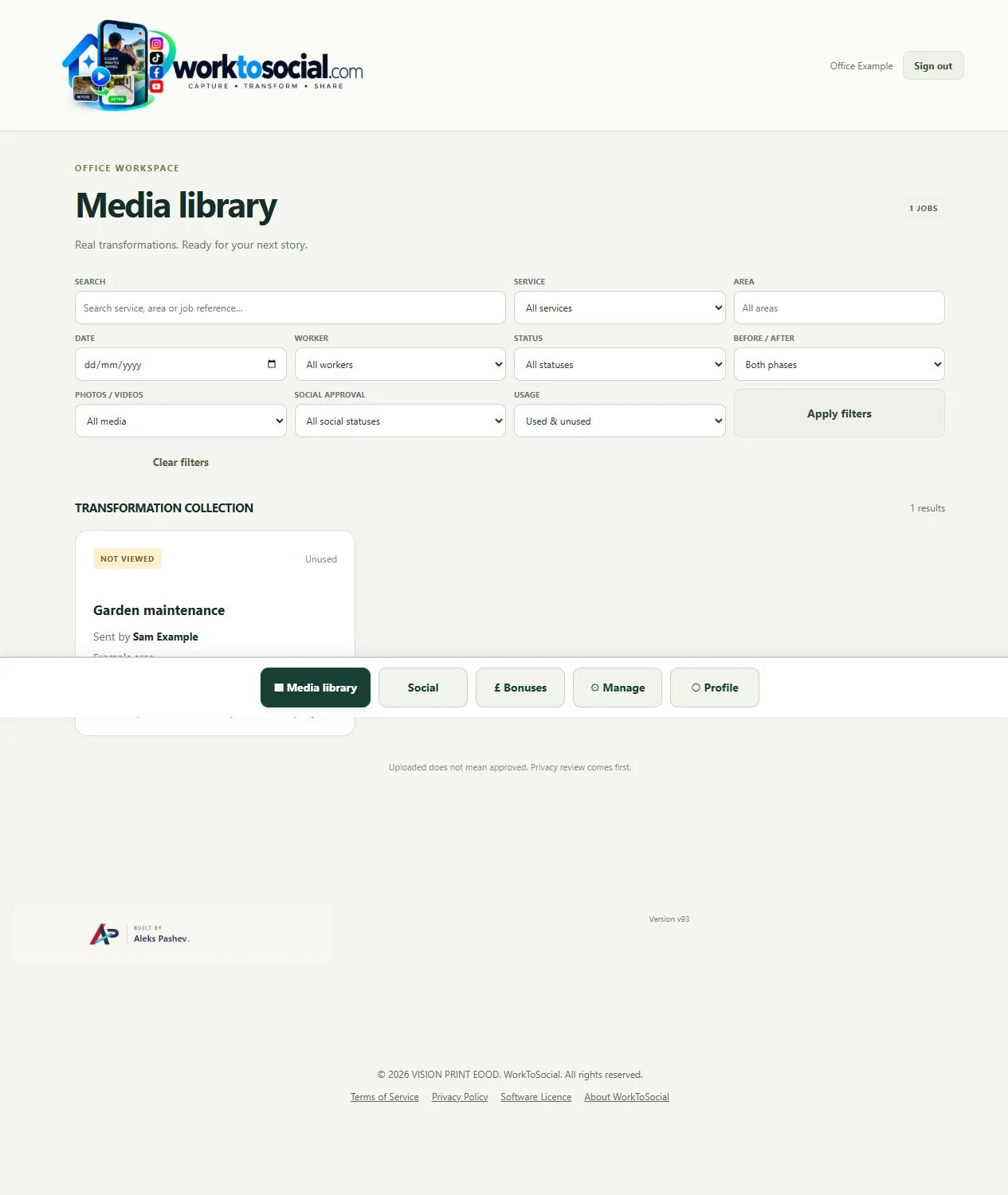
Explore the related product controls in more detail.
Explore office content approval use case →Agree a focused capture brief with the team.
Explore worker app →Choose a different problem to work through.
Explore use cases →Turn real jobs into consistent, branded content your office can review and use.
Discuss your team’s workflow with us.