
Pricing
Discuss seats, capacity and commercial access.
Explore pricing →Understand what the current workflow does, which role handles each stage and what to prepare before starting.
Capture in the field. Review in the office. Export for your own publishing workflow.
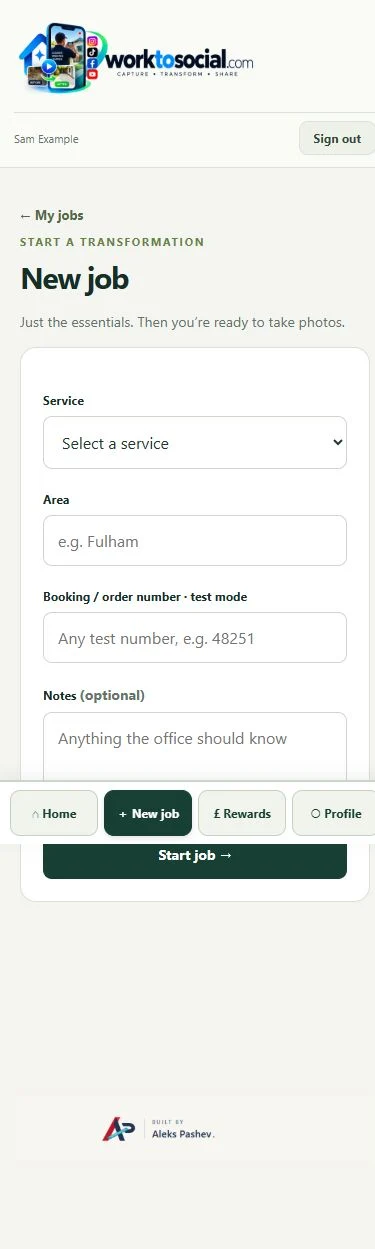
A company administrator creates authorised accounts. Workers use the access details supplied by their office and complete any required first-login password change.
Workers capture useful material and job context. Office handles selection, editing, review and preparation.
No. Use a pair when matched views explain a genuine change; a single photo can be clearer.
The photo editor supports cropping, adjustments, manual privacy areas, stickers, image layers and styled text. Review the edited output beside the source.
Current capture accepts short videos up to 30 seconds, with a 60 MB upload limit. The office can trim the selected clip.
The current subtitle editor has English, Bulgarian and automatic detection. Captions can also be written manually. Recognition quality depends on the source and configured service; review all text.
No. Approval, content preparation and public use are separate. Direct social publishing is not active in this release.
Usage records can store publication URLs, and the library provides used and unused filters. This is not live social analytics.
Use the service company’s branding and current contact details. The WorkToSocial logo identifies the software.
Office configures the company information and selected brand treatment, then checks the intro, outro and CTA in the complete generated preview.
The private application checks authenticated company access. Uploading source media does not publish it on this marketing site.
No. It supports human review. Inspect the source and the final output and confirm the relevant permissions.
A seat is access for a worker account in the company workspace. Agreed capacity and office access are confirmed in the applicable agreement.
Discuss additional capacity and plan changes before exceeding the agreed limit. This website does not automatically change a subscription.
Public checkout is not active. Commercial terms and access are confirmed through the agreed process.
Yes. Starter is €49 per month for up to 10 worker seats, Business €99 for up to 30 and Pro €199 for up to 100. Enterprise pricing is agreed individually. Access is arranged manually.
No. The form is a preview; sending is not activated and no message is submitted or stored.
Bring the company’s services, approximate worker count, a typical capture example and the people who will review content. Do not submit private customer material to the public form.
Discuss seats, capacity and commercial access.
Explore pricing →Understand access and review responsibilities.
Explore security →See the workflow visually.
Explore product tour →Turn real jobs into consistent, branded content your office can review and use.
Discuss your team’s workflow with us.